Easily control what content will be included when publishing a Project as a document

In addition to elearning packages for your LMS, you can publish any Project as a document.

Files options include:

  • Word
  • PDF
  • E-pub

Not all on-page content makes sense for publishing in a document. For example, a button to trigger an action doesn't work in a document, so you might want to exclude it.

To exclude an Element from document publishing:

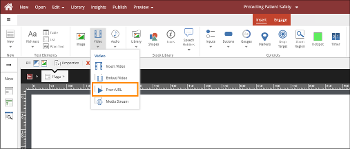
  • Select the Element on the page
  • In the Selection Control Bar select the Word icon

This opens a menu with exclude options.

Selecting All Documents will exclude the element from all document publishes.

The other options will exclude the Element from the specific default document publishing profile options.

  0     0

Similar Projects

Questions  ( 0 )