Add Description and Tags to an Image
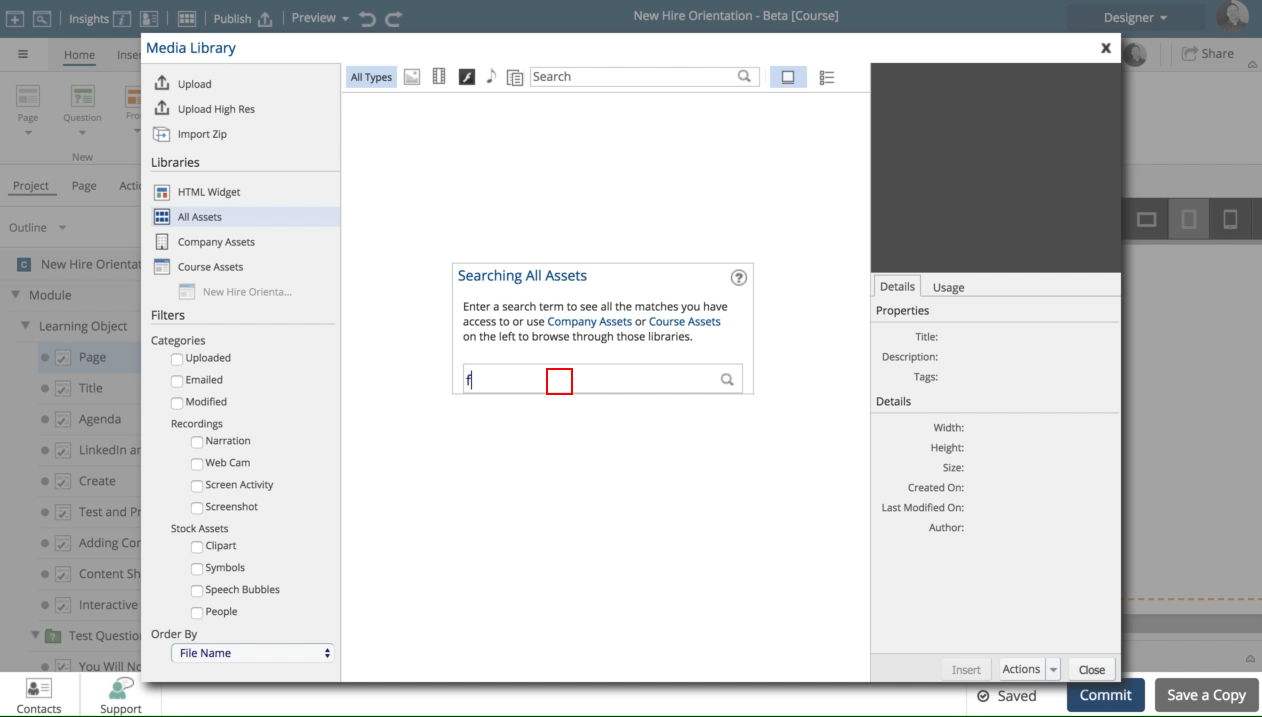
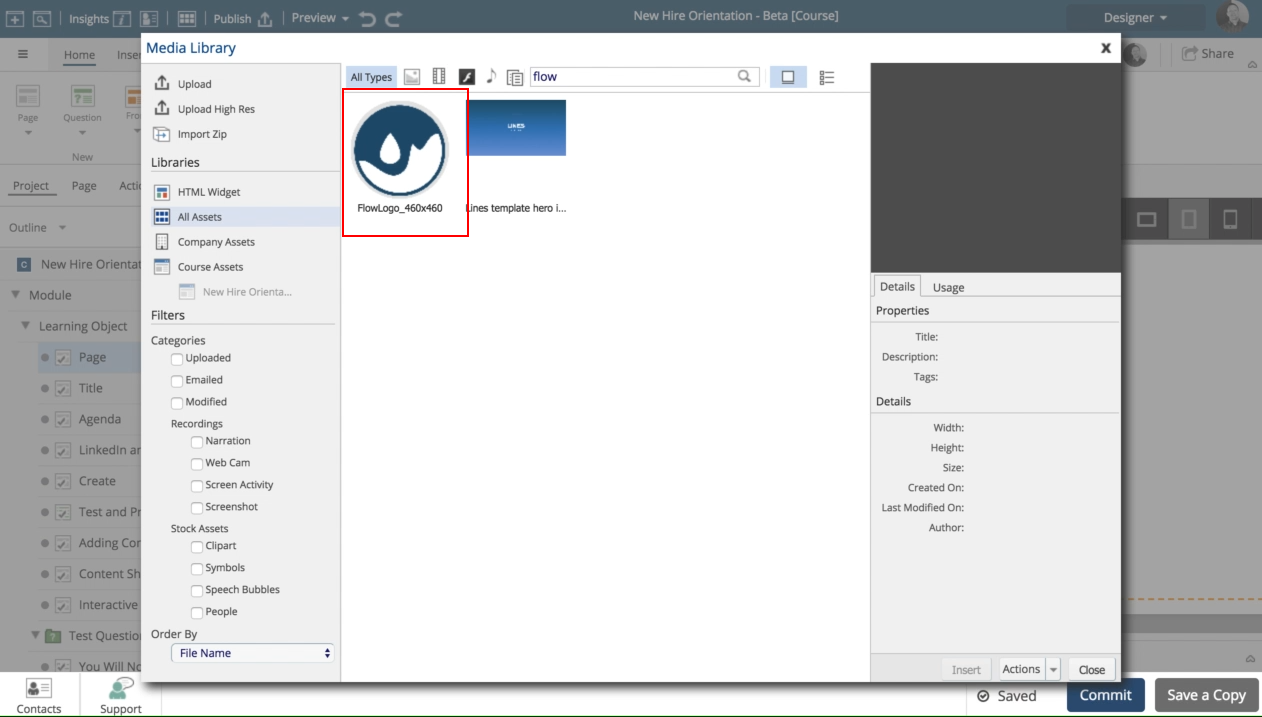
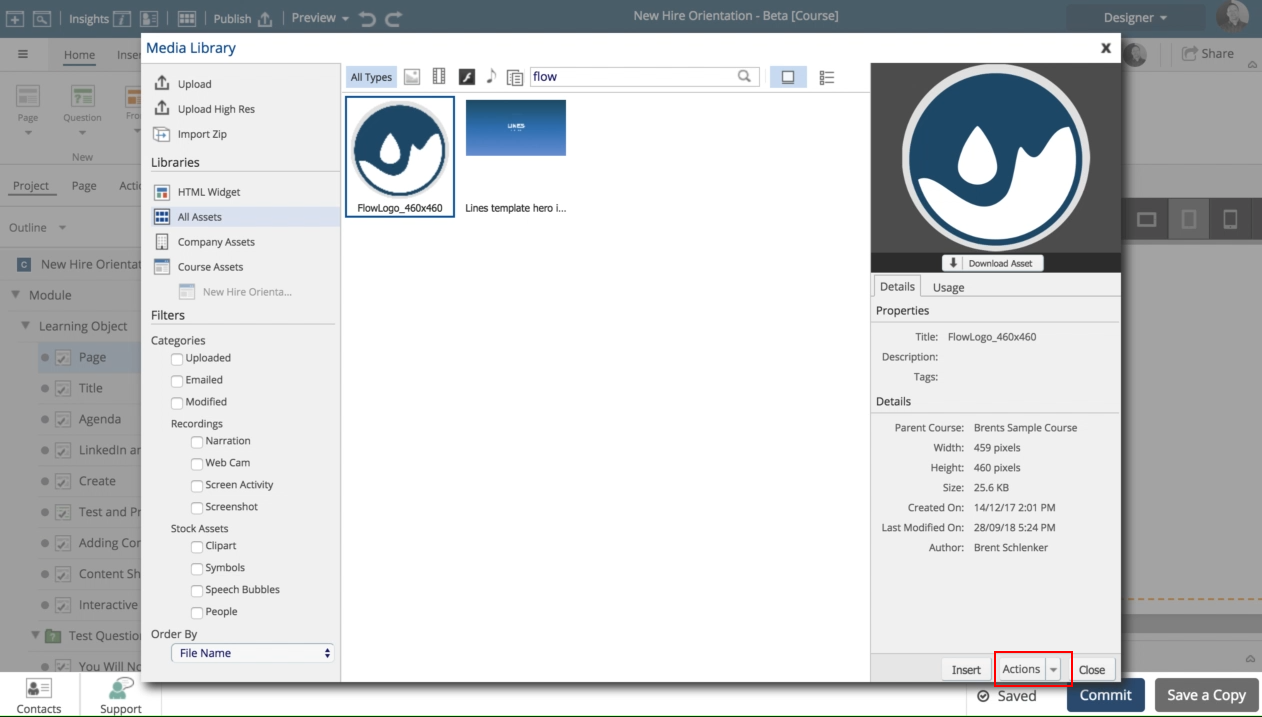
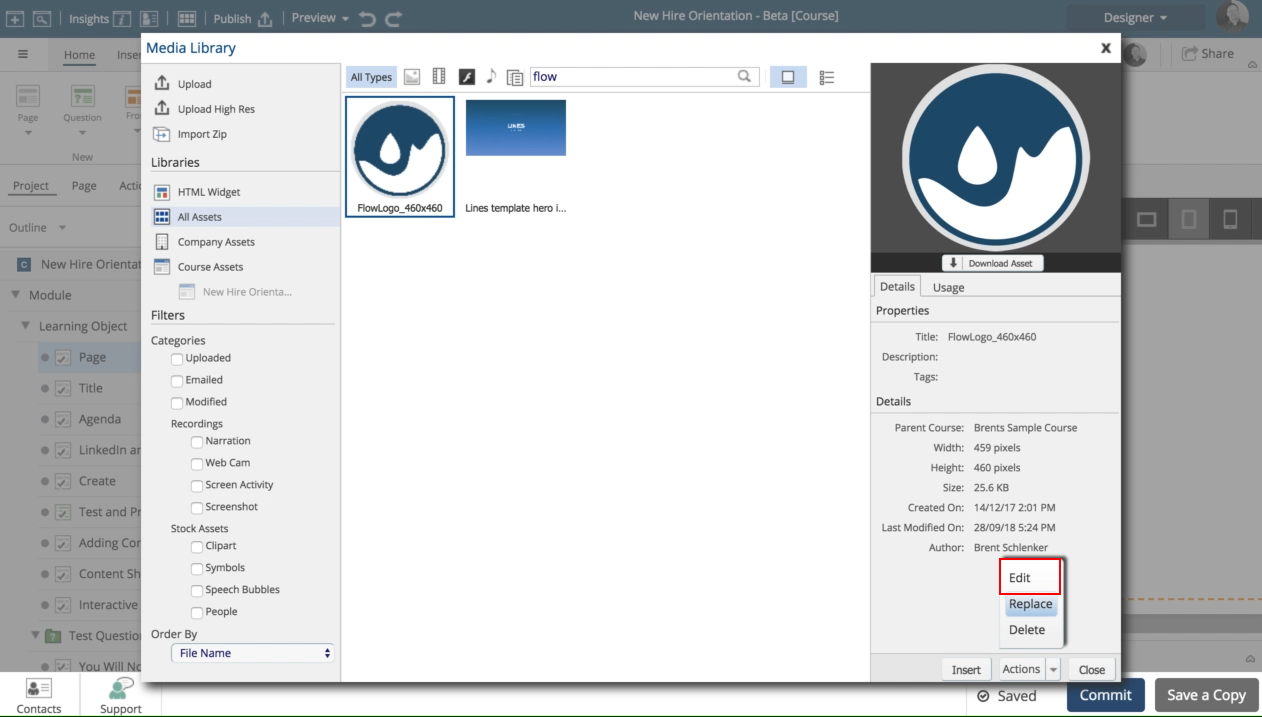
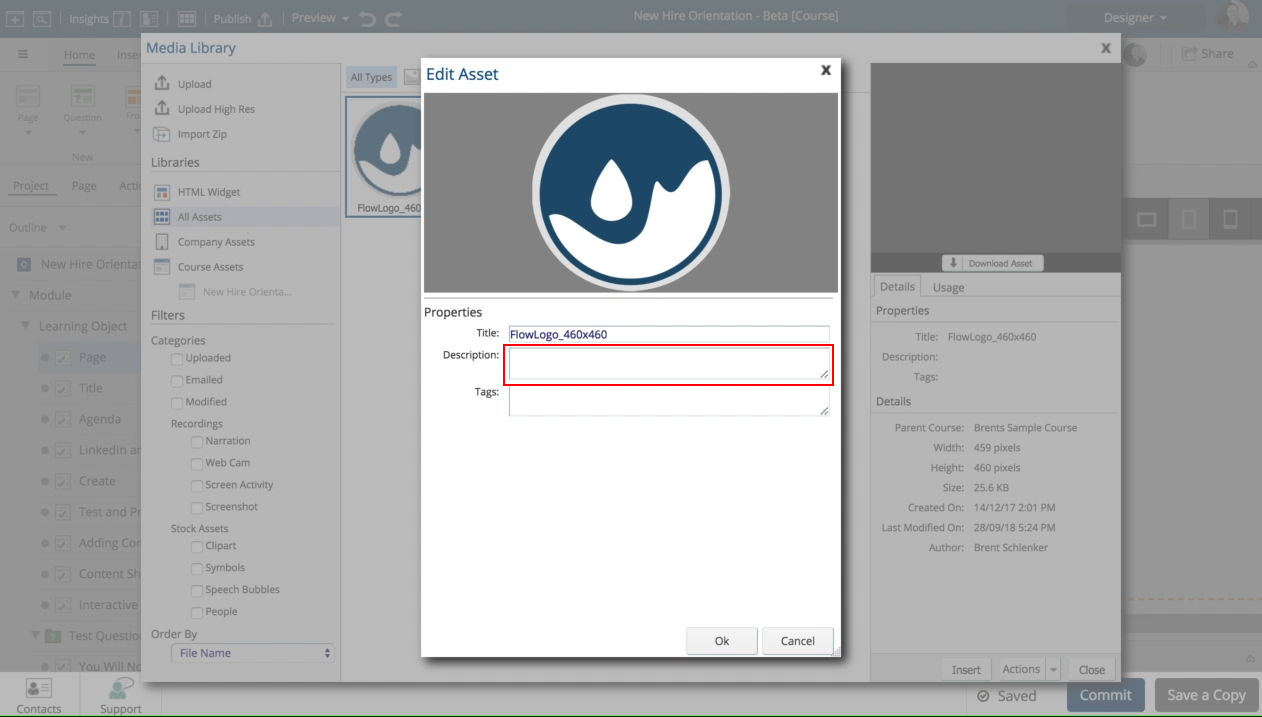
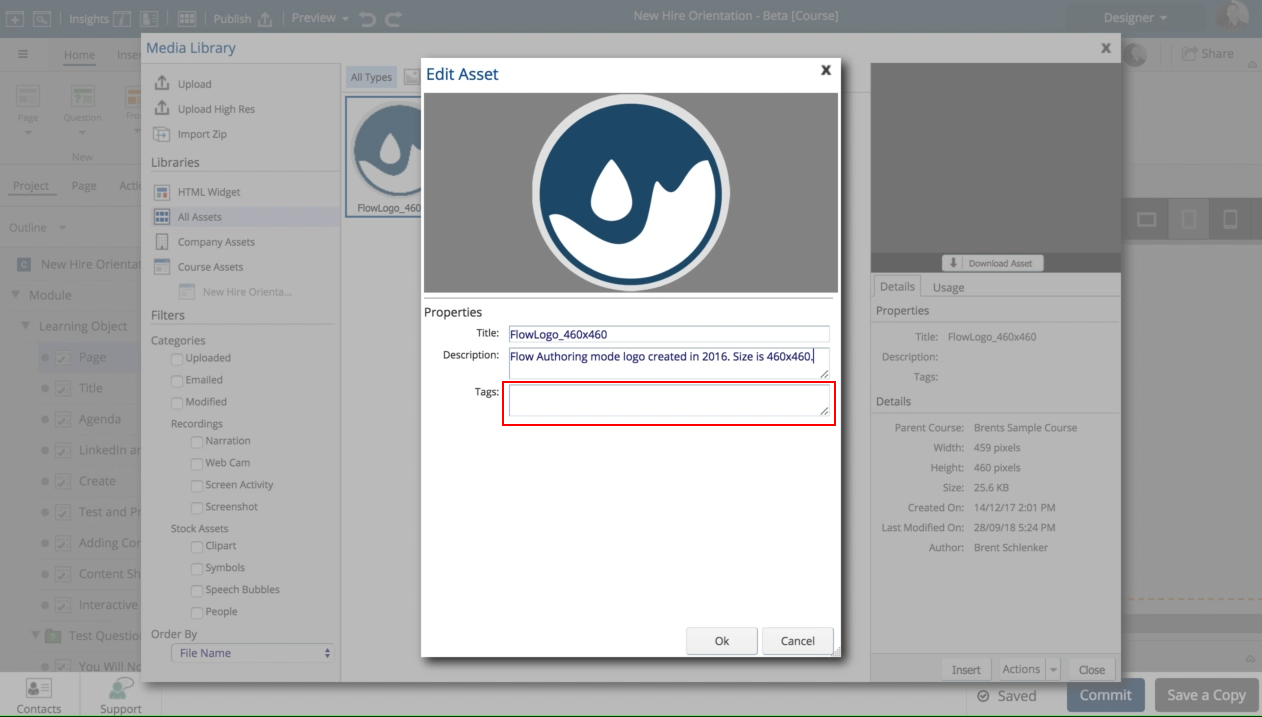
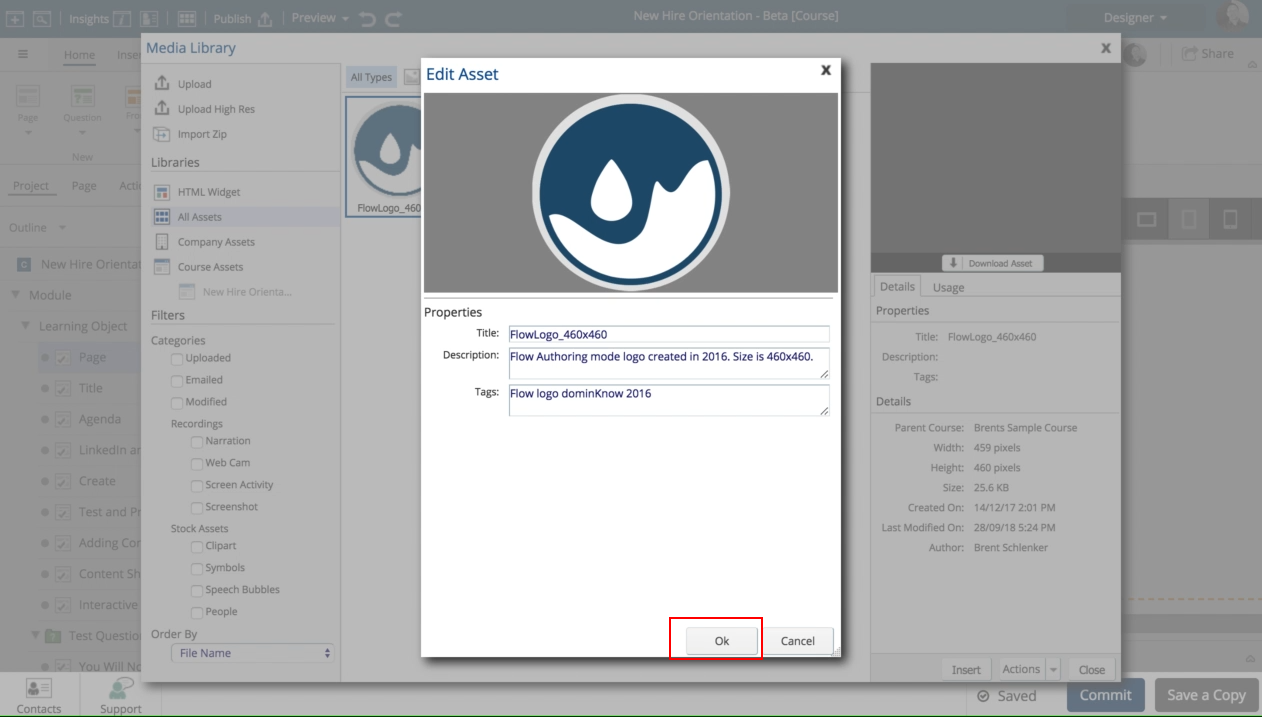
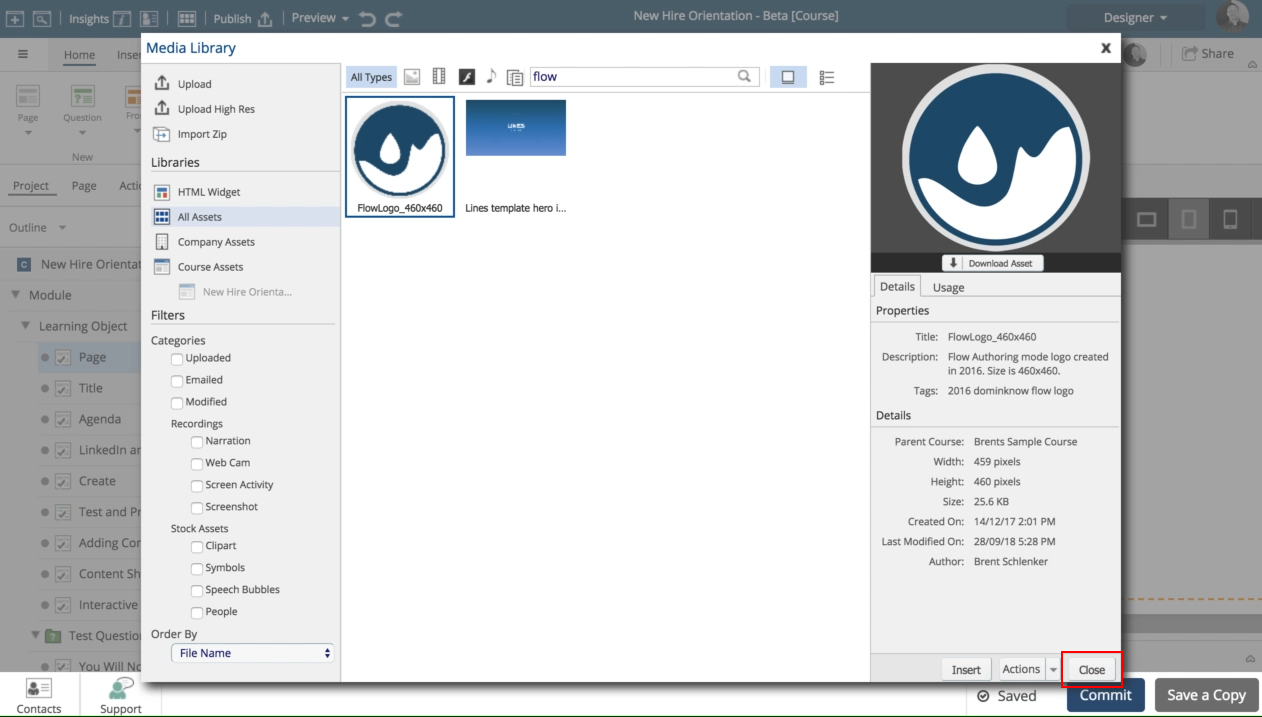
In this lesson you will see how to use the media browser to add a description and tags to an image.

Product: dominKnow | ONE | Version: 7.3
In this lesson you will see how to use the media browser to add a description and tags to an image.
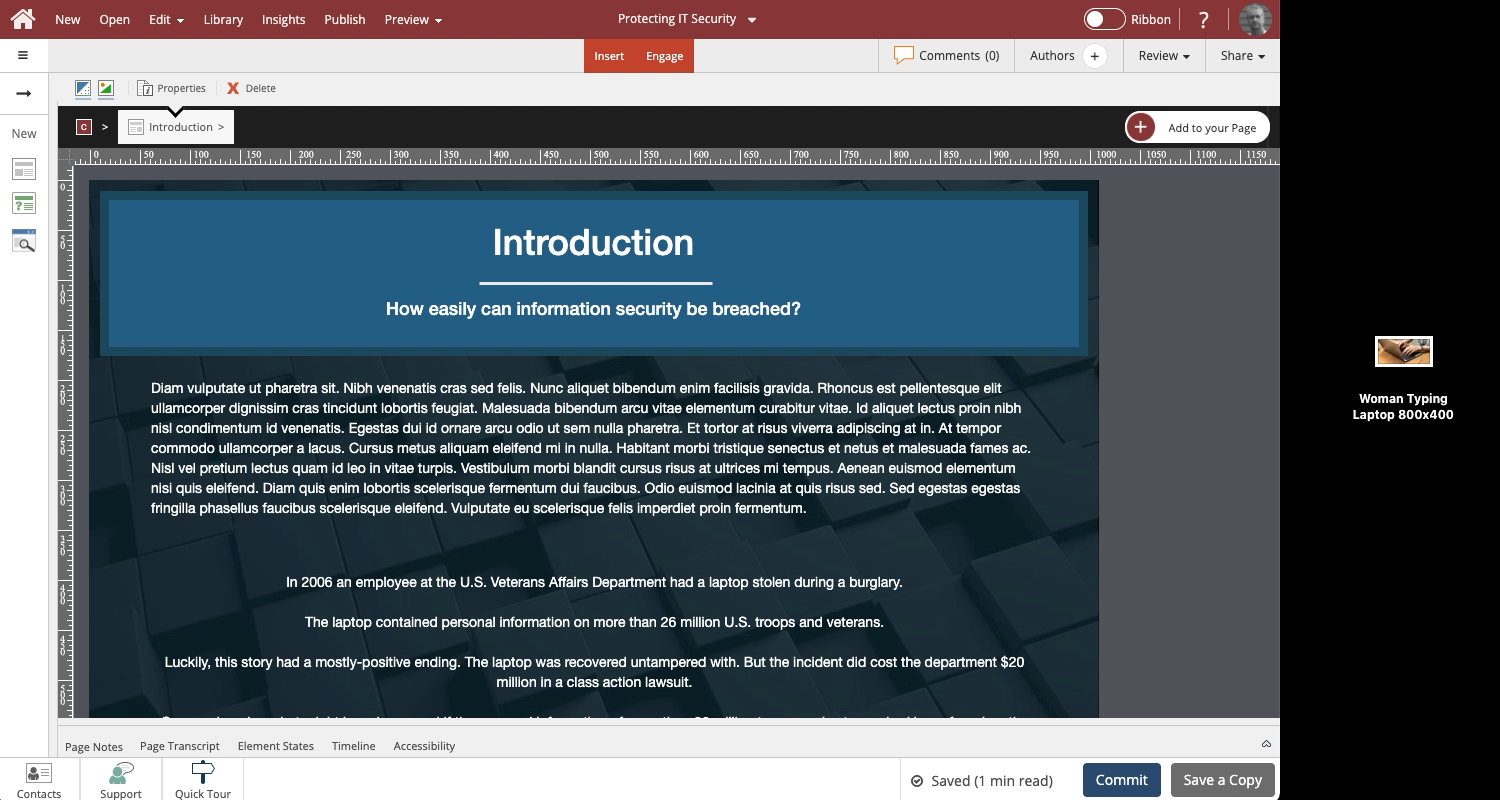
Steps to use drag and drop to upload and add an image to a Page.
In Claro you can drop the image anywhere on the page.
In Flow, you need to drop the image on an empty Placeholdeer.
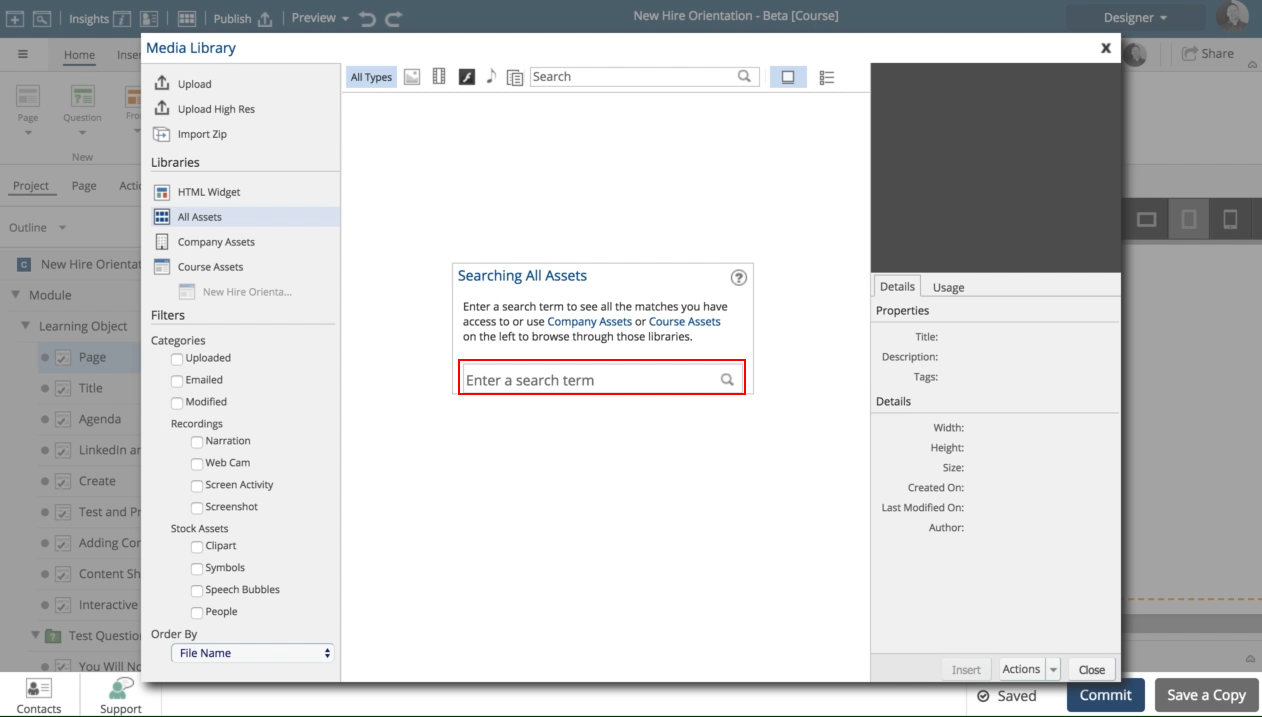
The image upload process will allow you to add a Description and keyword Tags to help improve how the image appears in searches in the Media Library.
Hi,
I'm using the scenario builder and have a few questions.
1. Is it possible to add images into each speach bubble? I can see the option for audio, but not for an image.
2. Is it possible to format the text, i.e. if I want to bold or italicising something?
3. Is it possible to add in links to pop ups or hyper links into the speach bubbles?
4. Is there any way I can use the images in the scenario as their own stand alone images? I can't seem to find a full body avatar in the stock media...
I've read the guide it says to right click another place it says double click neither works in dominknow. At the bottom of the screen I see Accessibility tab with Alt Text and a fill in but can't find a way to made the grayed out Edit Asset button work.
"Is it possible to create a tooltip for an image or a hotspot?"
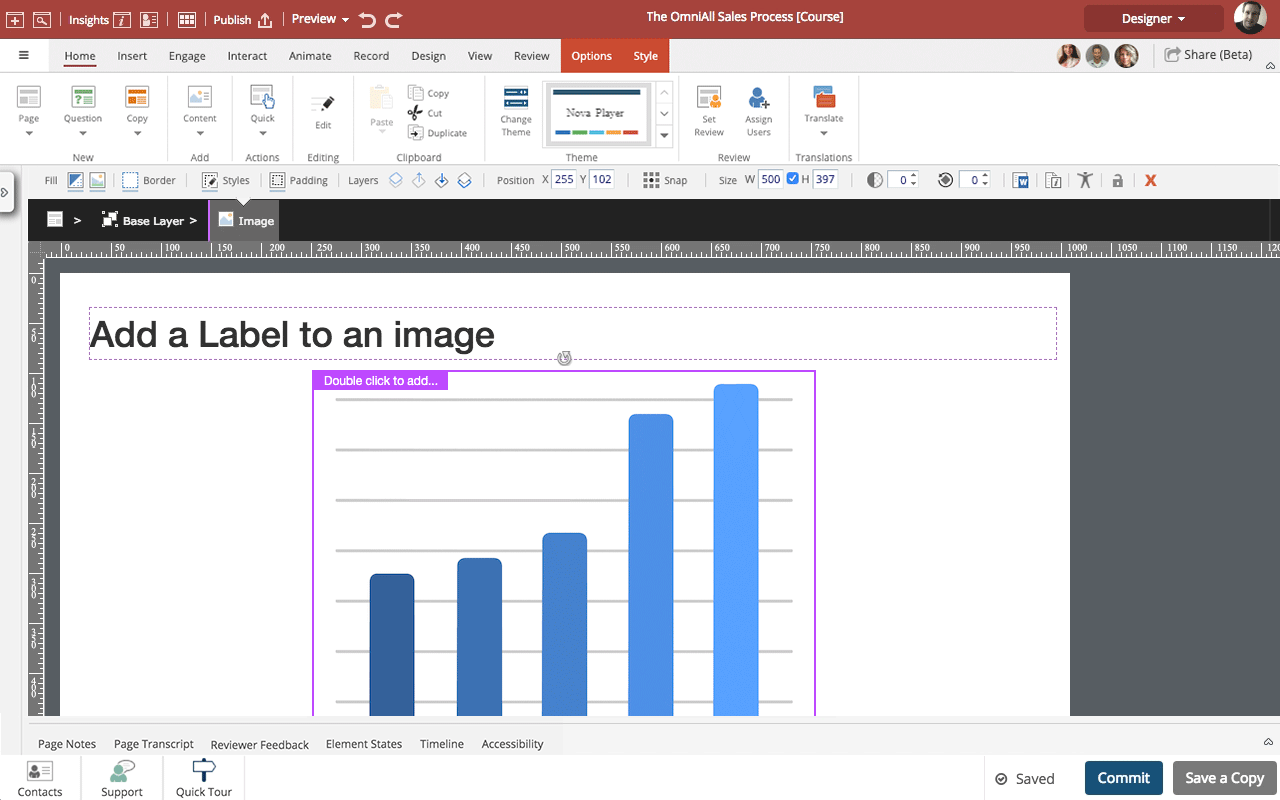
Steps to add a Label to an image.
Instead of adding text within an image file you can add Labels when authoring. This is great for identifying or naming parts of a diagram, for example.
If you move the image on a Claro page or if it moves or resizes in a Flow page the labels will stay in position in relation to the image.
The text in the labels is also included in Translation export files, making it easy to translate the text (much easier than editing the image in another application to ch...
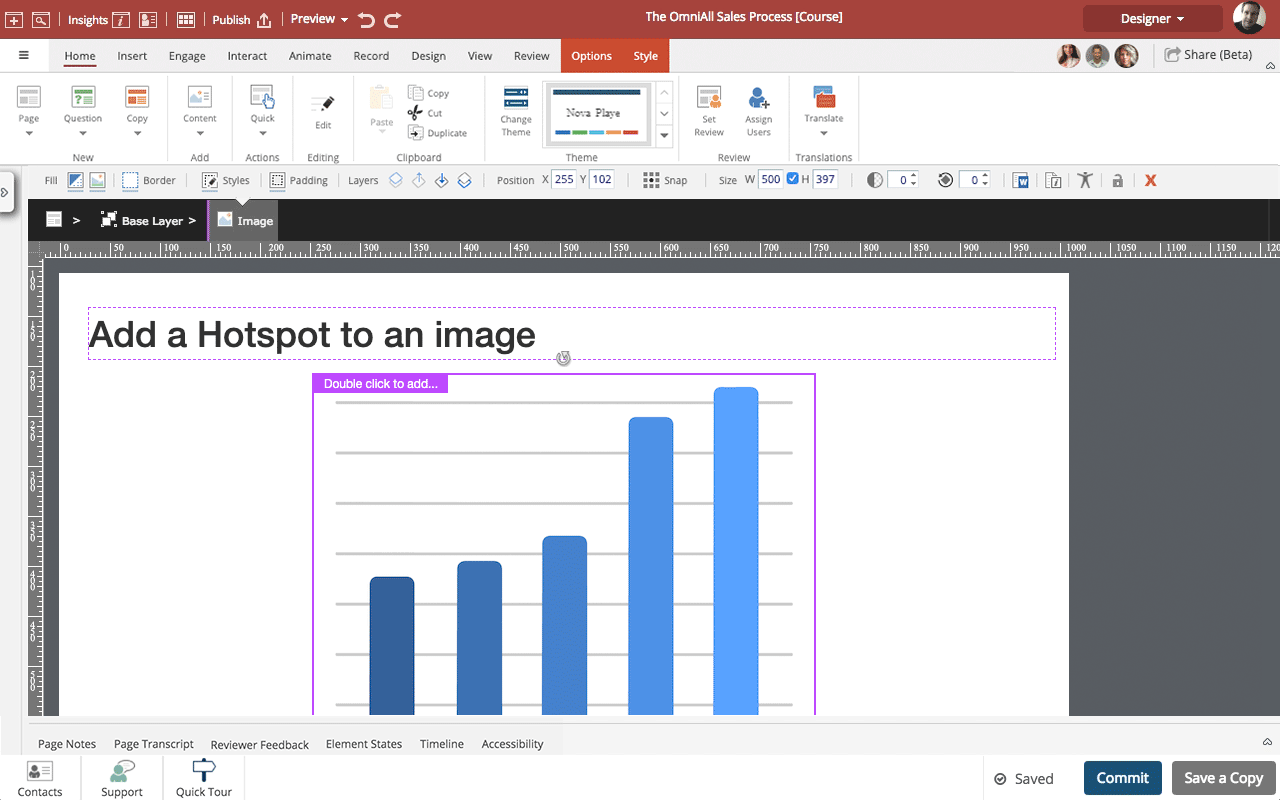
Steps to add a Hotspot to an image.
You can add hotspots as a layer over an image. If you move the image the hotspot will remain in the same location in relation to the image.
Once you have added a hotspot you can use it as a trigger for a wide range of Triggers and Actions such as showing or hiding content.
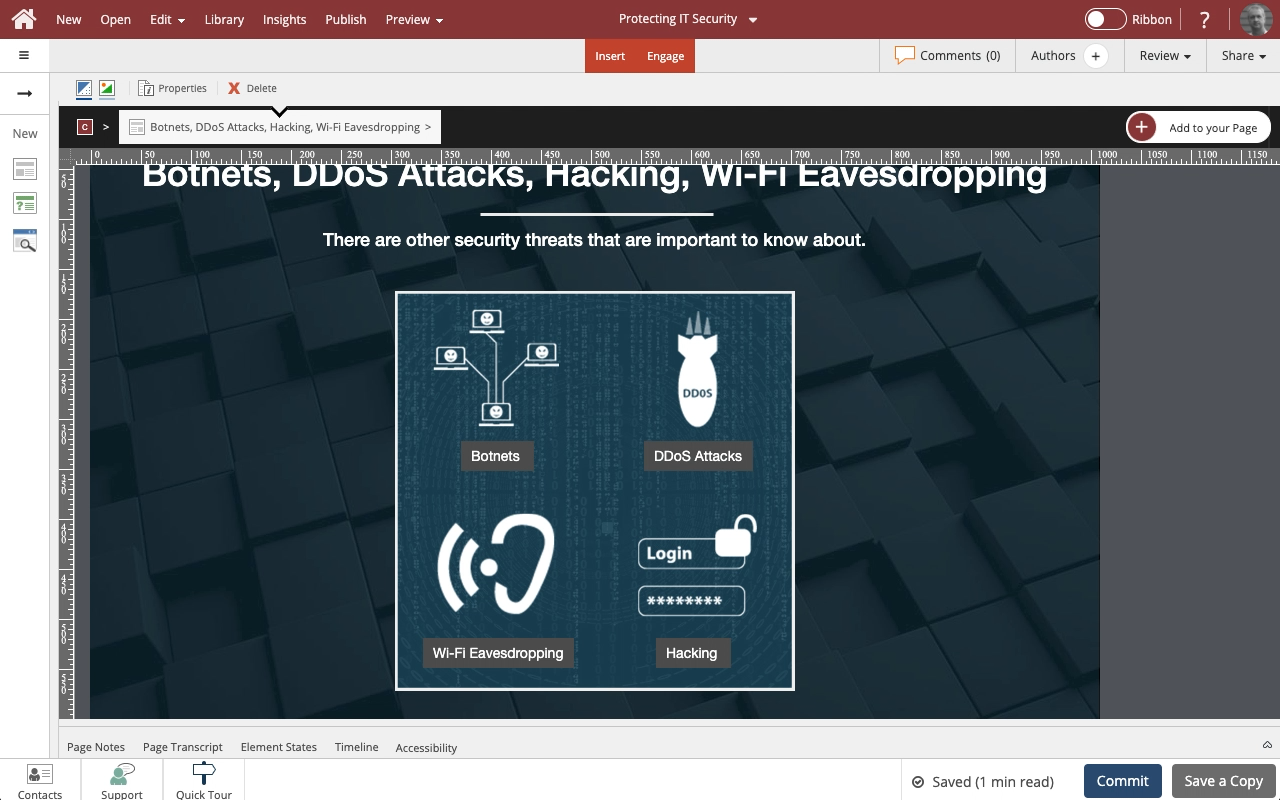
Steps to add a Hotspot to an image.
You can add hotspots as a layer over an image. If you move the image the hotspot will remain in the same location in relation to the image.
Once you have added a hotspot you can use it as a trigger for a wide range of Actions such as showing or hiding content.
NOTE: If you have an action with an on-click trigger set on an element layered over an image (for example, a hotspot) plus an action with an on-click trigger set on the image element as a whole, bo...
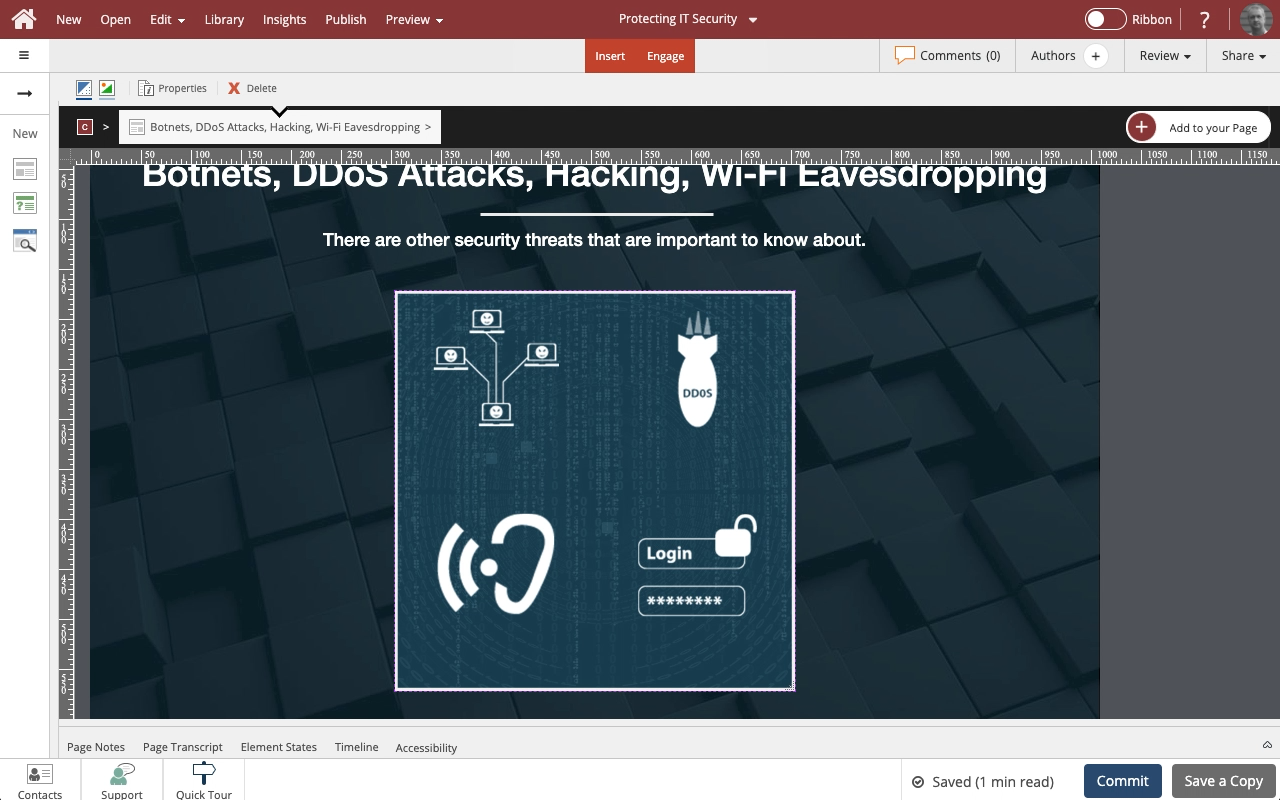
Steps to add a label to an Image Element.
The label is added as a layer within the image element.
If you move the element on the page, the label will move as well and remain in its location above the image.
You can also use these instructions to add and edit Labels on Video elements.
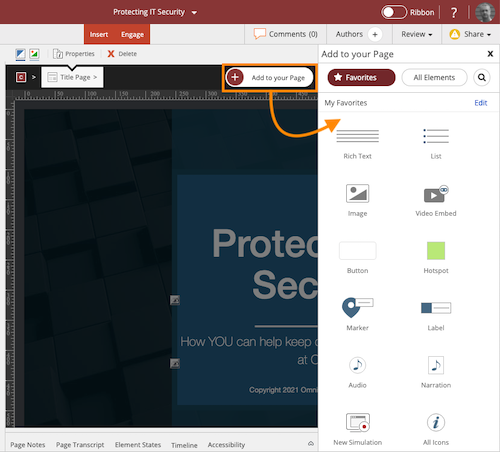
Quickly and easily add Elements to a Claro page or Sections to a Flow page


Comments ( 0 )
Sign in to join the discussion.