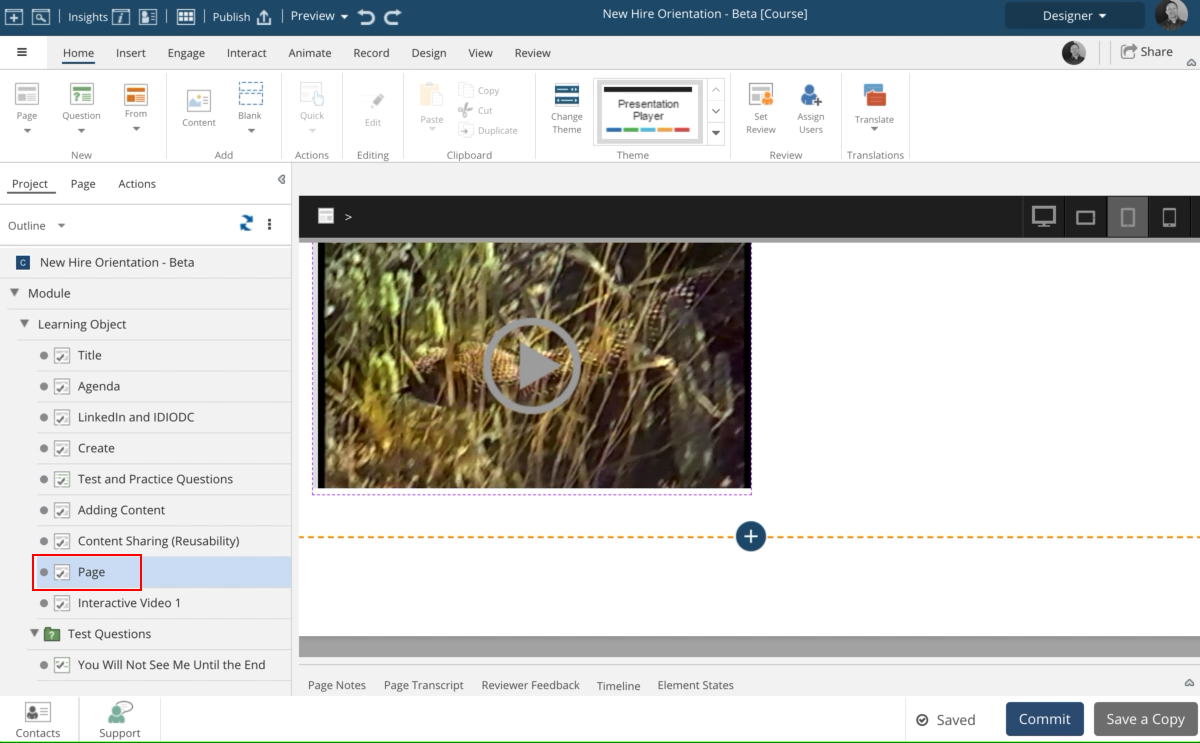
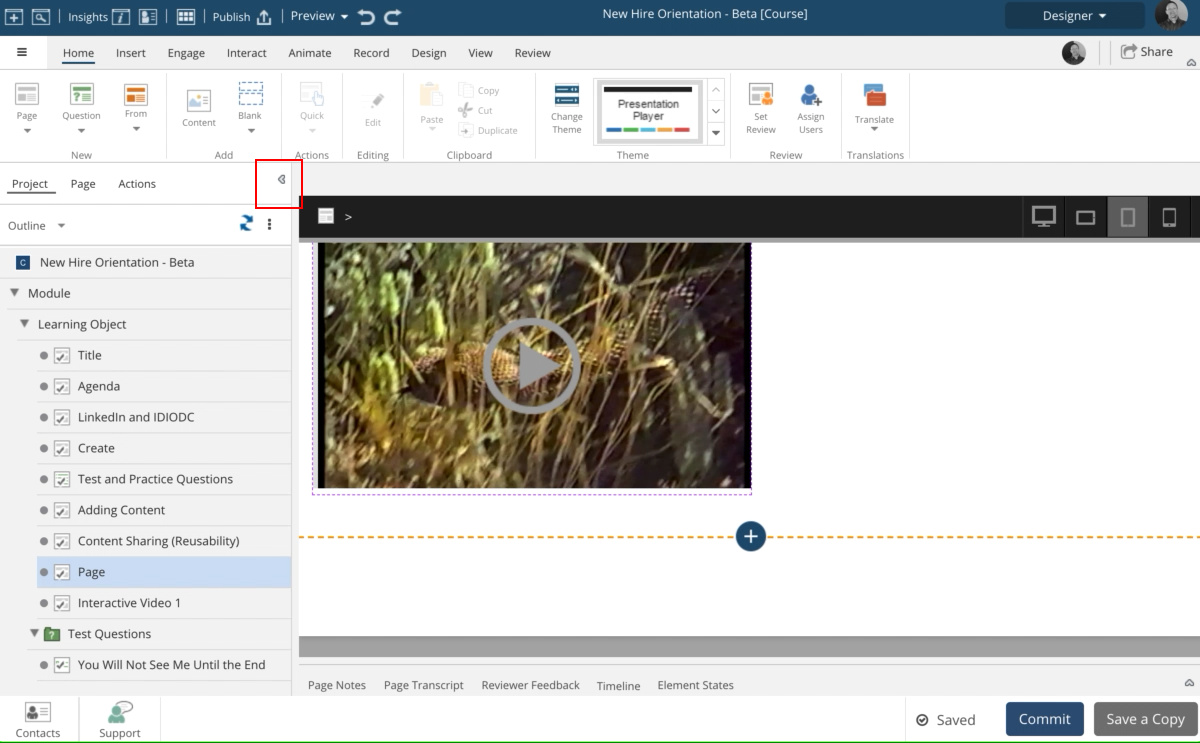
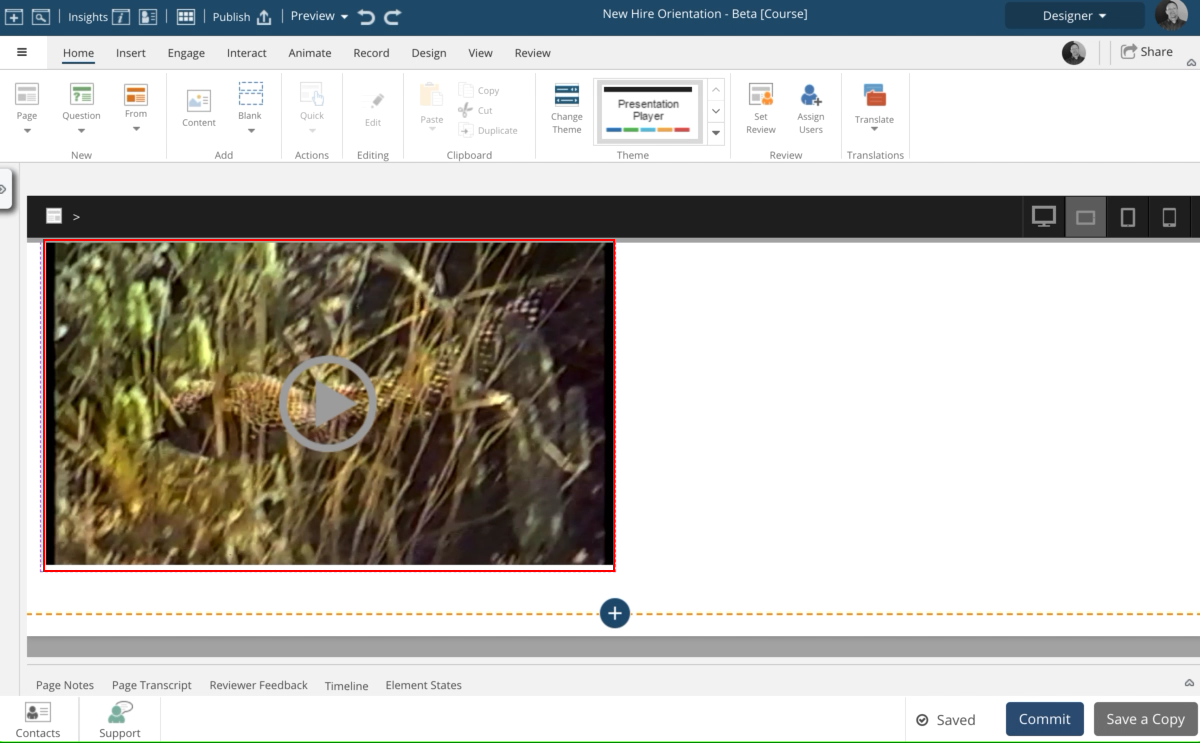
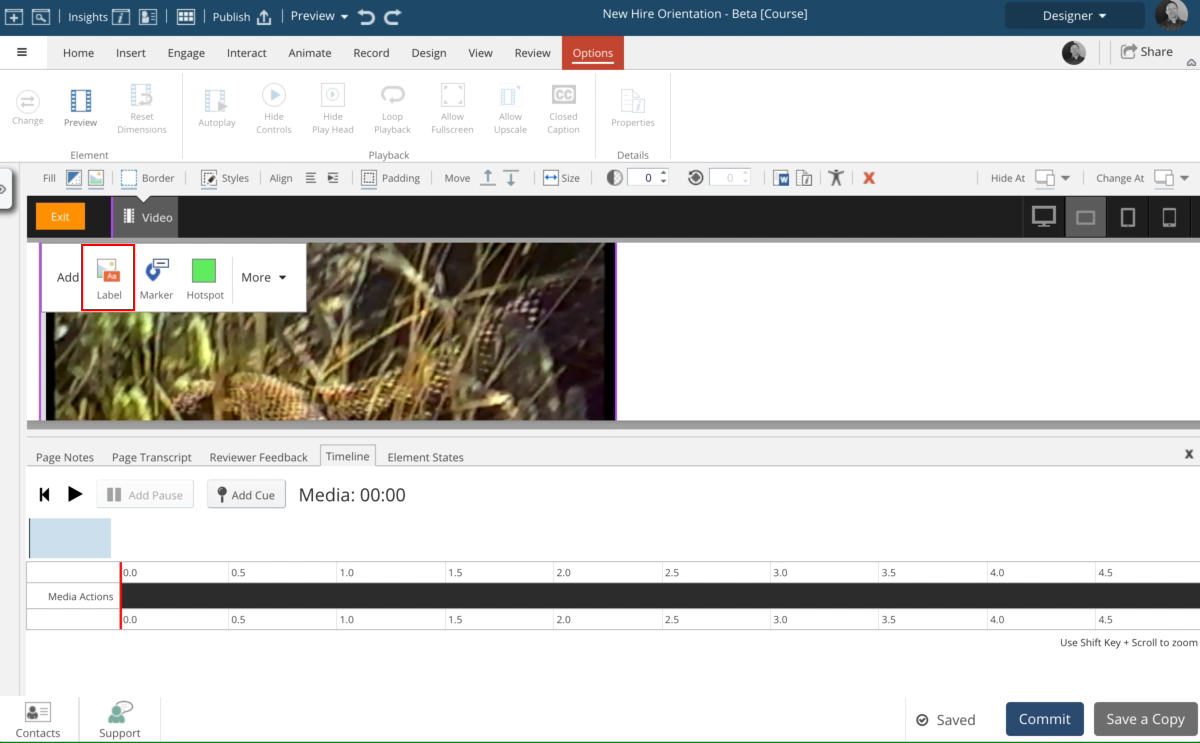
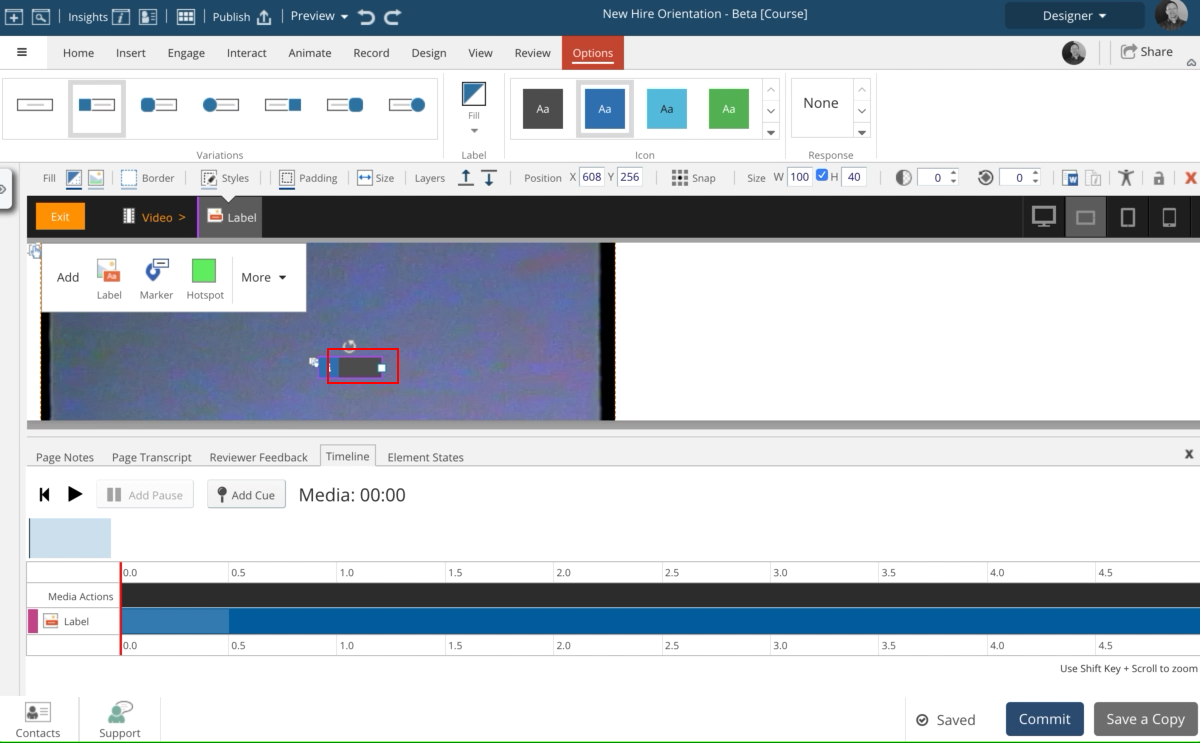
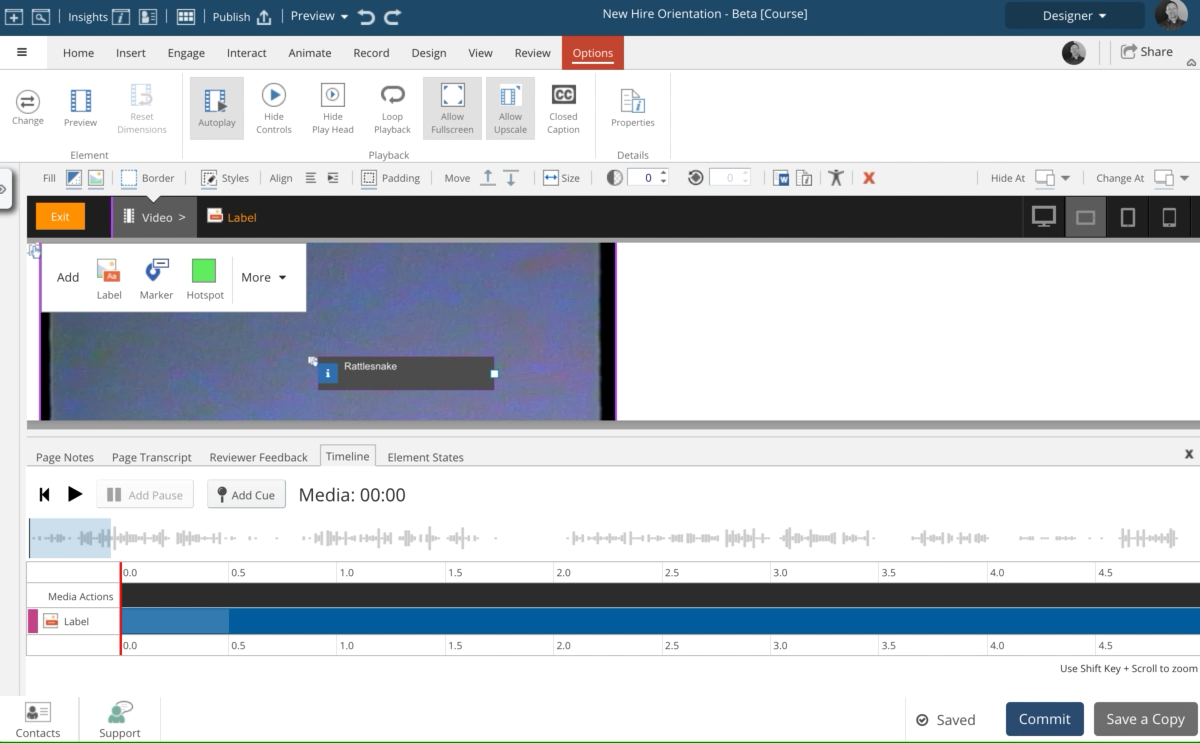
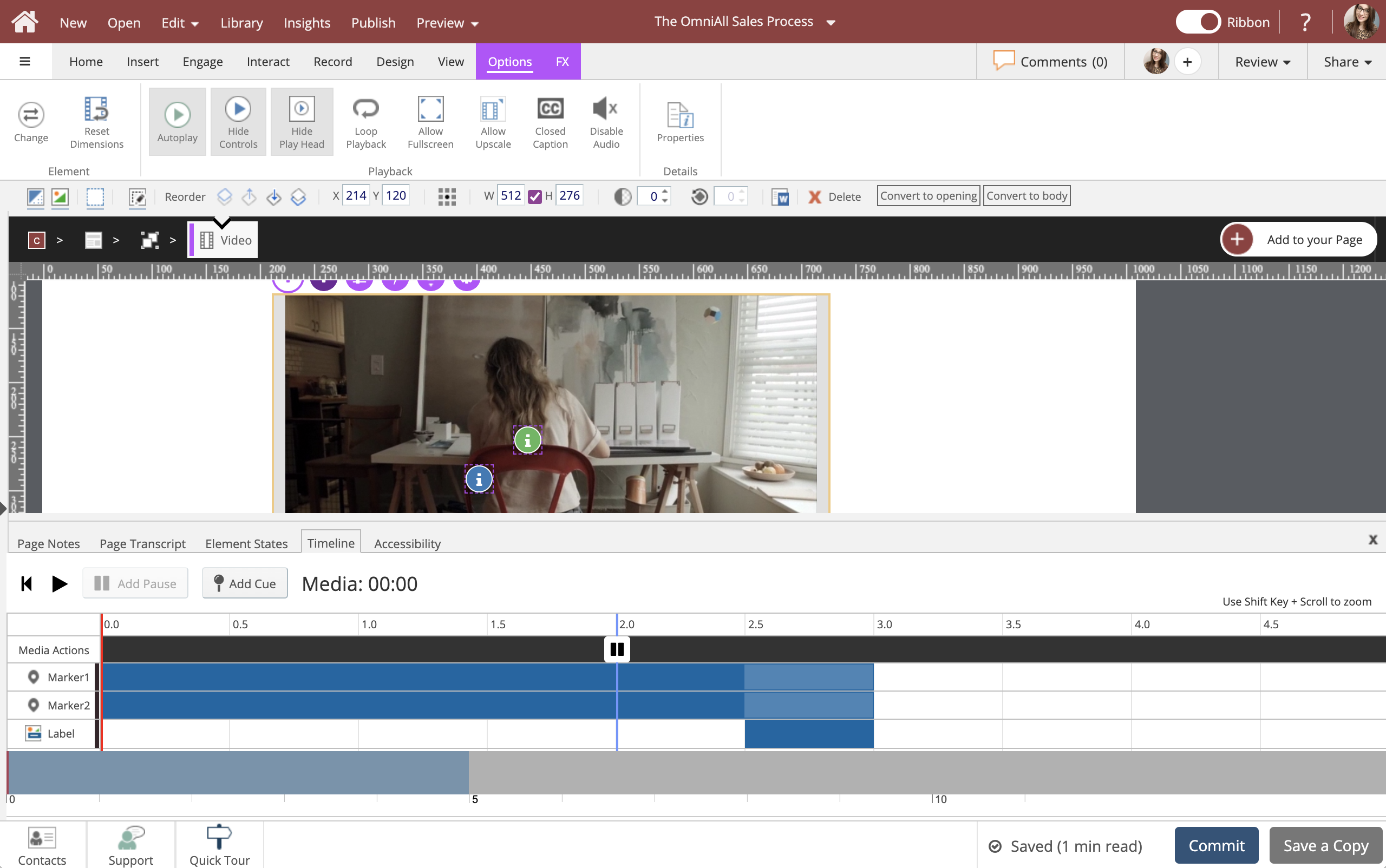
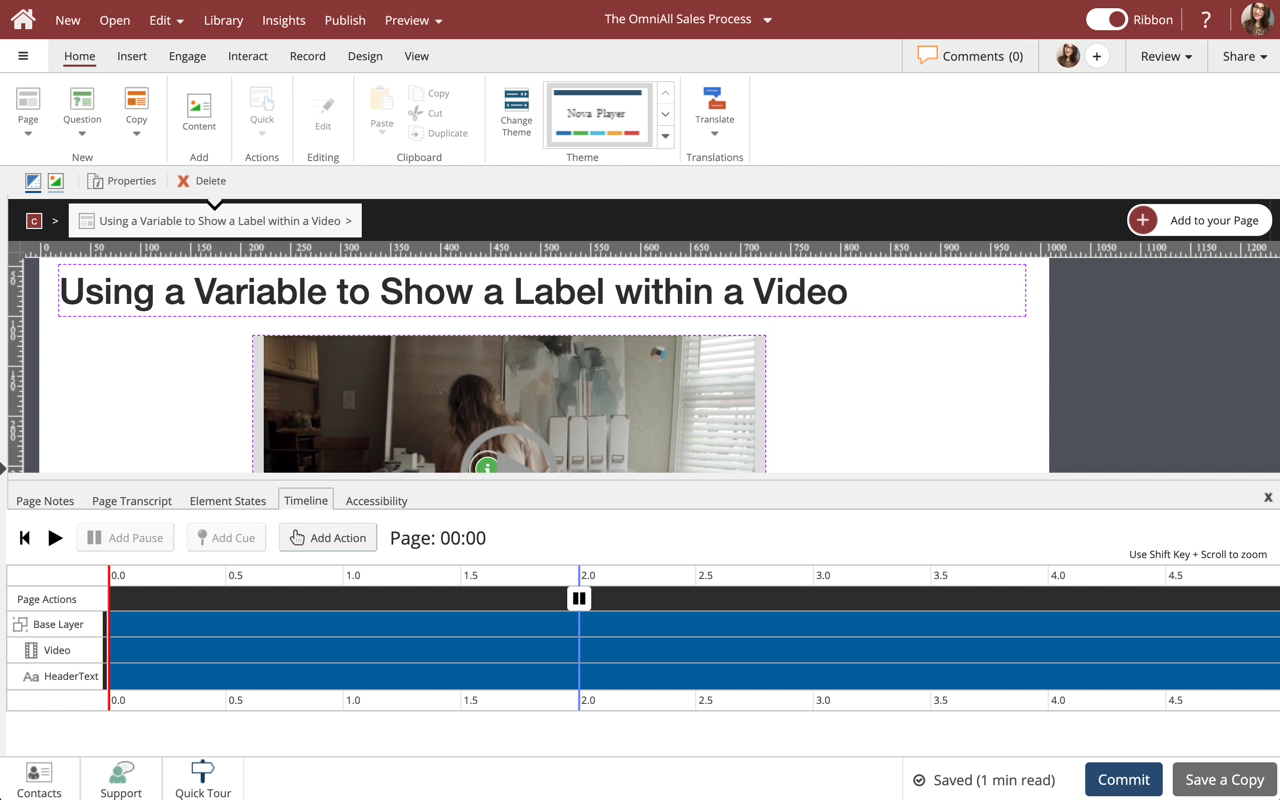
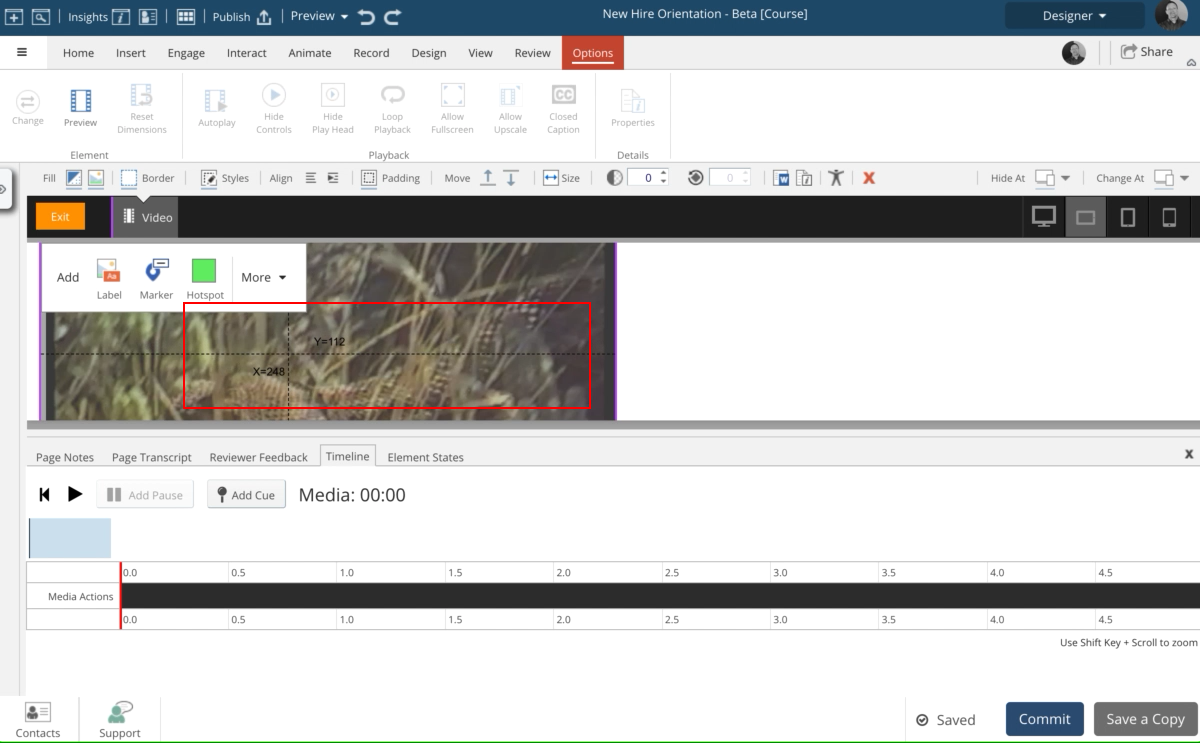
In this lesson you'll see how easy it is to add a label over a video. You'll also see the your label item added to the Timeline now displaying at the bottom of the interface.
You are now in edit mode. Notice the timeline appears below your pace in the interface.
Select the Label icon from the Add menu that displays in the upper left of the video element.
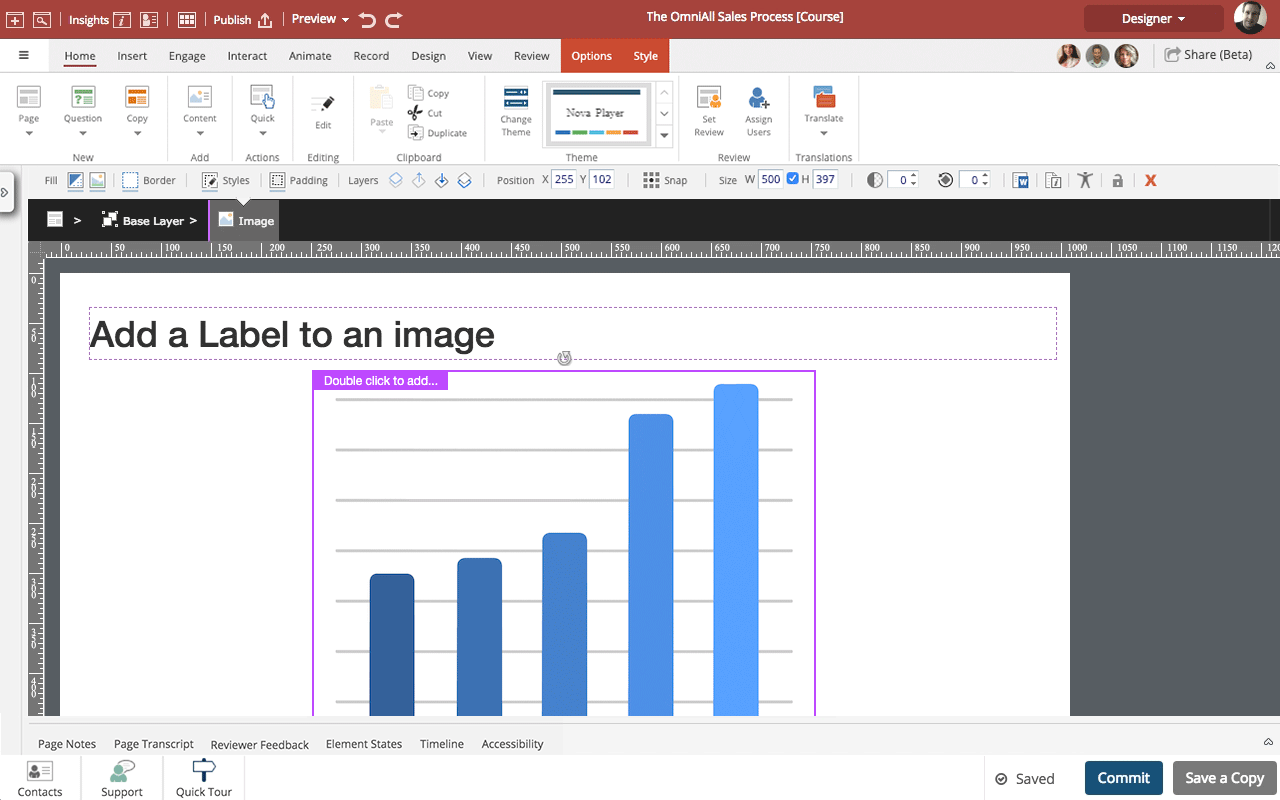
Instead of adding text within an image file you can add Labels when authoring. This is great for identifying or naming parts of a diagram, for example.
If you move the image on a Claro page or if it moves or resizes in a Flow page the labels will stay in position in relation to the image.
The text in the labels is also included in Translation export files, making it easy to translate the text (much easier than editing the image in another application to ch...
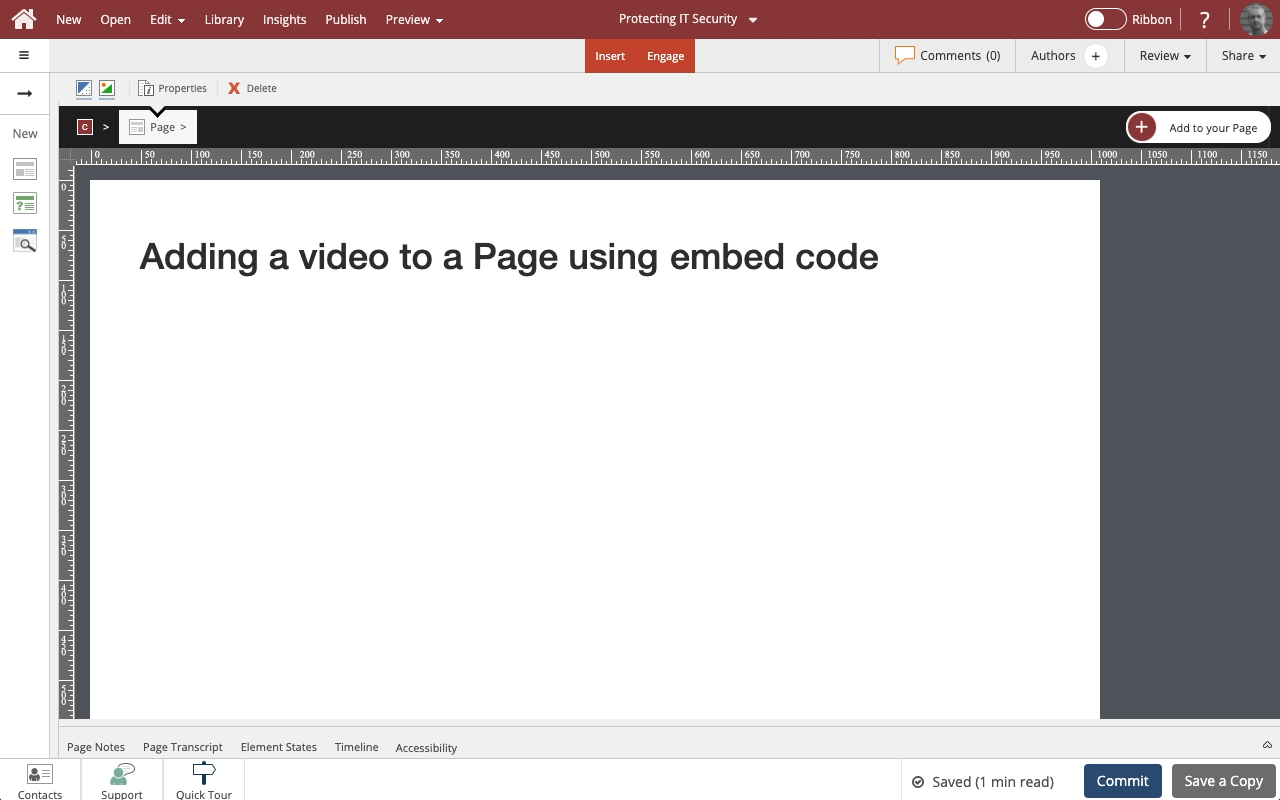
Steps to add a video to your page from a source like YouTube or Vimeo using an embed code.
Embedded videos are essentially played within an iframe on the page, so they are more limited than uploaded videos. For example, you can't add layered content over them and you can't set up actions based on the embedded video's timeline.
I need information control labels on much of the content we produce for U.S. Government. These labels need to appear at the top and bottom of each display page in Claro.
Ideally, the content of the label would be controlled via a variable (so an Author would only have to change a single location) and could be translated. The labels may or may not be required on module or learning object title pages. The labels do not have to appear on the Thumbnails used in the Handouts as they will appear...
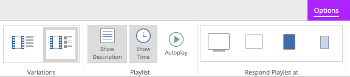
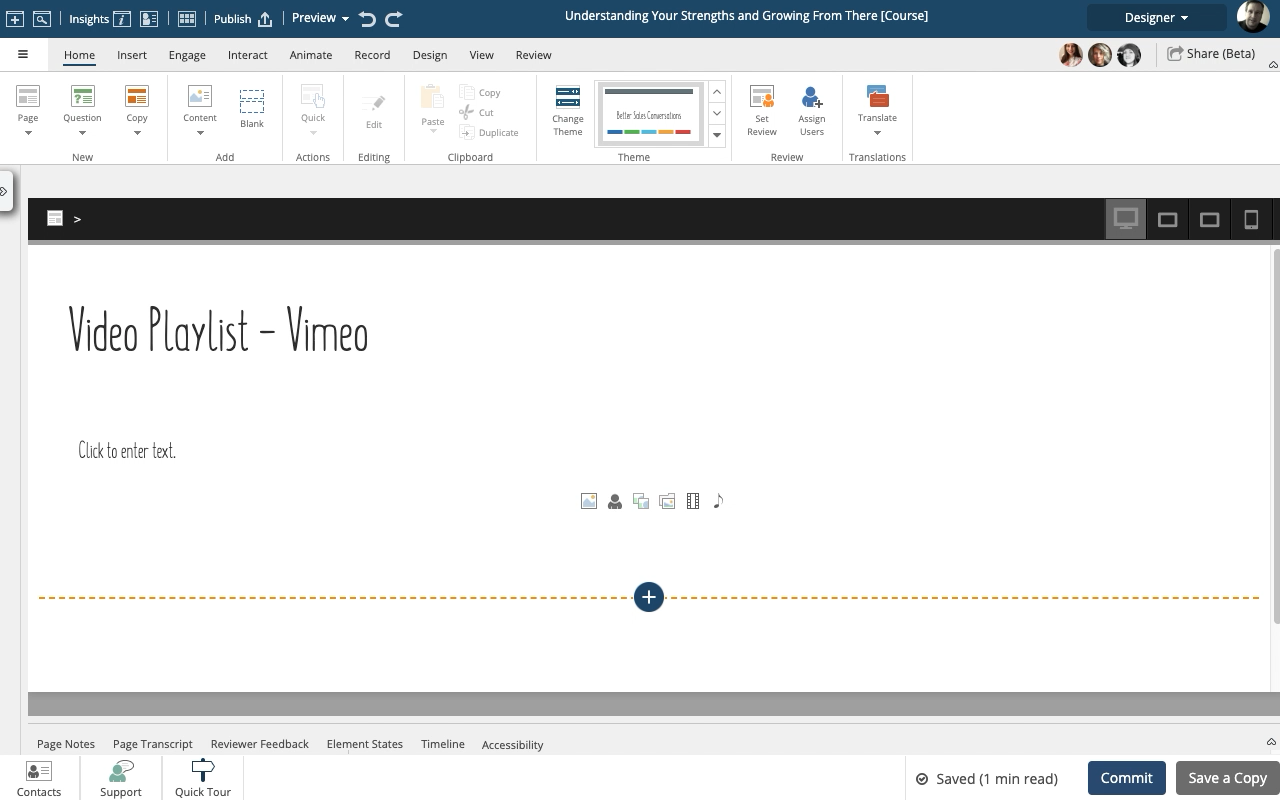
The Video Playlist widgets make it easy to add a collection of Vimeo or YouTube videos to any page.
Check out the drag and drop option for adding more videos, it's a great time saver.
When added to a Flow page, the Playlist is responsive. On wider screens the list of videos will display on the right side of the main video panel. On narrower screens the list of videos will be shown under the main video panel.
NOTE: You can't mix YouTube and Vimeo videos in the same Playlist.
Confirm
Comments ( 0 )
Sign in to join the discussion.