Add a Callout Component to a Page
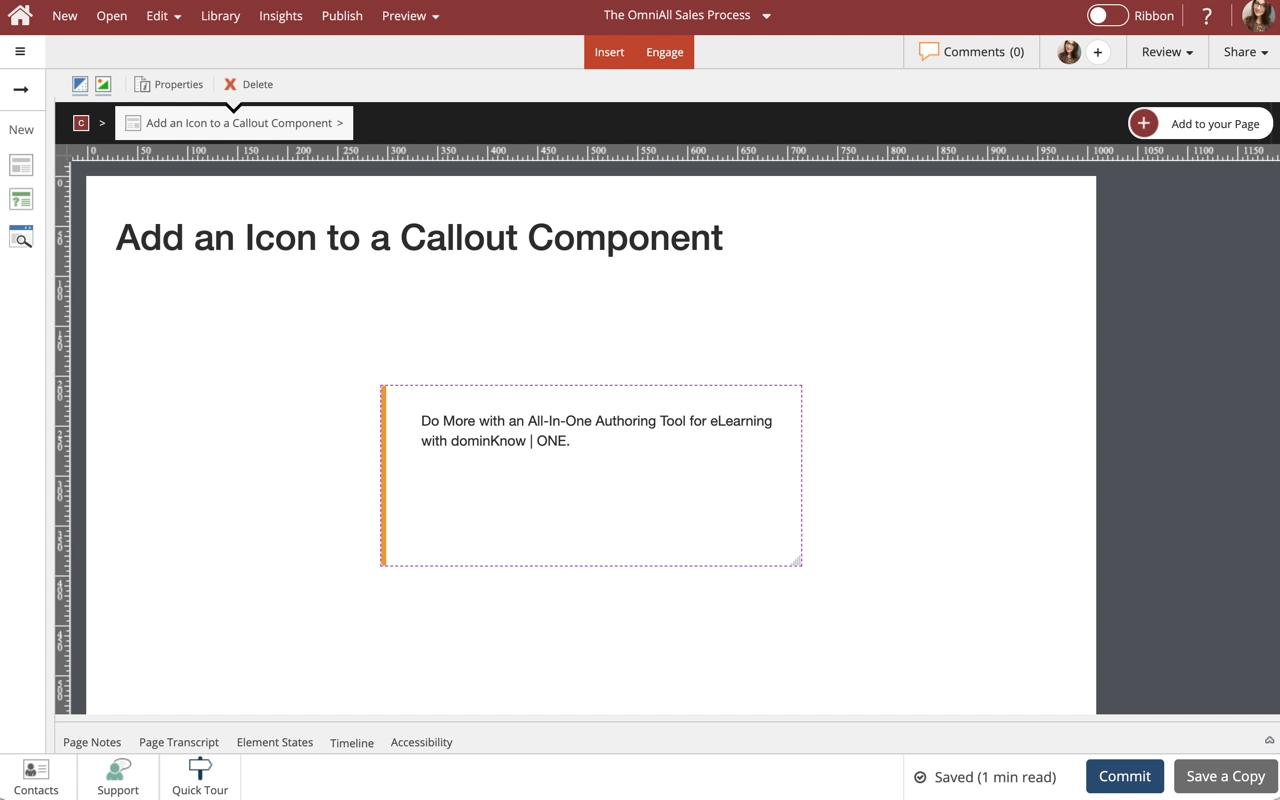
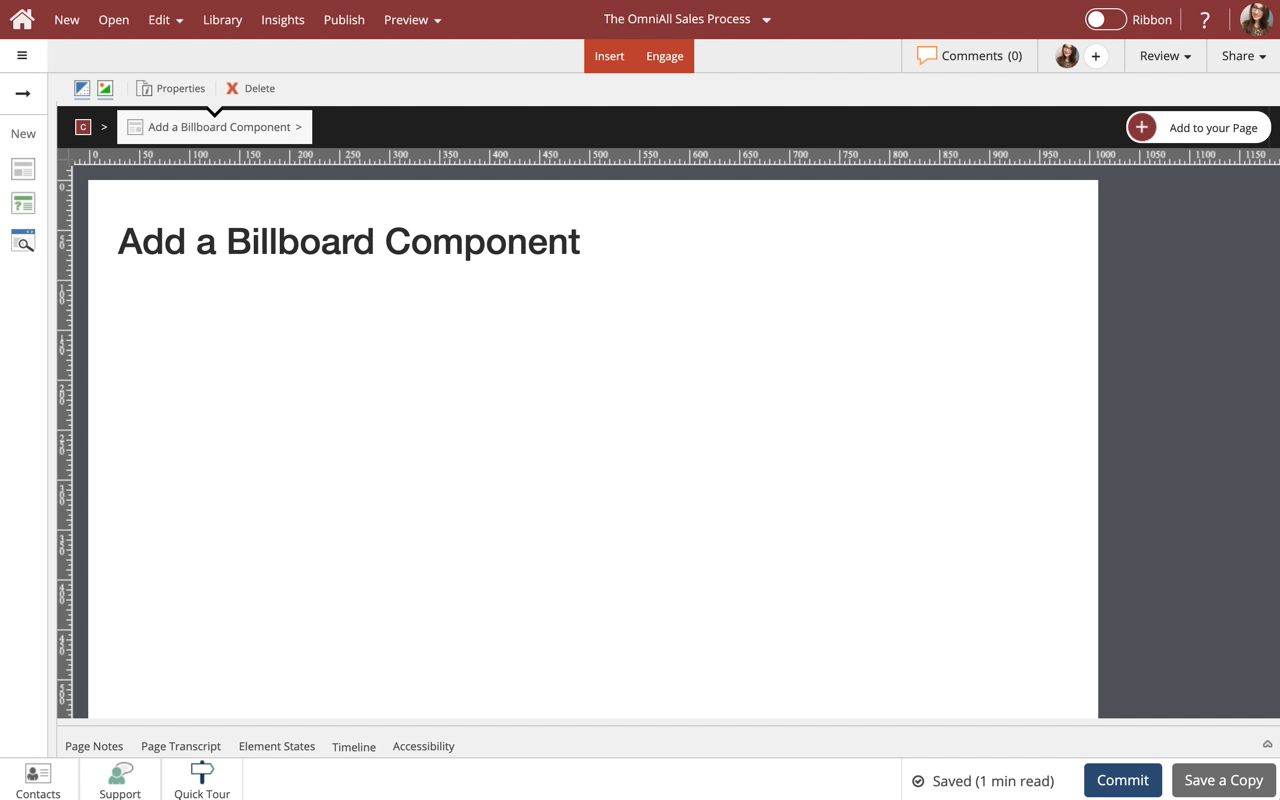
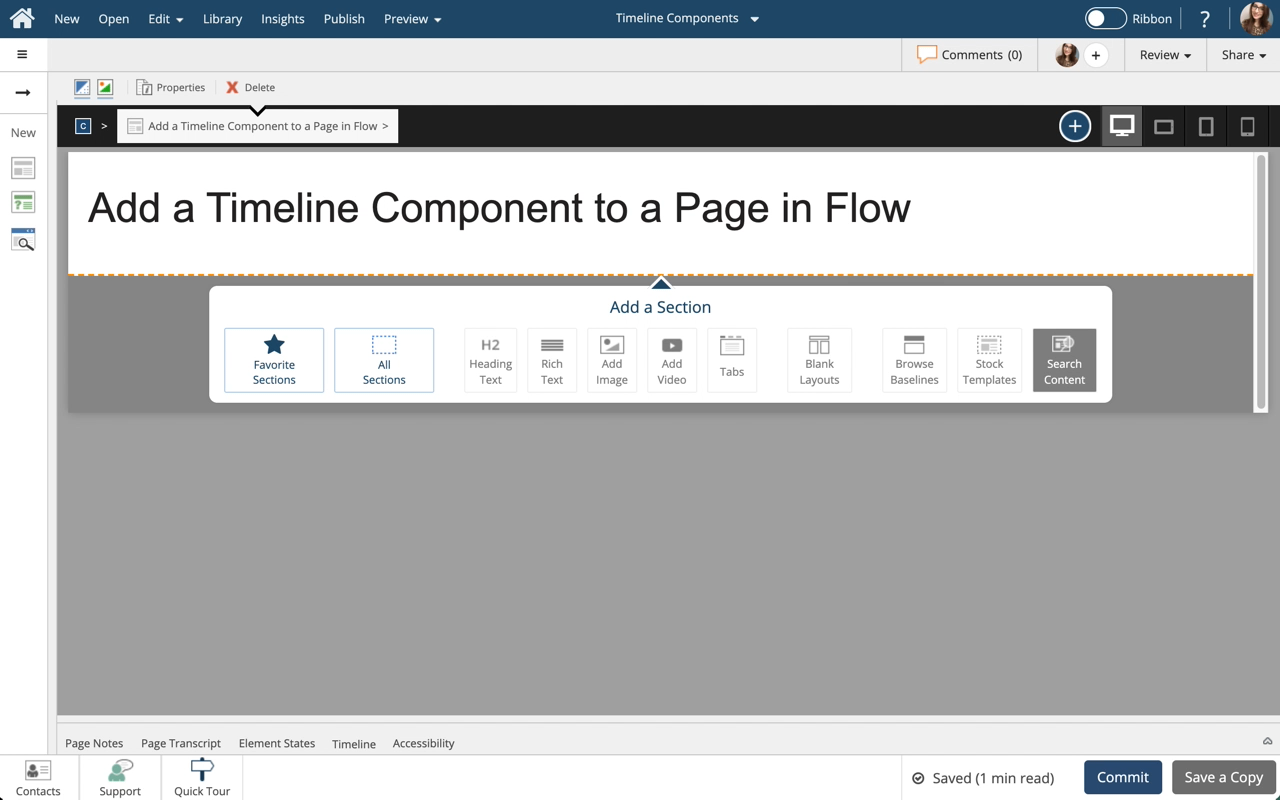
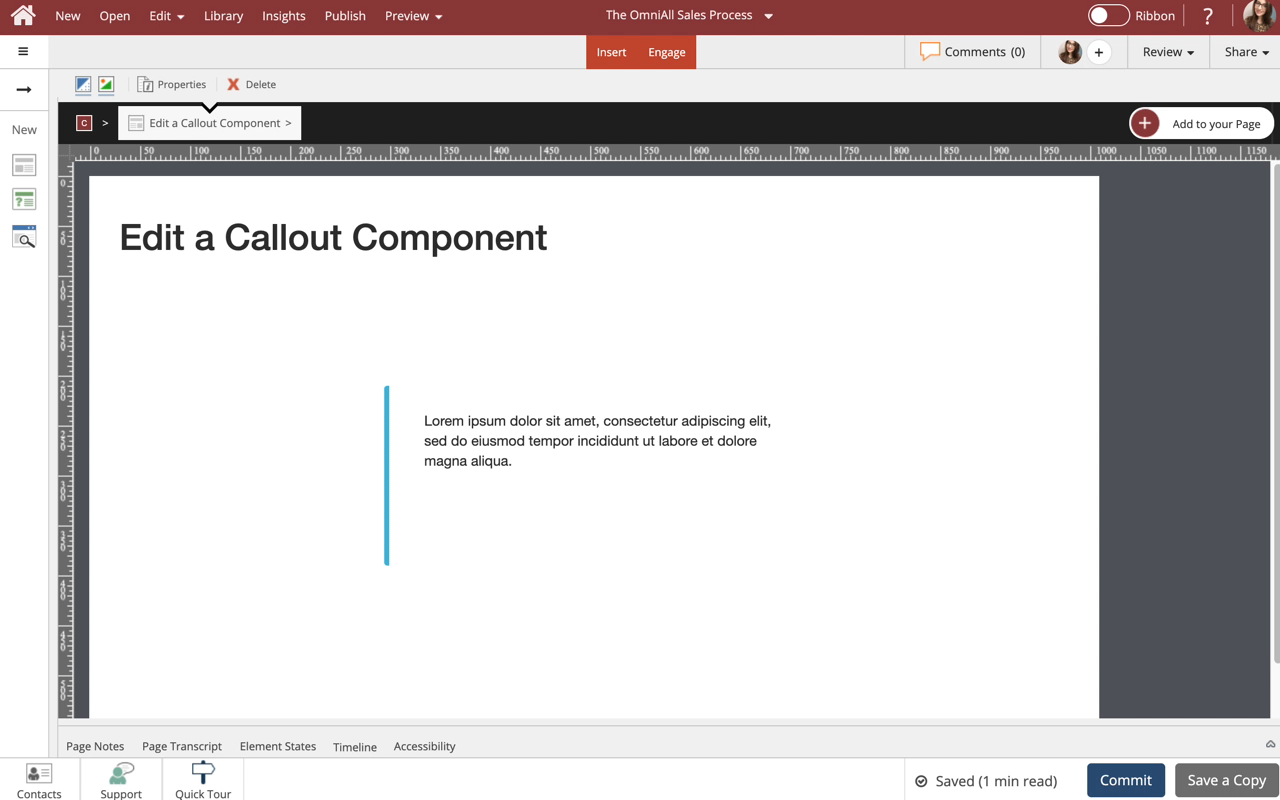
Steps to add a Callout Component to a Page.
Callouts are one of many components available in dominKnow.

Product: dominKnow | ONE | Version: 7.4
Applies to: Flow, Claro
Applies to: Flow, Claro







Confirm
Comments ( 0 )
Sign in to join the discussion.