Add a Tooltip to a word in a Text element
Steps to add a Tooltip to a word in a Text element.

Step 1
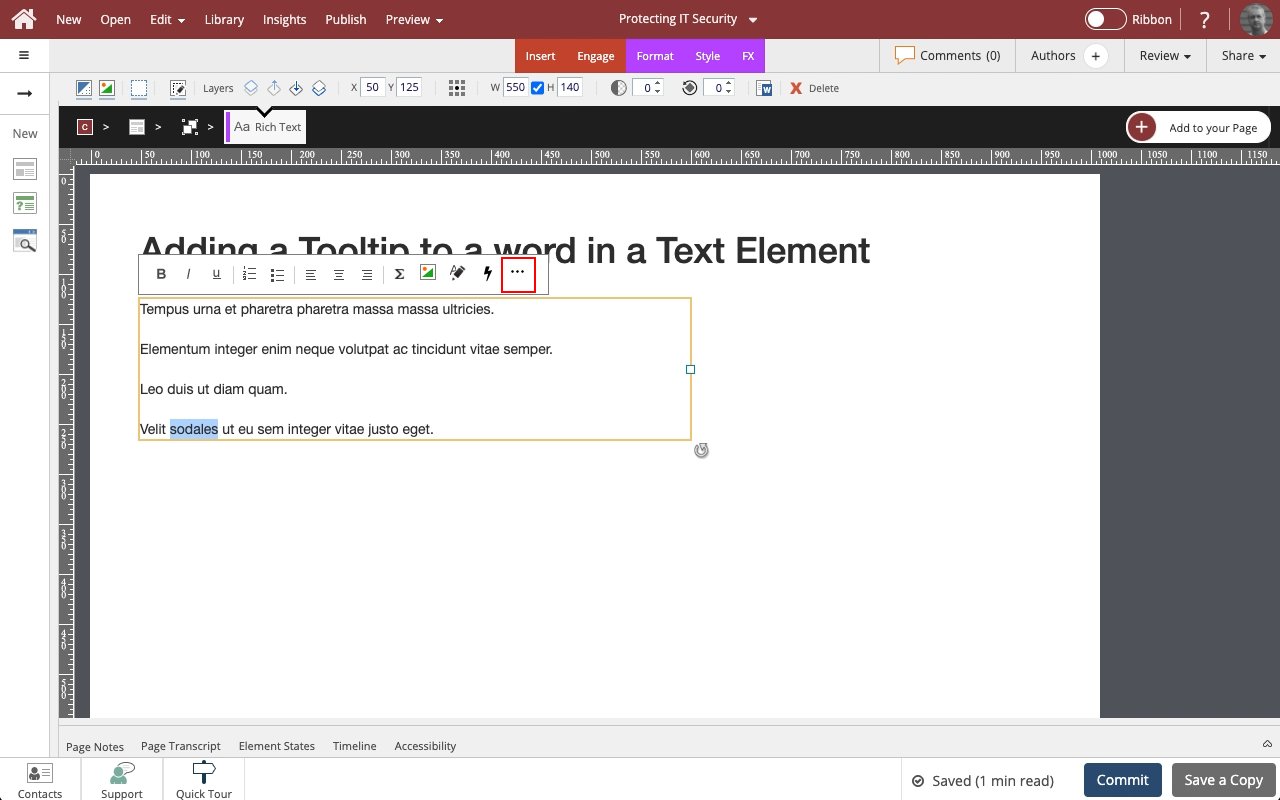
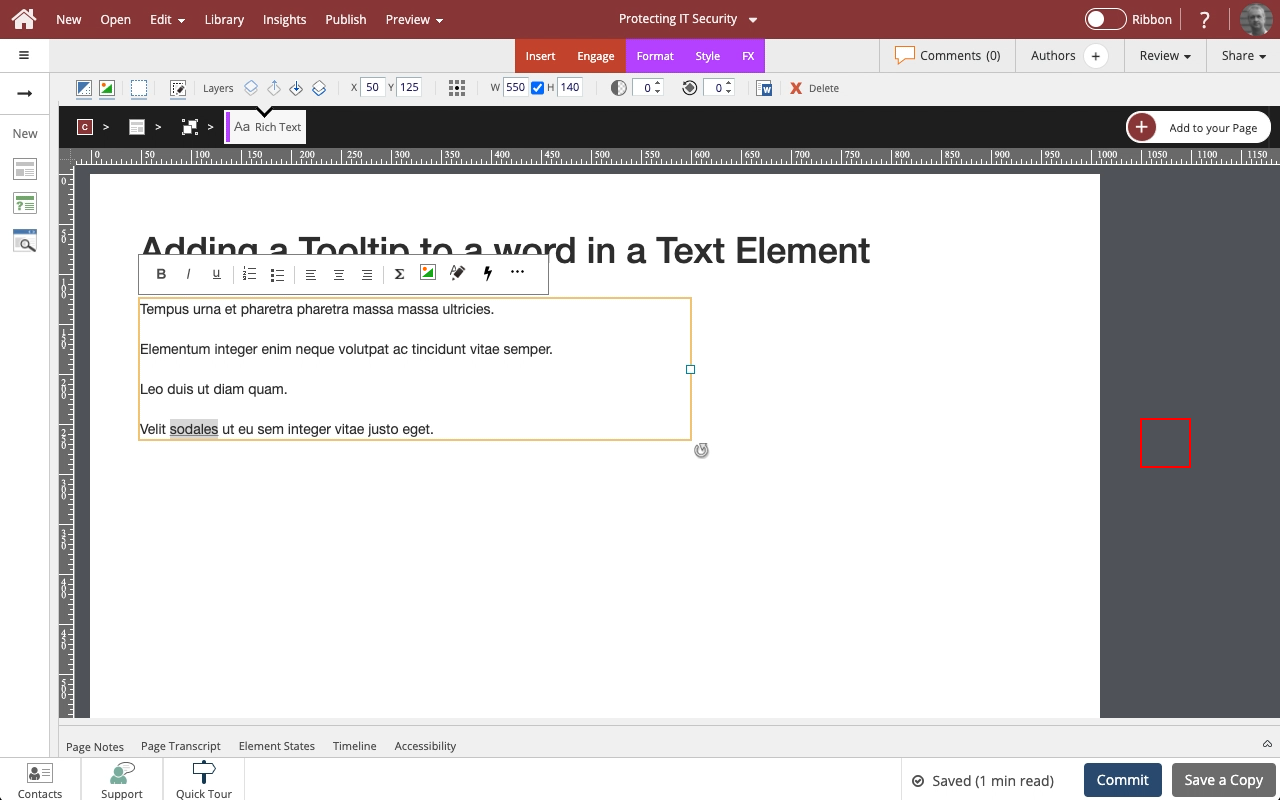
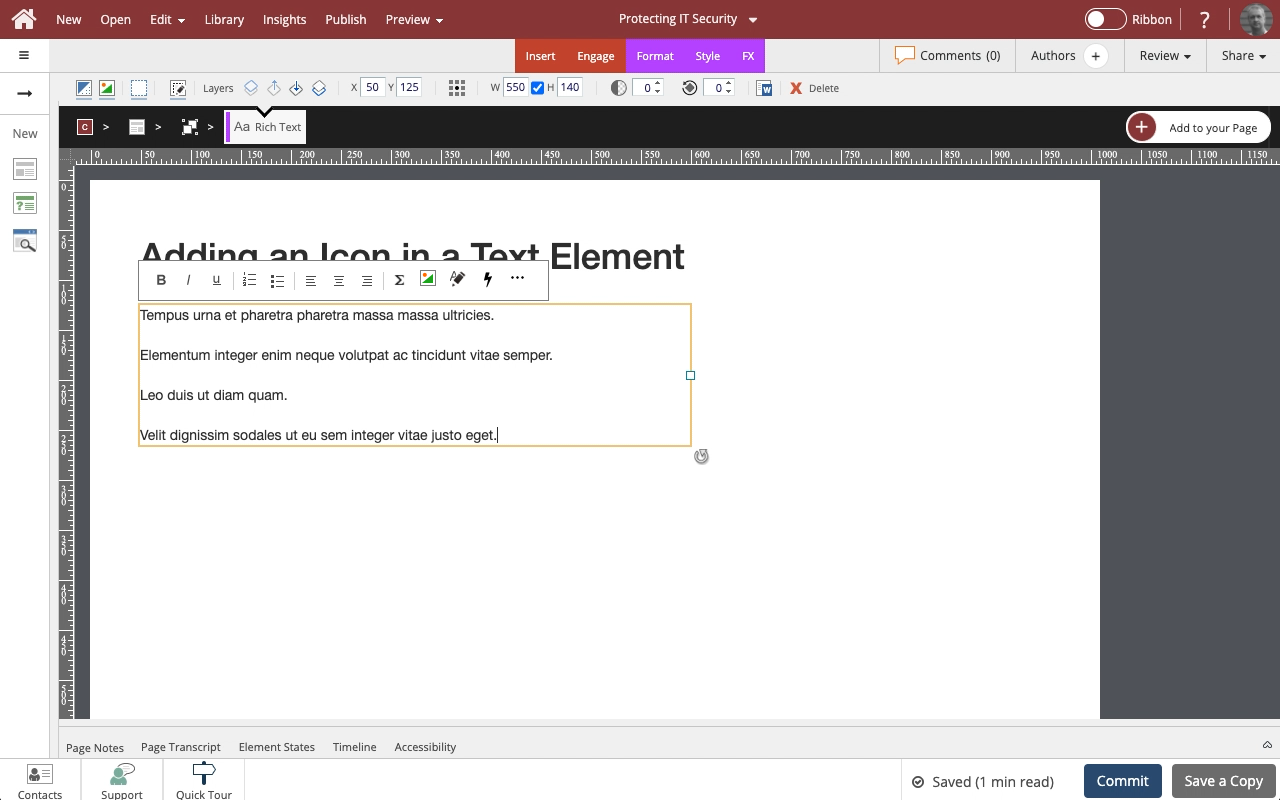
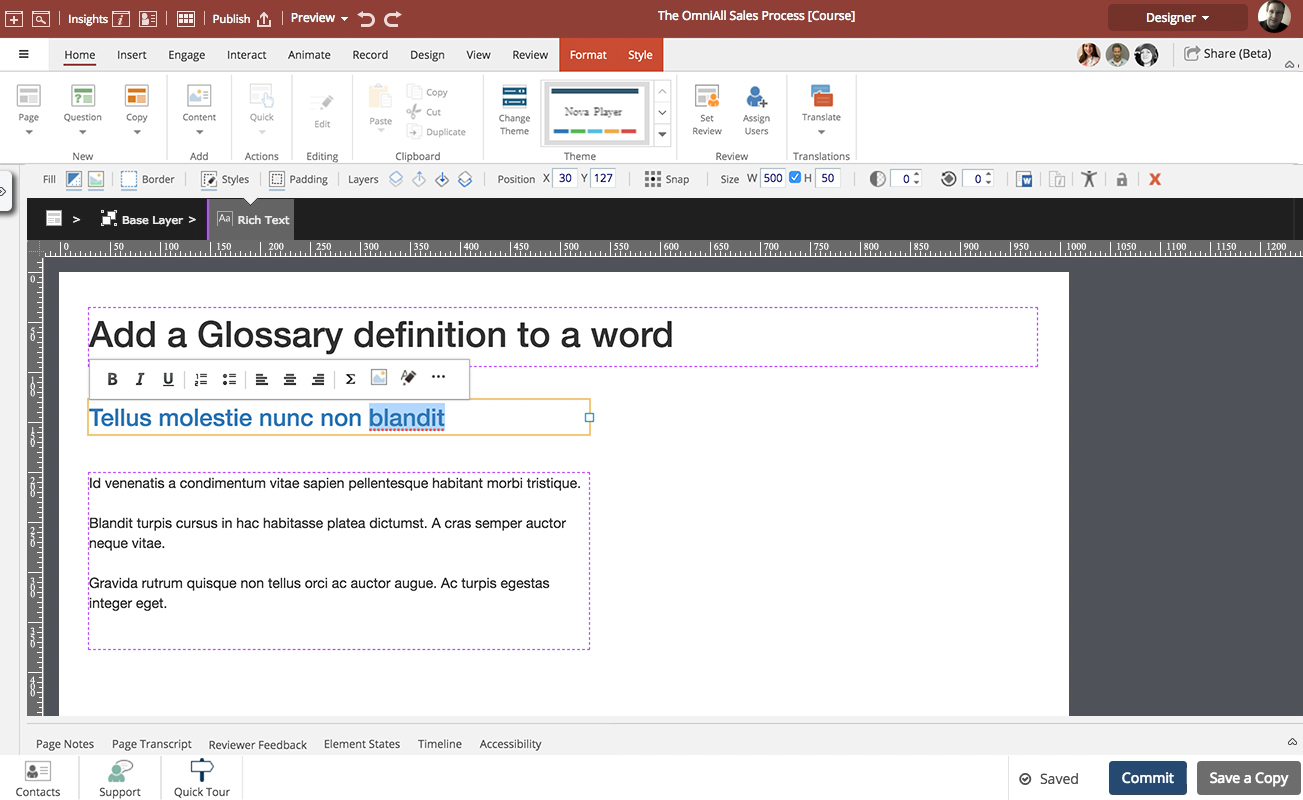
When working in a Text Element, select the word that you wish to apply the Tooltip to then select the three-dot menu on the text editing mini tool bar.
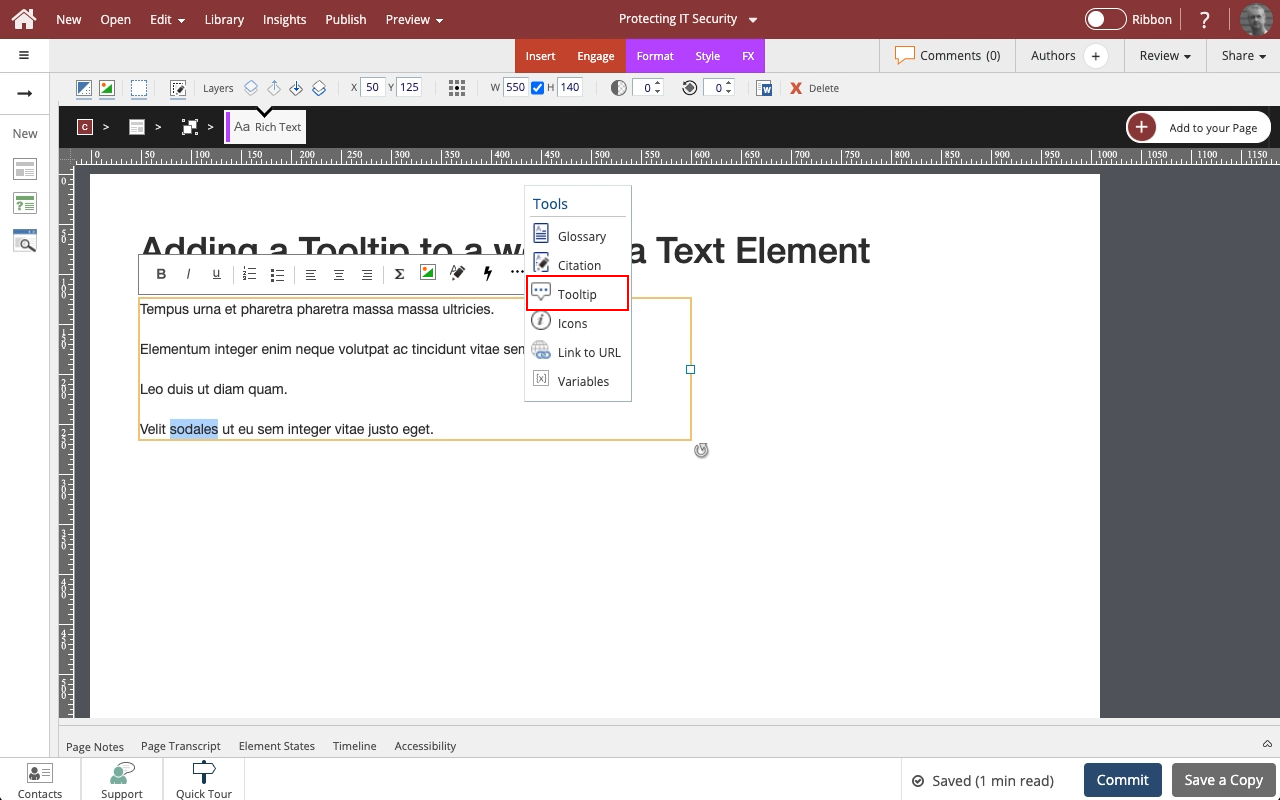
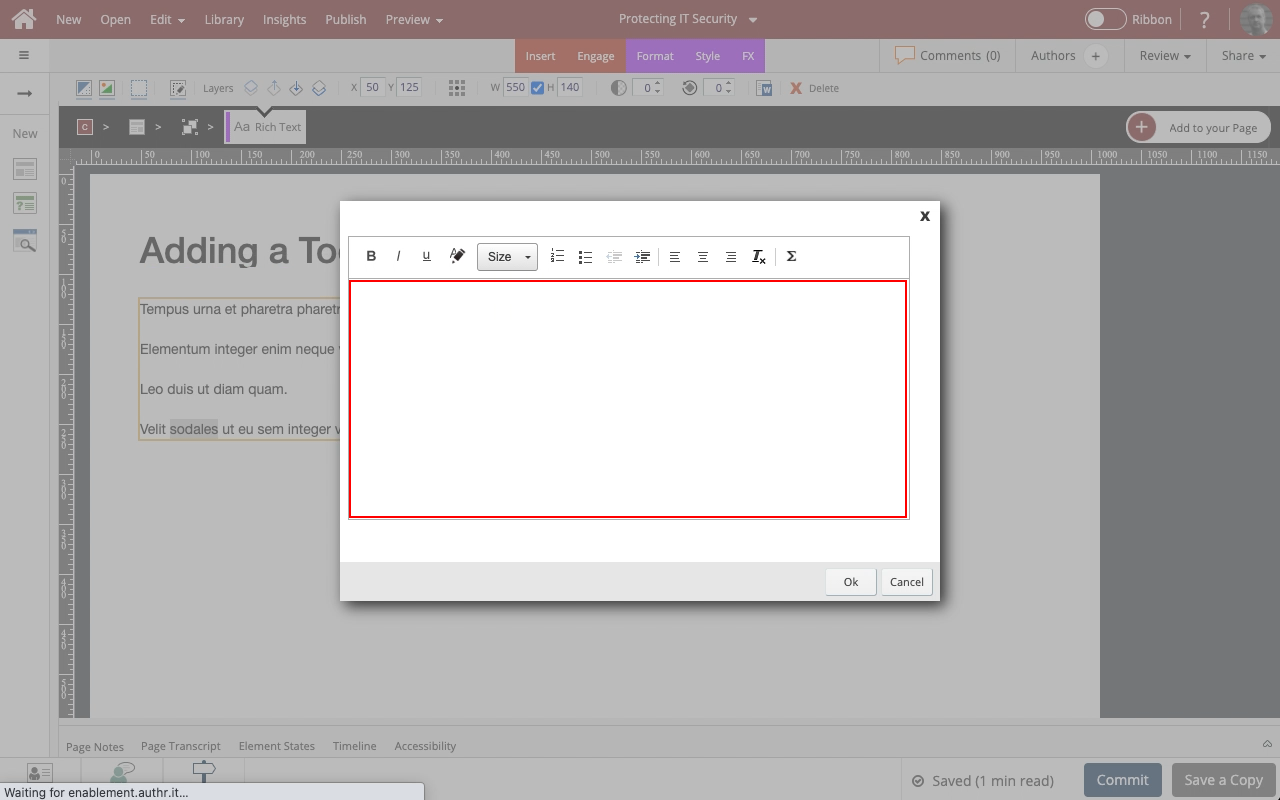
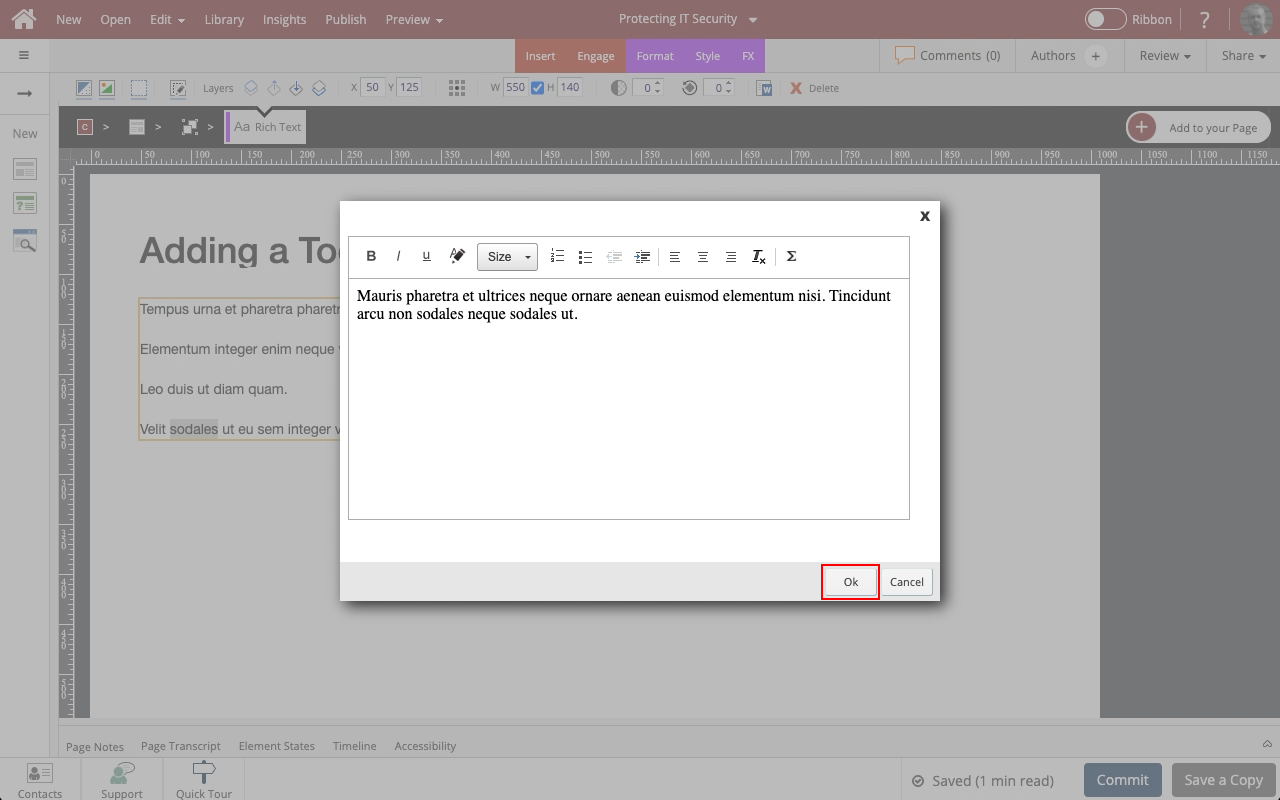
Step 5
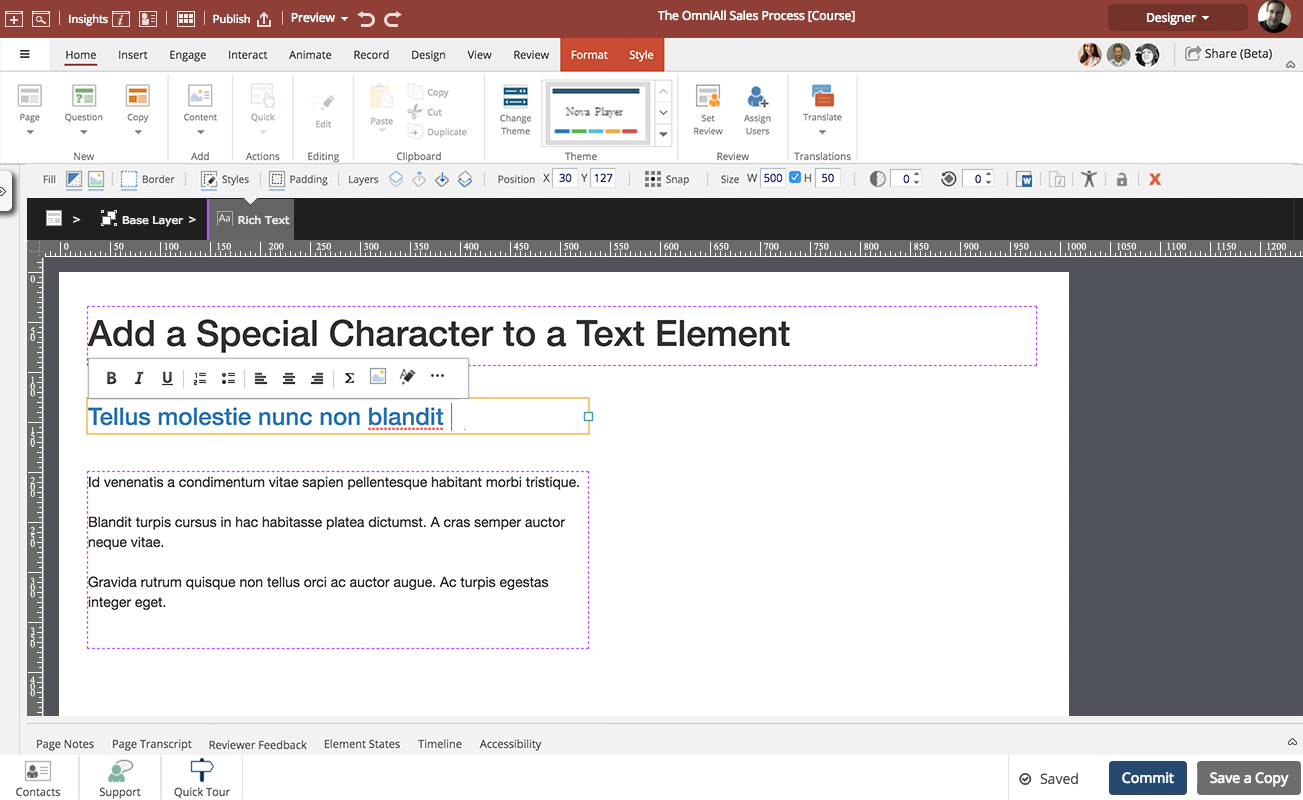
After clicking Ok, you are still in edit mode in the text element on the page.
Select outside of the element to leave editing mode and save the changes to the text element.
Step 6
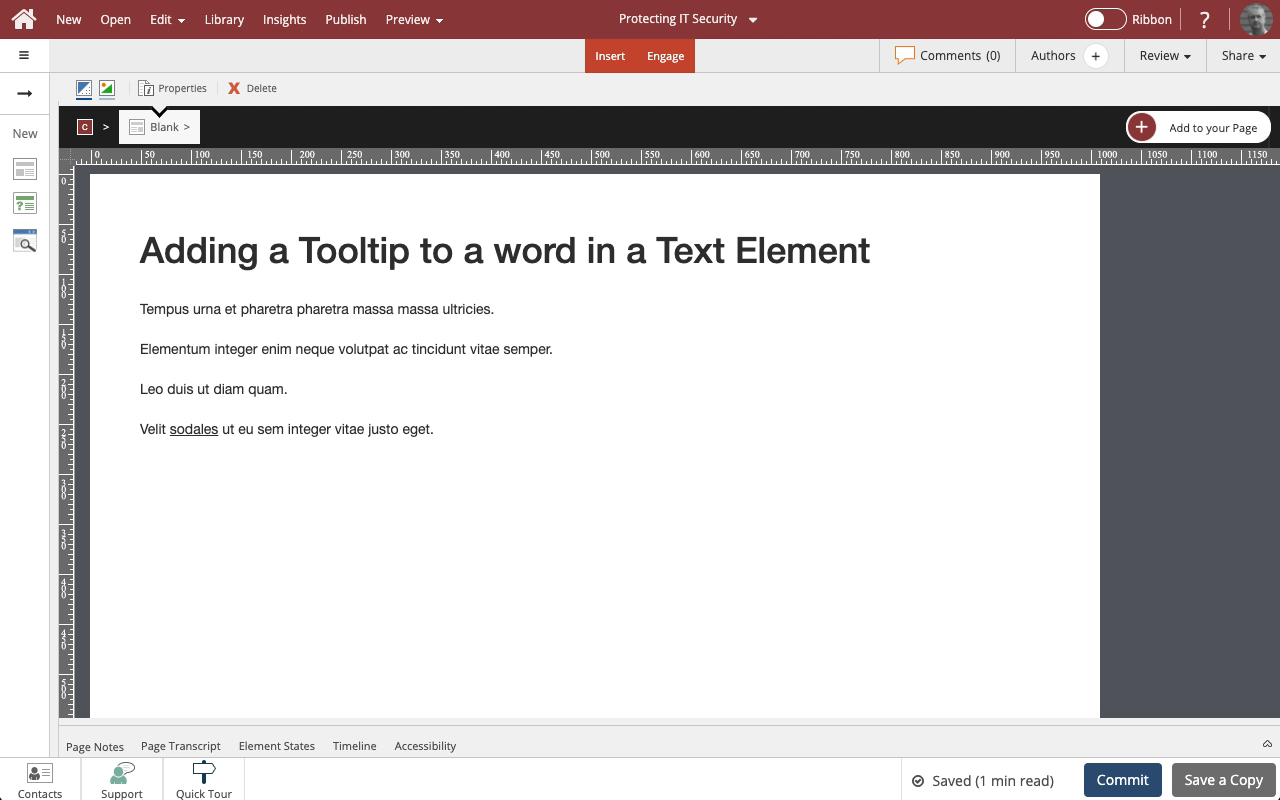
The word is now shown as underlined to indicate it has been assigned a tooltip.
Learners can roll over the word to see the tooltip.





Comments ( 0 )
Sign in to join the discussion.