Edit the Name of a Page in Card View
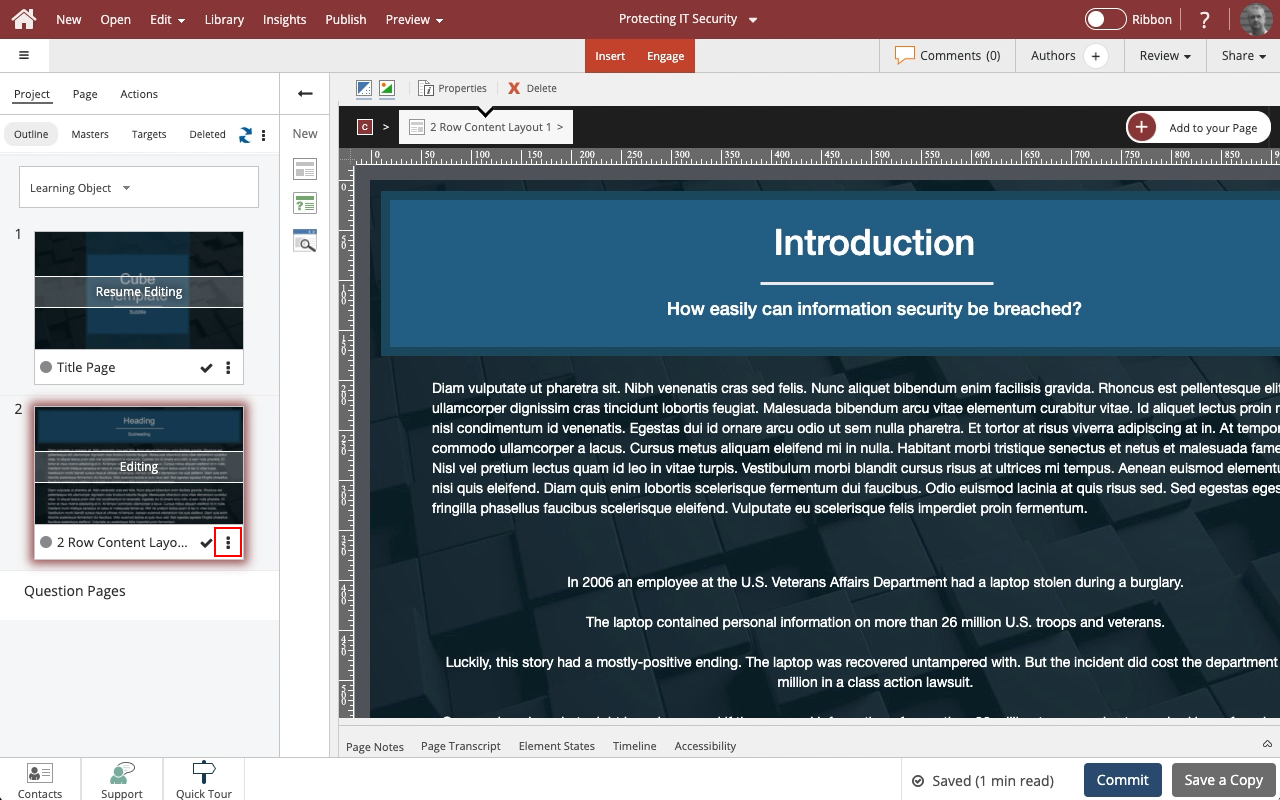
Steps to edit the name of a Page in Card View.

Product: dominKnow | ONE | Version: 7.4
Step 2
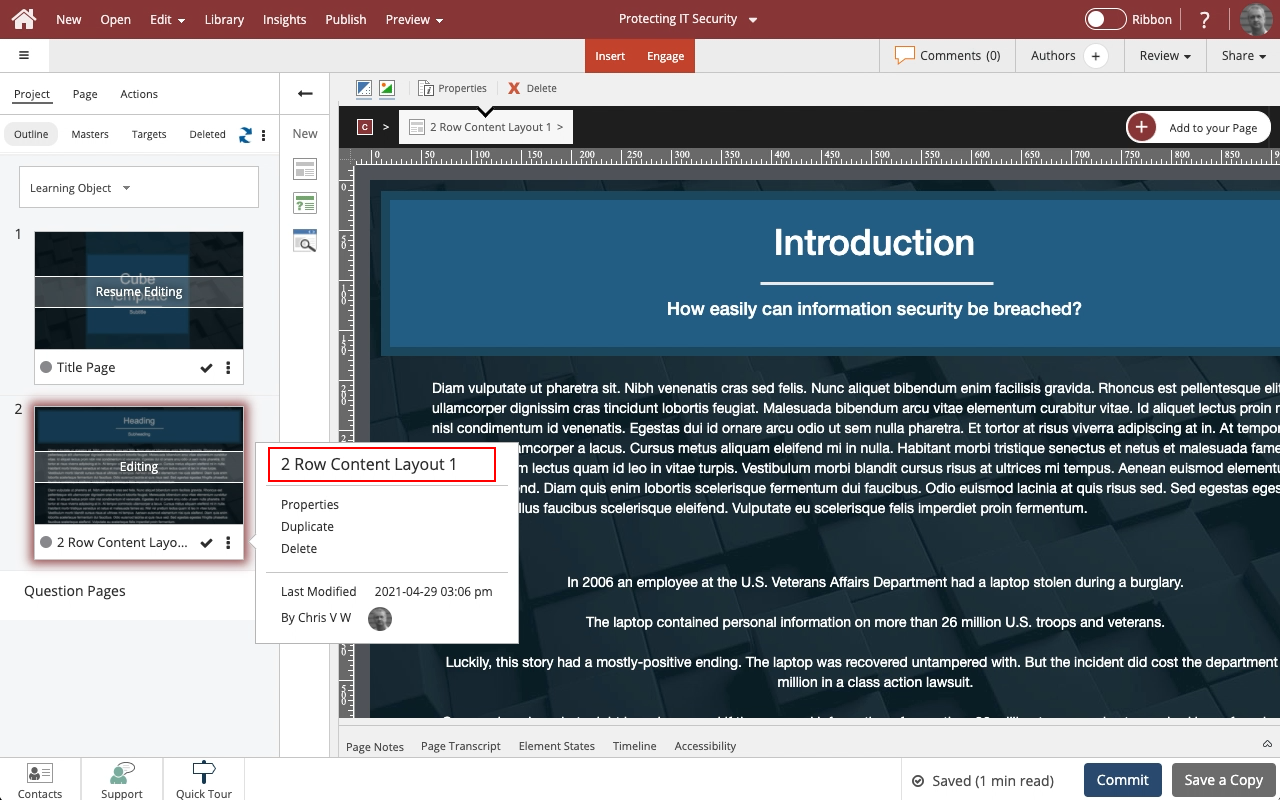
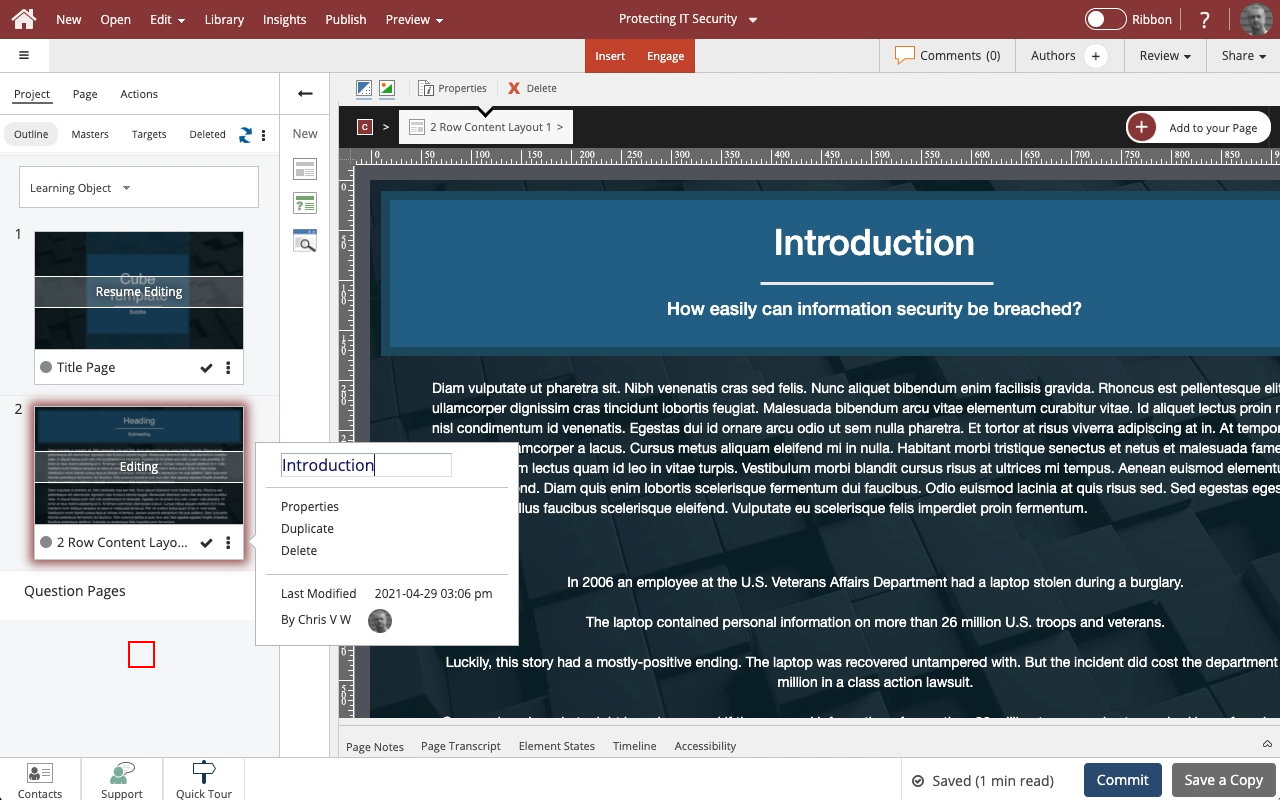
Click into the name field at the top of the panel to edit the name.
For this example, select the name field now and we'll change the name for you.
Step 3
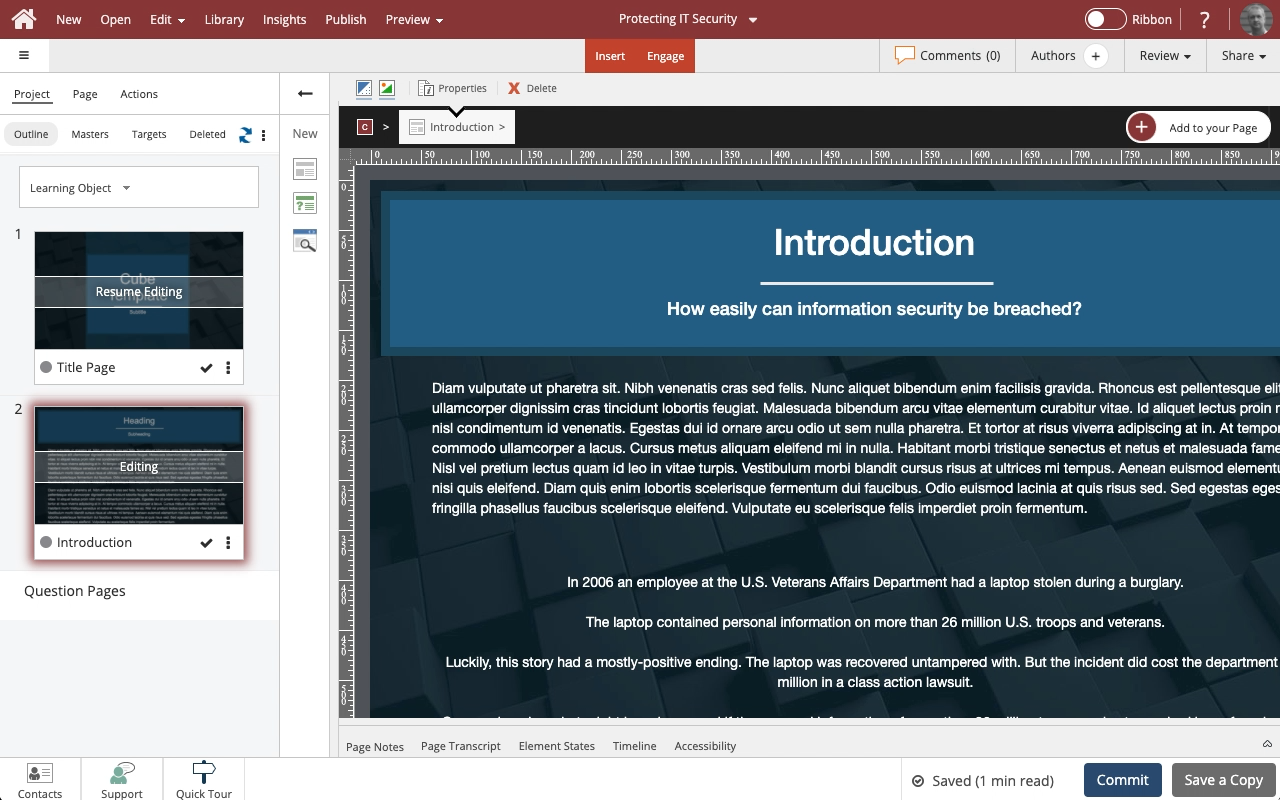
You can use your keyboard's Enter/Return key to save the edits and keep the panel open or select outside of the panel to save the changes and close the panel.
Select outside of the panel.









Comments ( 0 )
Sign in to join the discussion.