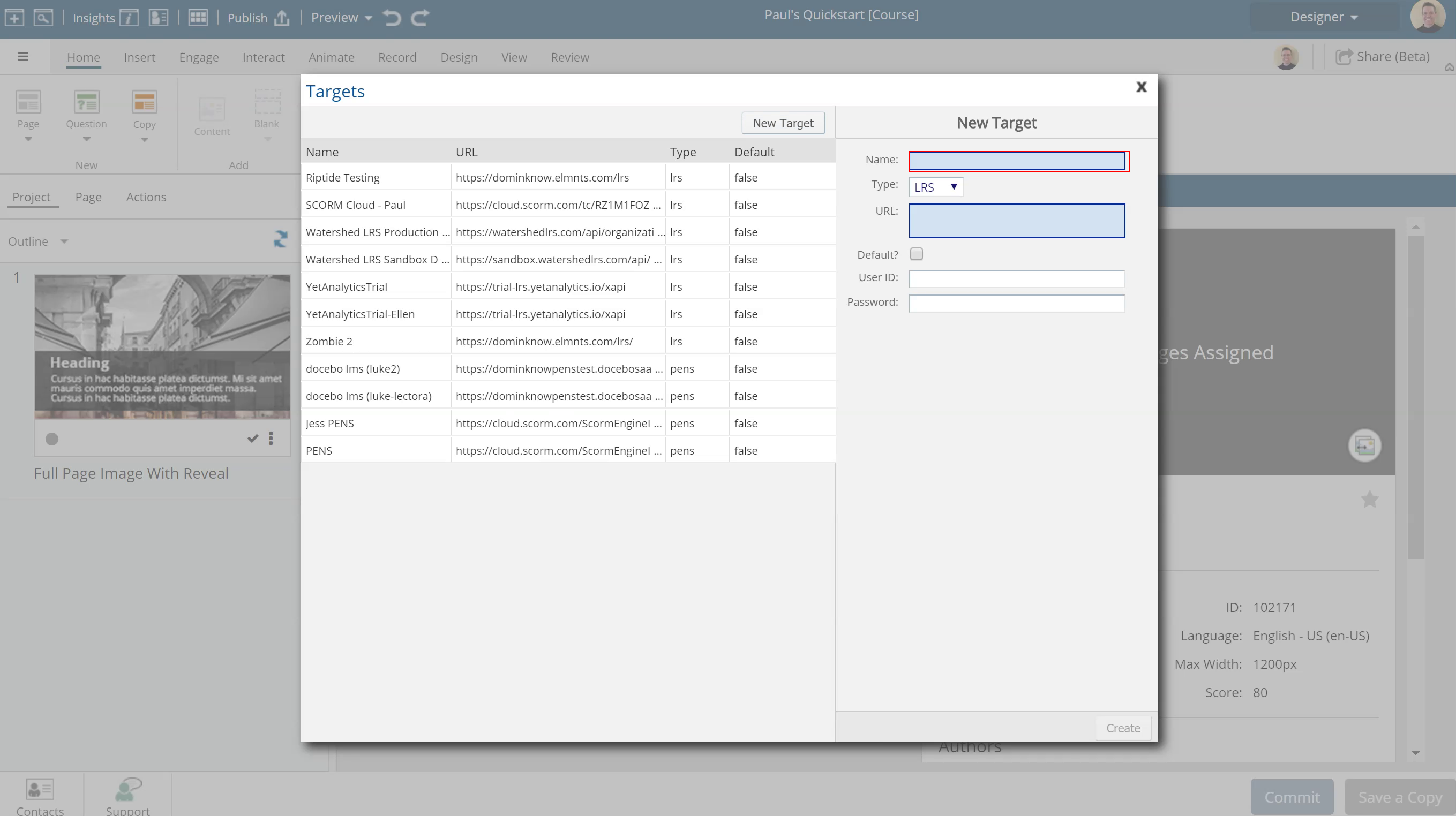
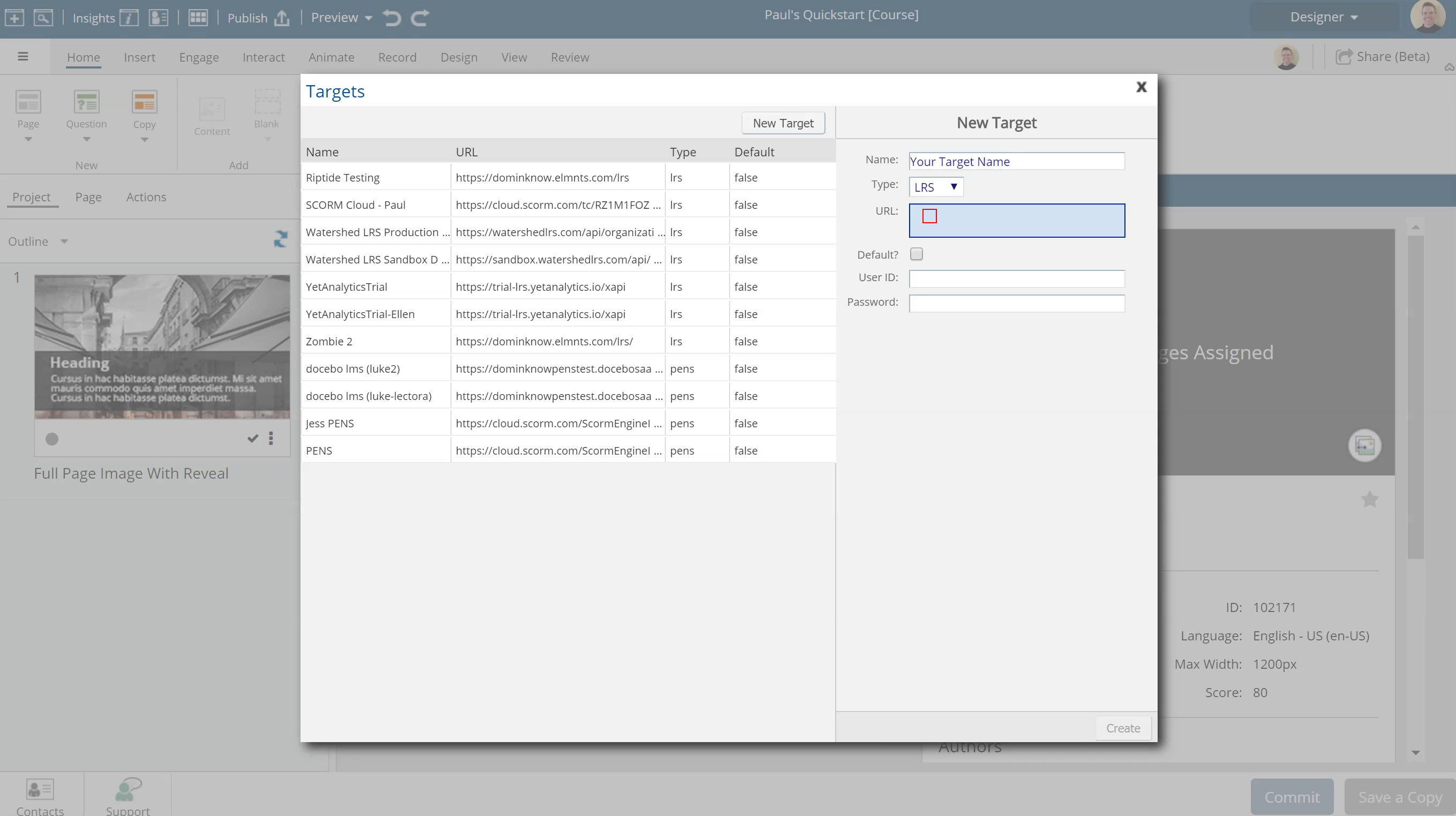
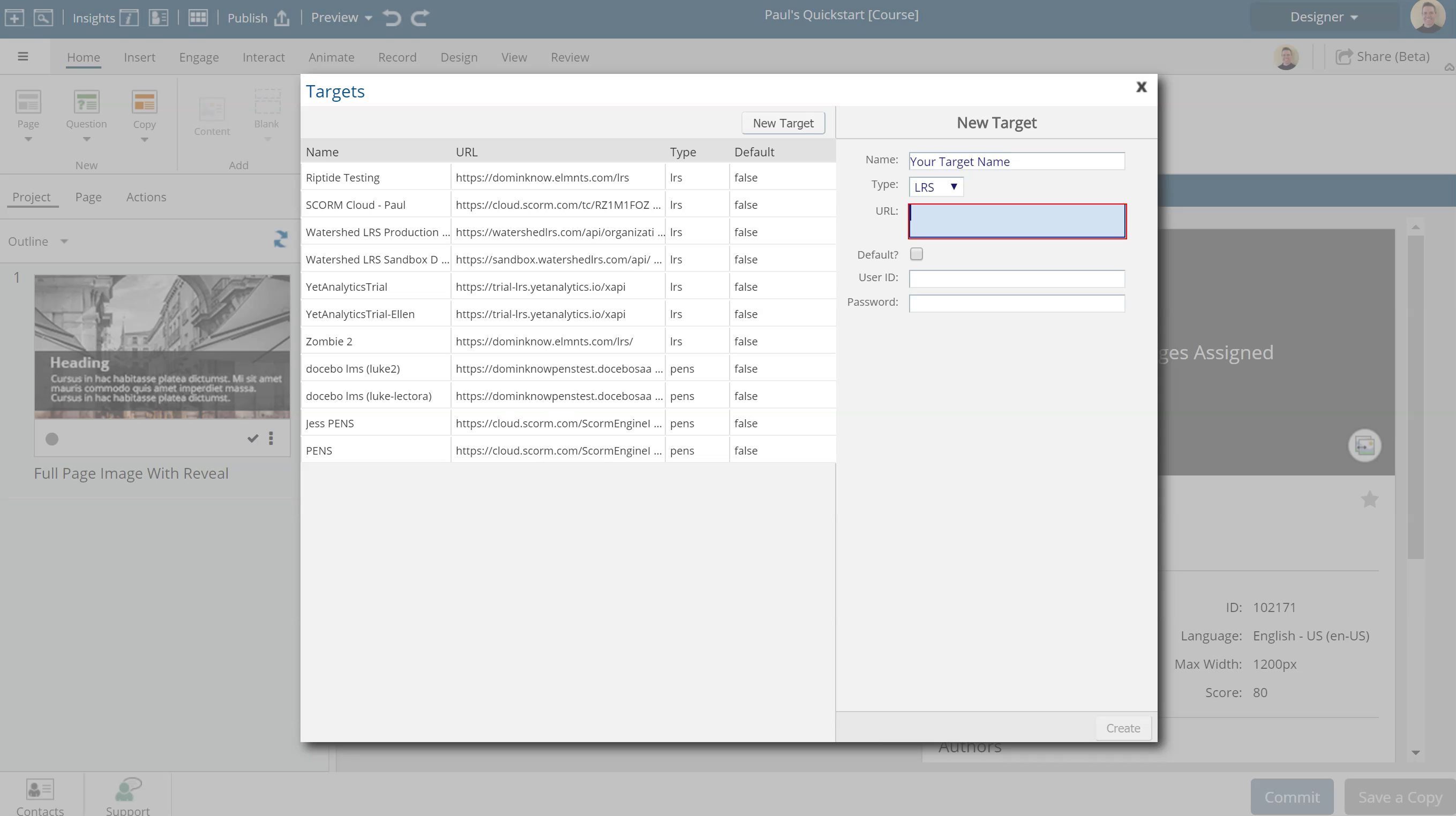
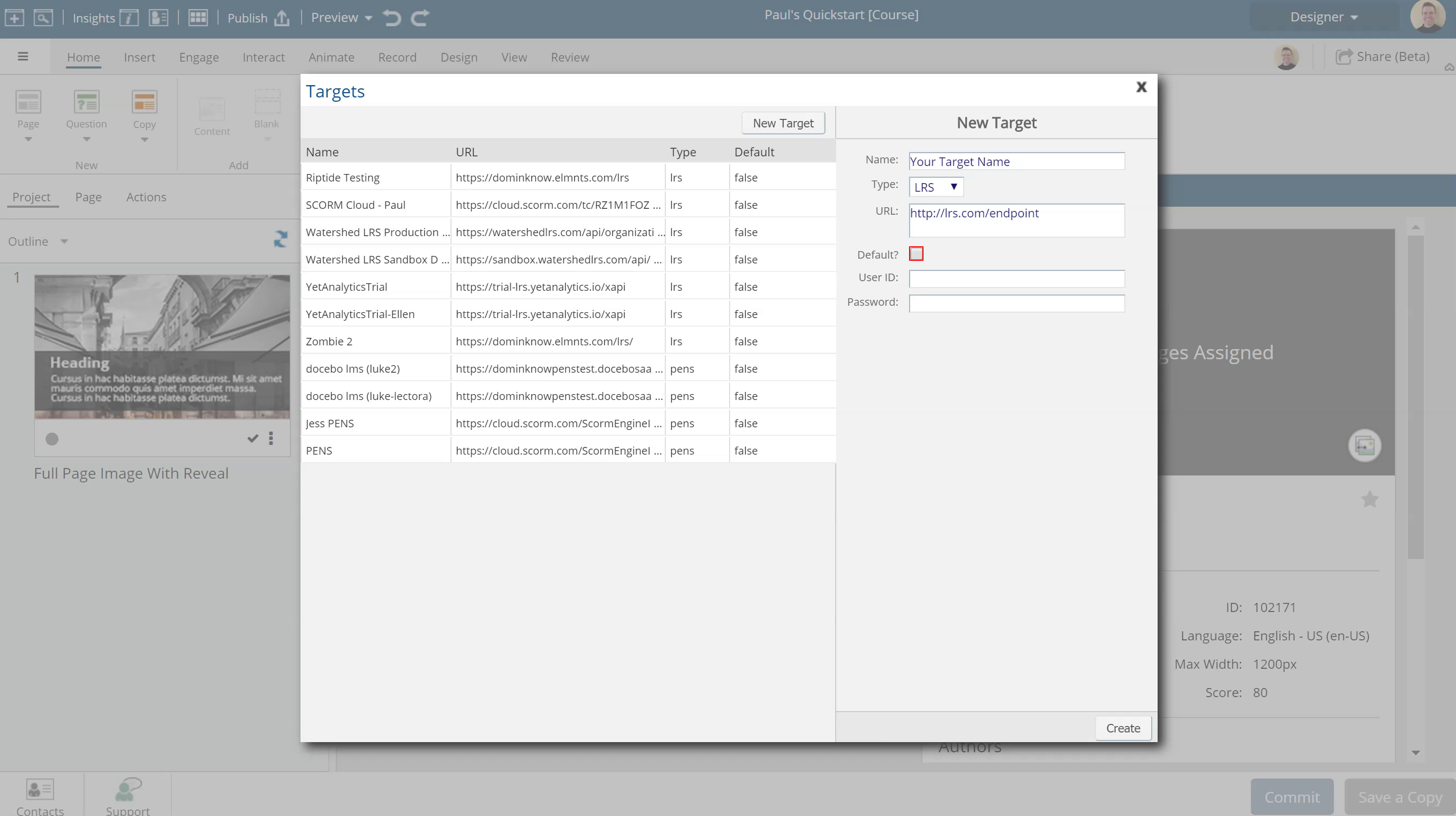
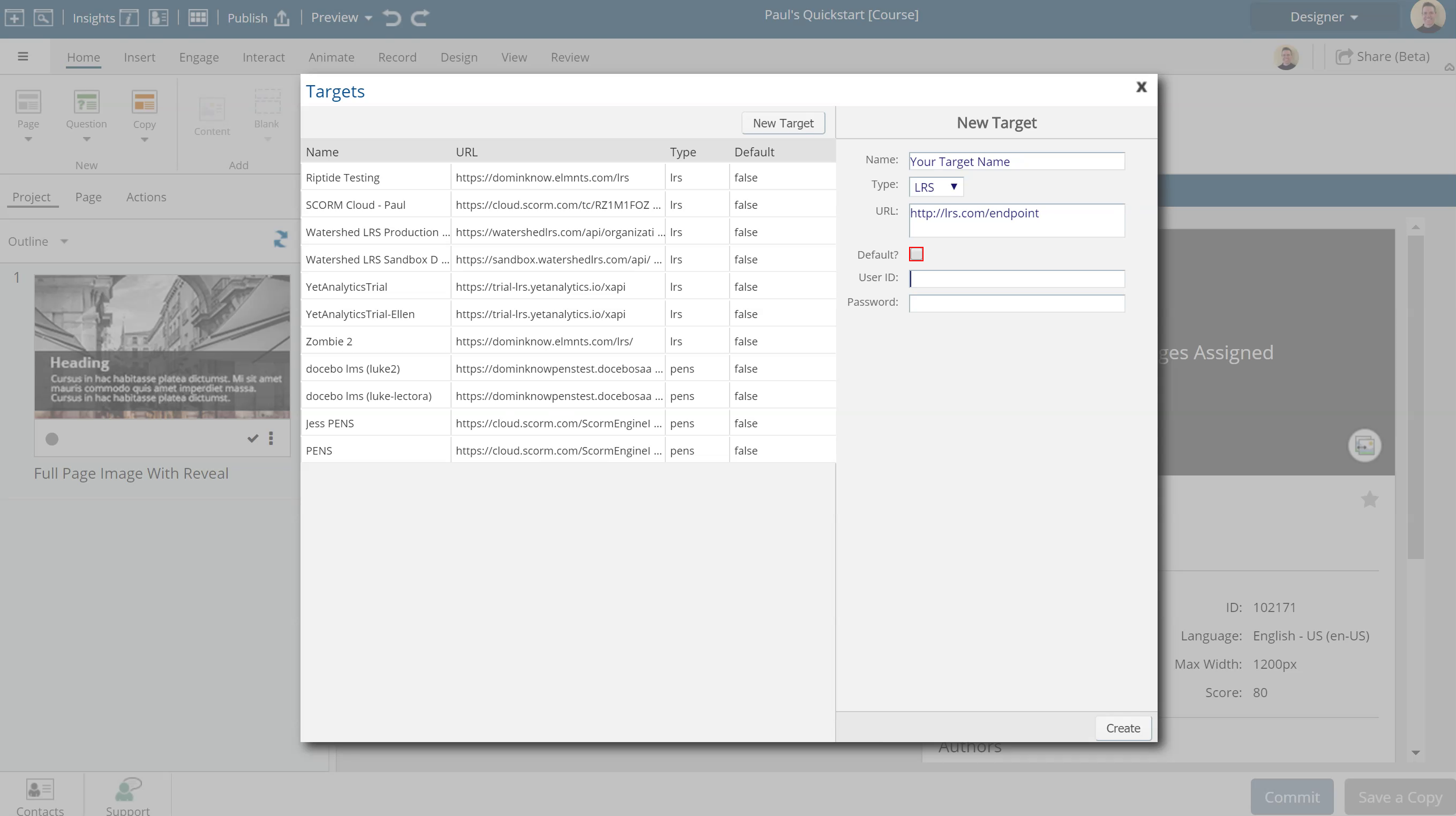
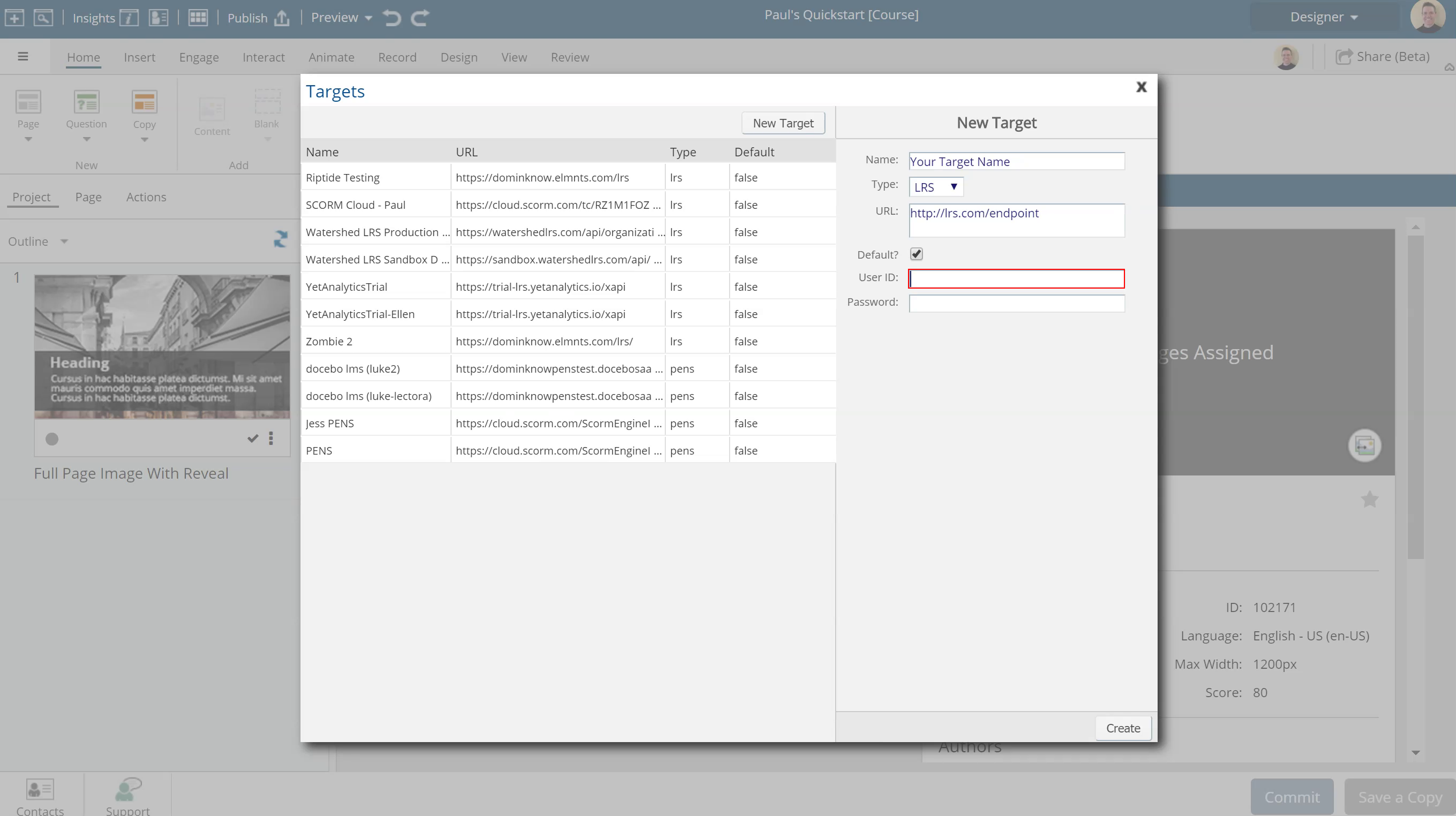
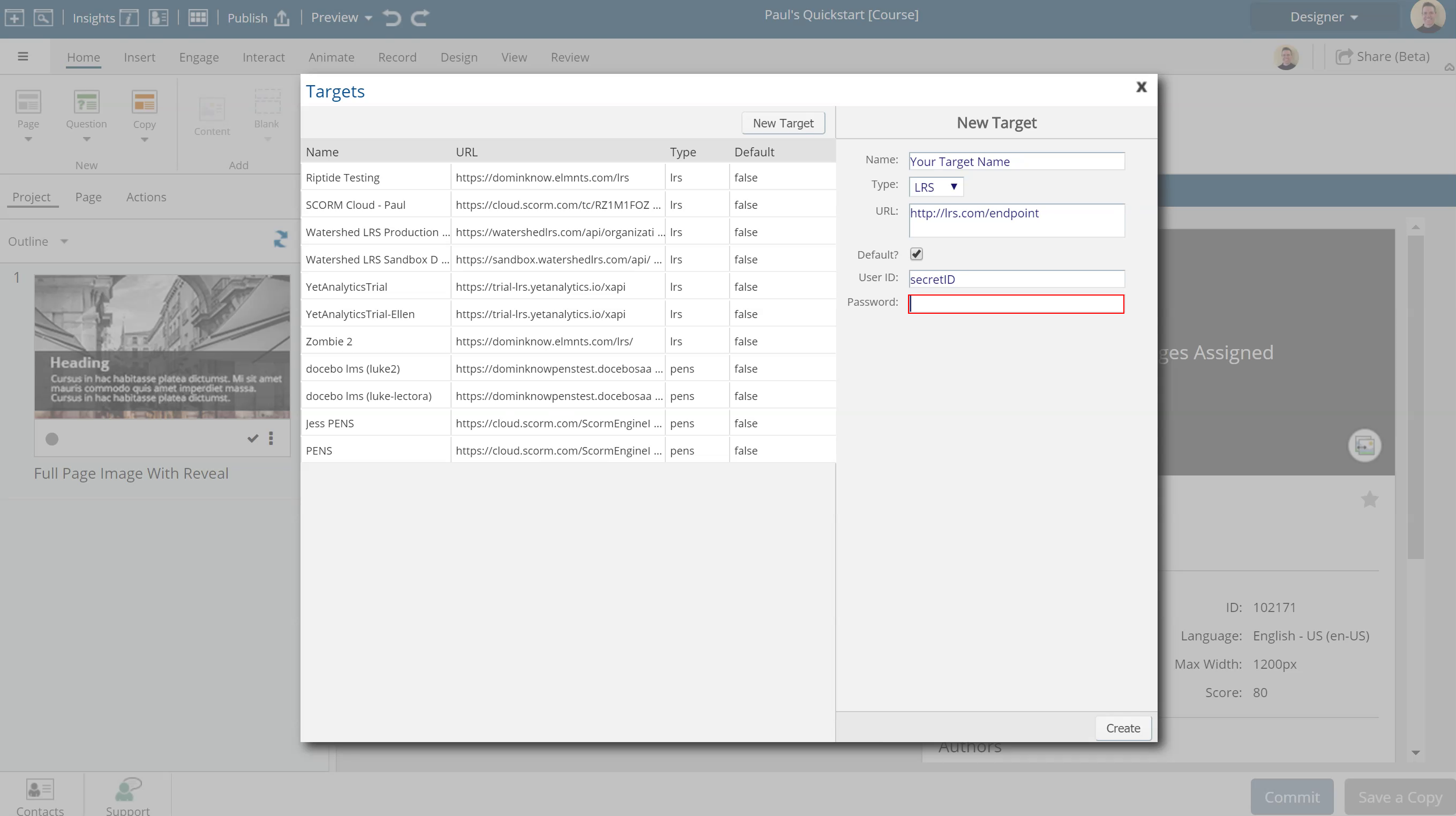
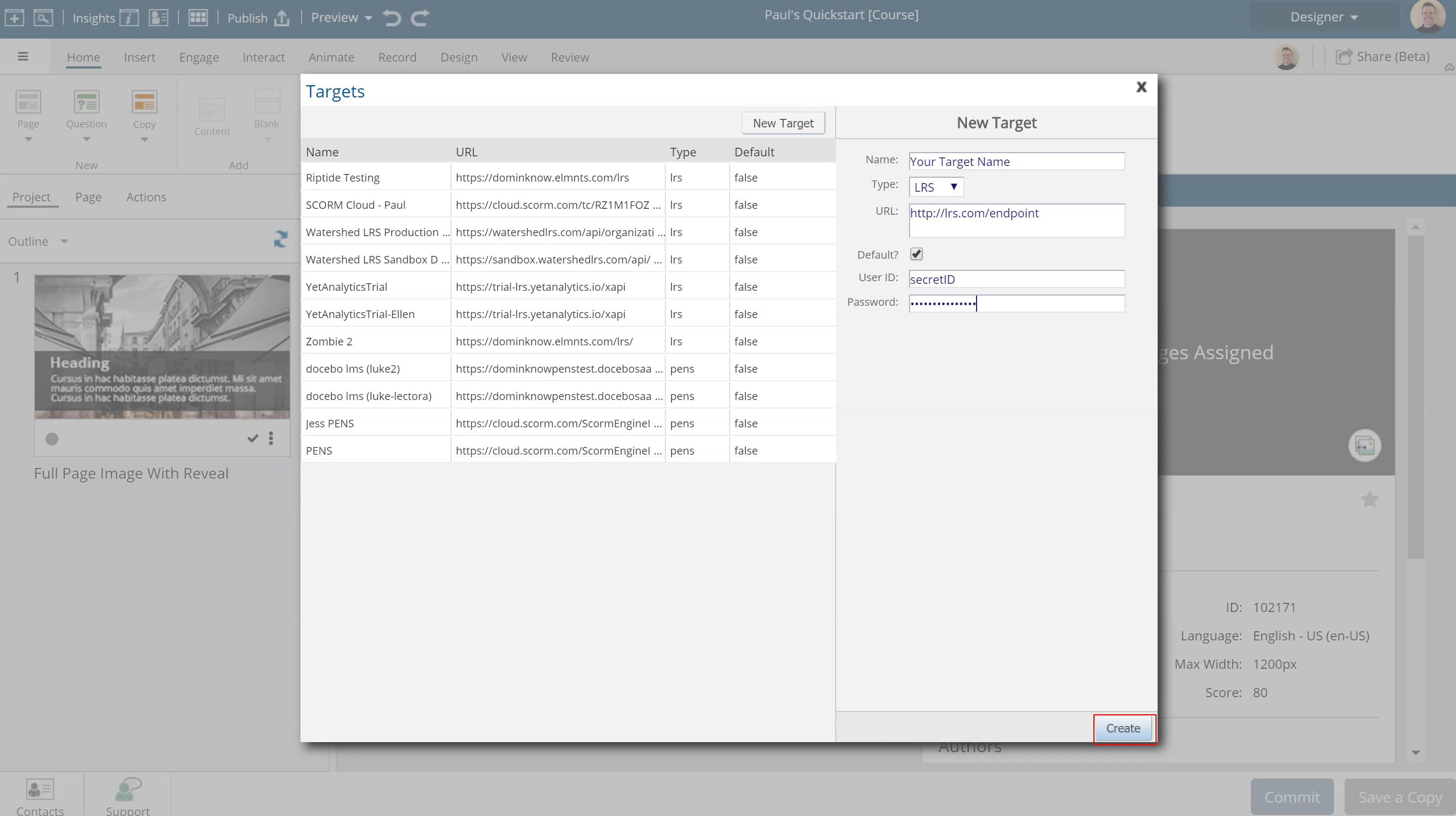
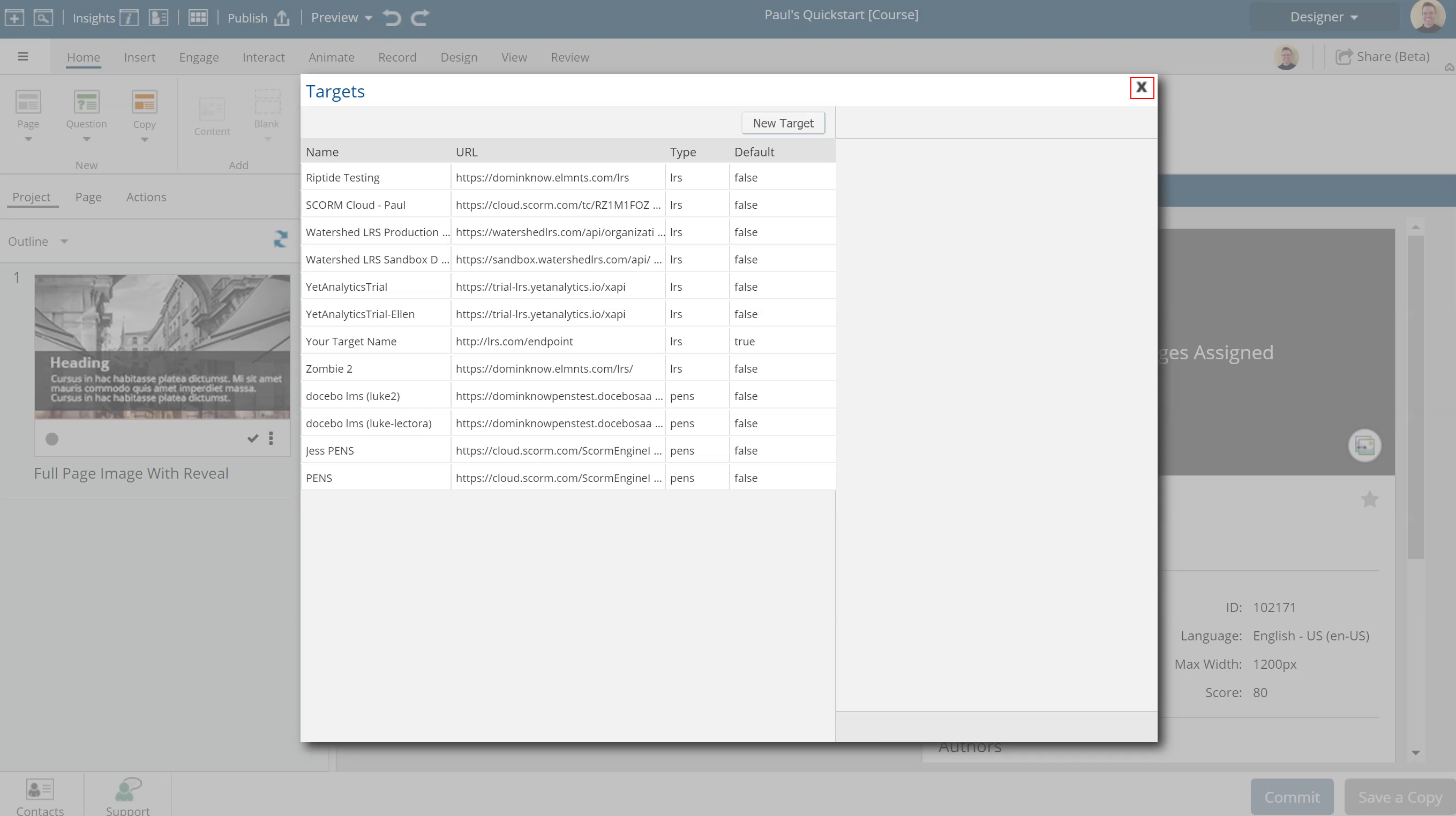
While dominKnow | ONE sends a variety of statements automatically, you can also send custom xAPI statements using actions. Learn how to create an xAPI action and pick the custom verb, type and even send variable data along with your statement details.
If you are familiar with SCORM, you know that bookmarking information is stored in CMI.Sessions information as a blob of data the course sends and recalls so it can properly bookmark and remember elements of what happened in the course the last time a learner took it.
Hi, I have a form on the first page of my course to capture learner data (name, email etc). I'd like the "Submit" button on the page to send the data as an XAPI statement to my LRS so I can record that the user has accessed the course. I would also love for the variables (First Name, Last Name) to replace the userID sent for the remainder of the interactions for the course. Is this possible, and if so, what are the parameters I need to set in the "send xAPI statement" element interaction for ...
Currently a learen will be marked as having "passed" a learning object even if they have not engaged with any part of the object. Seems to be a default. Can you change the conditions or "when" this statement is passed or earned? Current xAPI out put looks like: Attempted> Experienced> passed> "custom statements"> ex: (top to bottome reads as last statement to first statement) 2022-08-22T15:02:11.008 Amy Parent answered 'Q2 ST Pre-assessment' 2022-08-22T15:02:06.908 Amy Parent answered 'Q1 S...
I have a learning object that includes a case study with 3 decision points using inline multiple-choice questions. I want to track two things with case studies in eLearning (1) learner engagement (did the learner answer each question of the case study regardless of correctness) in some cases more granular (2) if the learner selects choice 1=incorrect, score =0; choice 2= correct, score 10 points. I have scoring variables assigned to each question that I wish to score using the question setti...
Confirm
Comments ( 0 )
Sign in to join the discussion.