Add a Tab Set to an element Placeholder on a Flow page
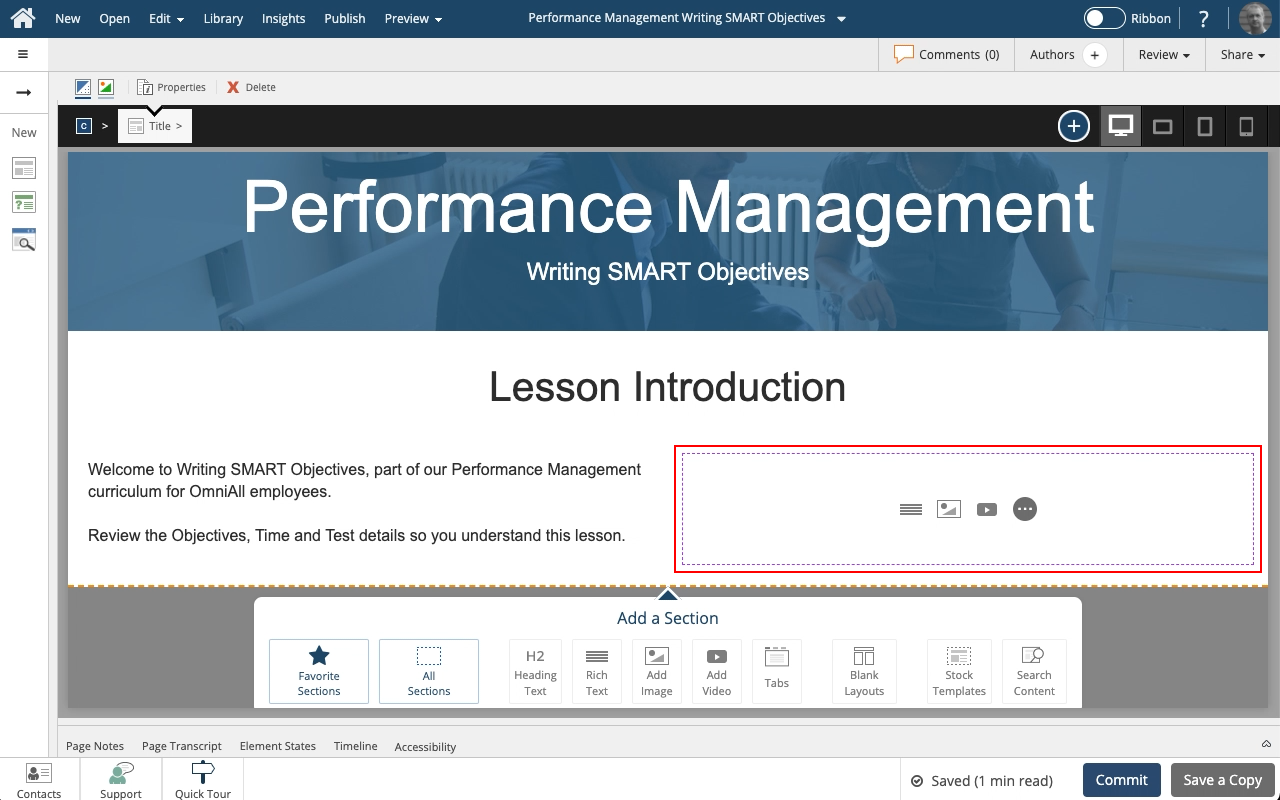
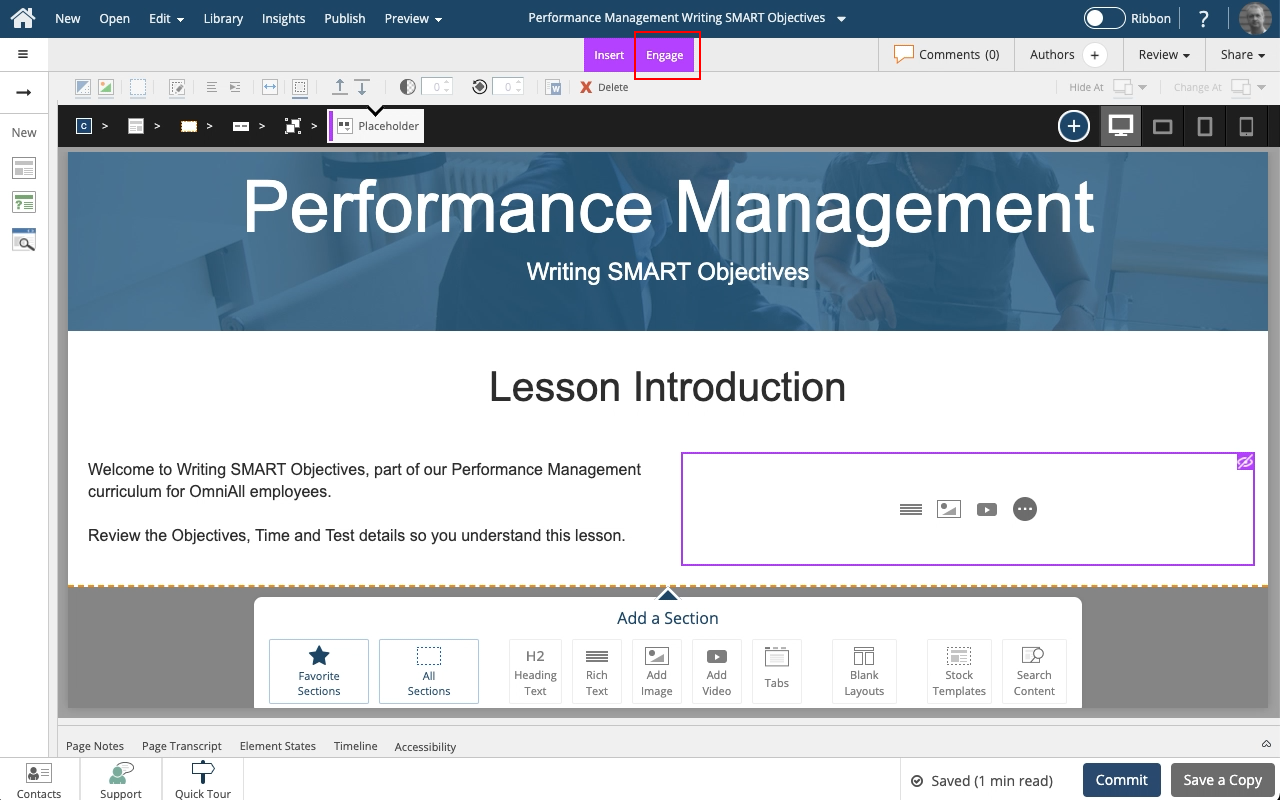
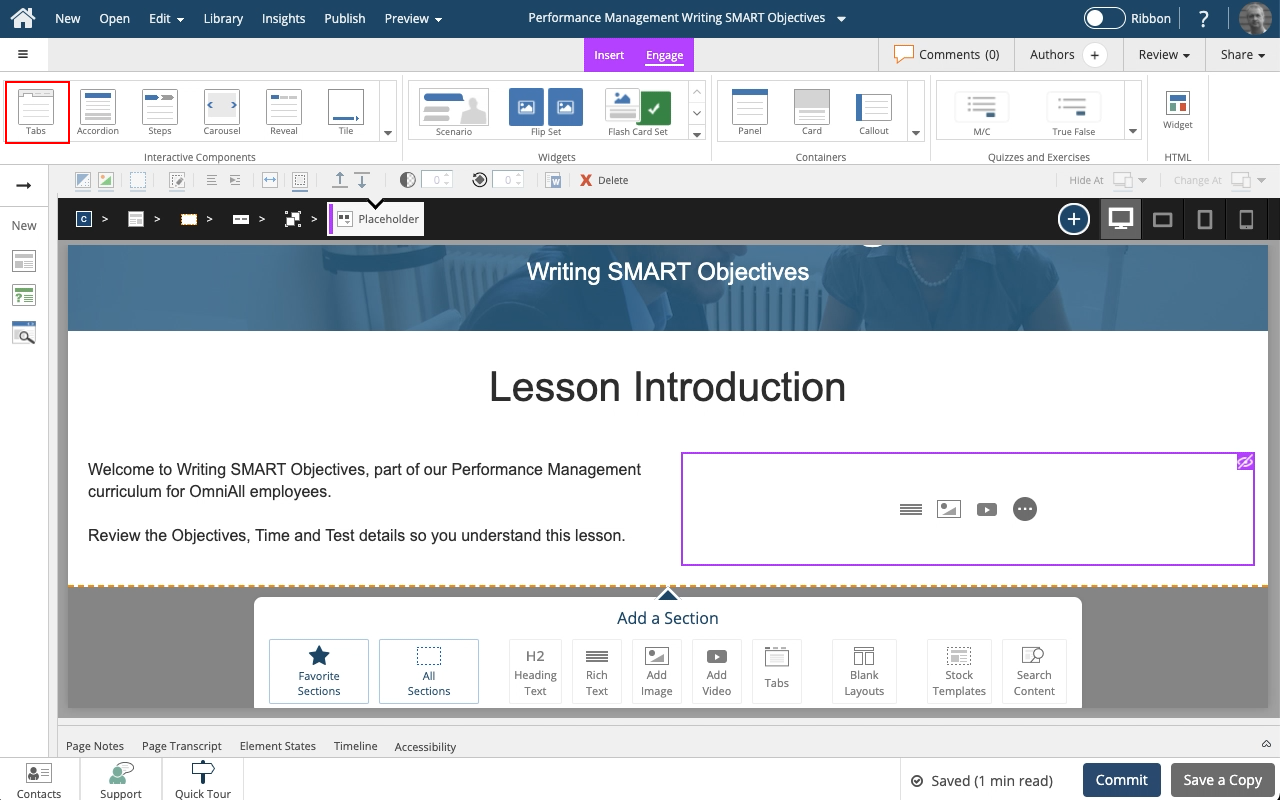
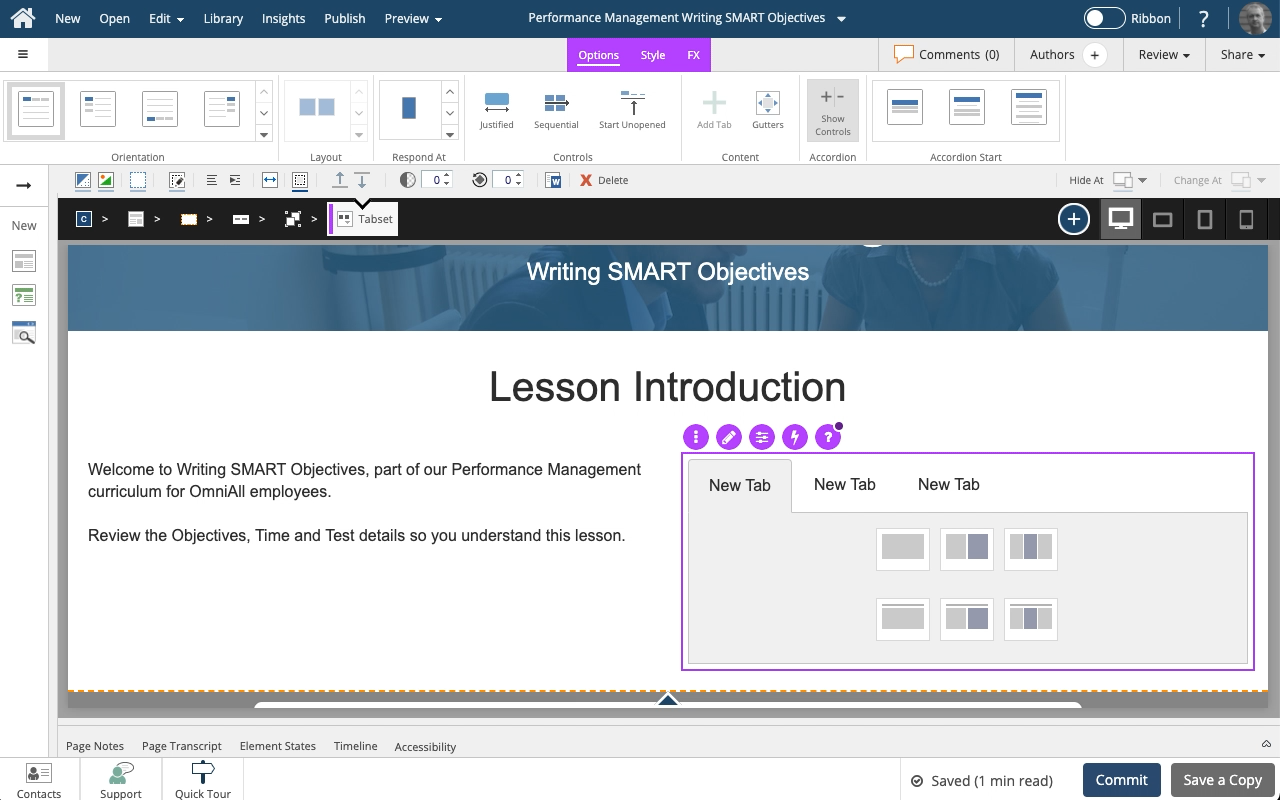
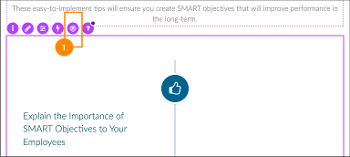
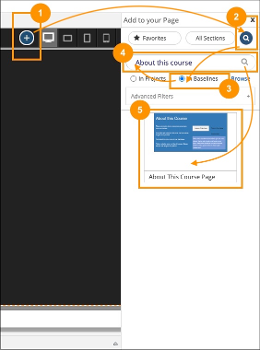
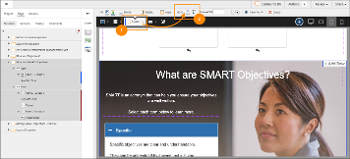
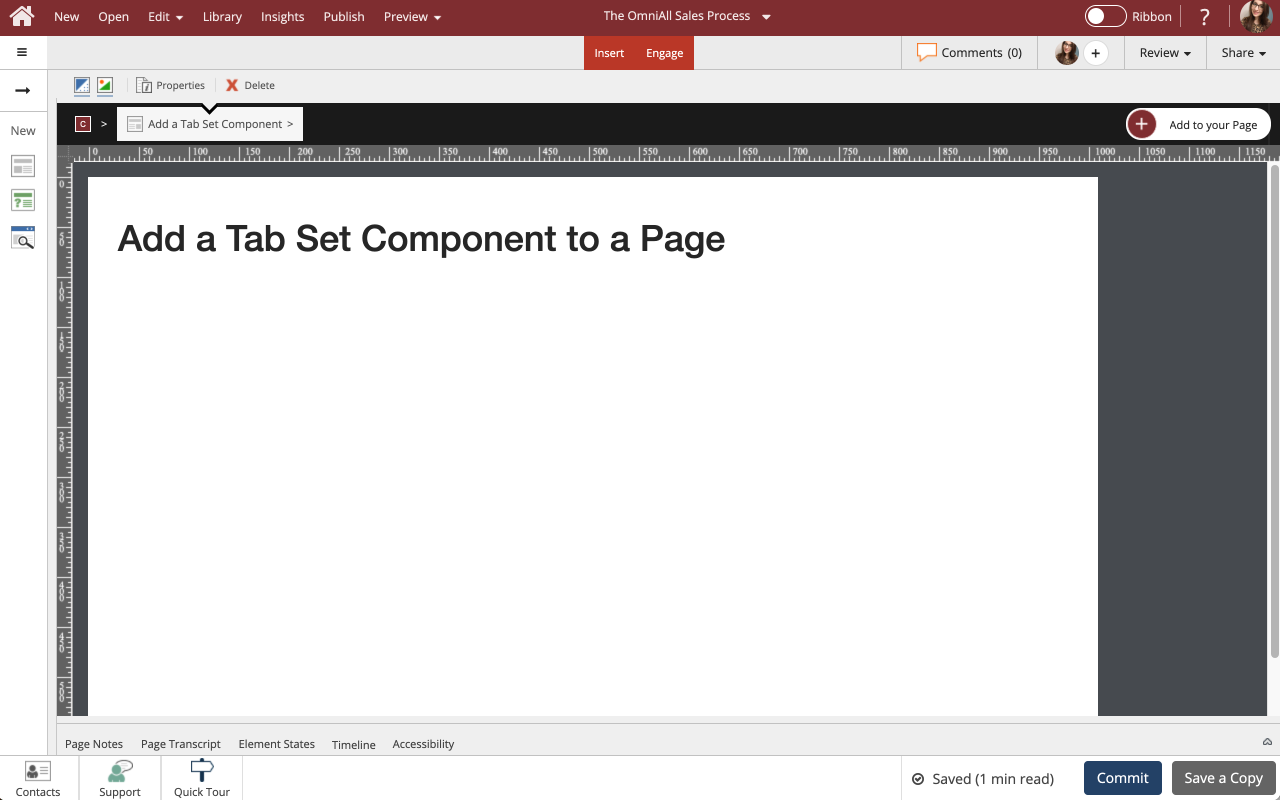
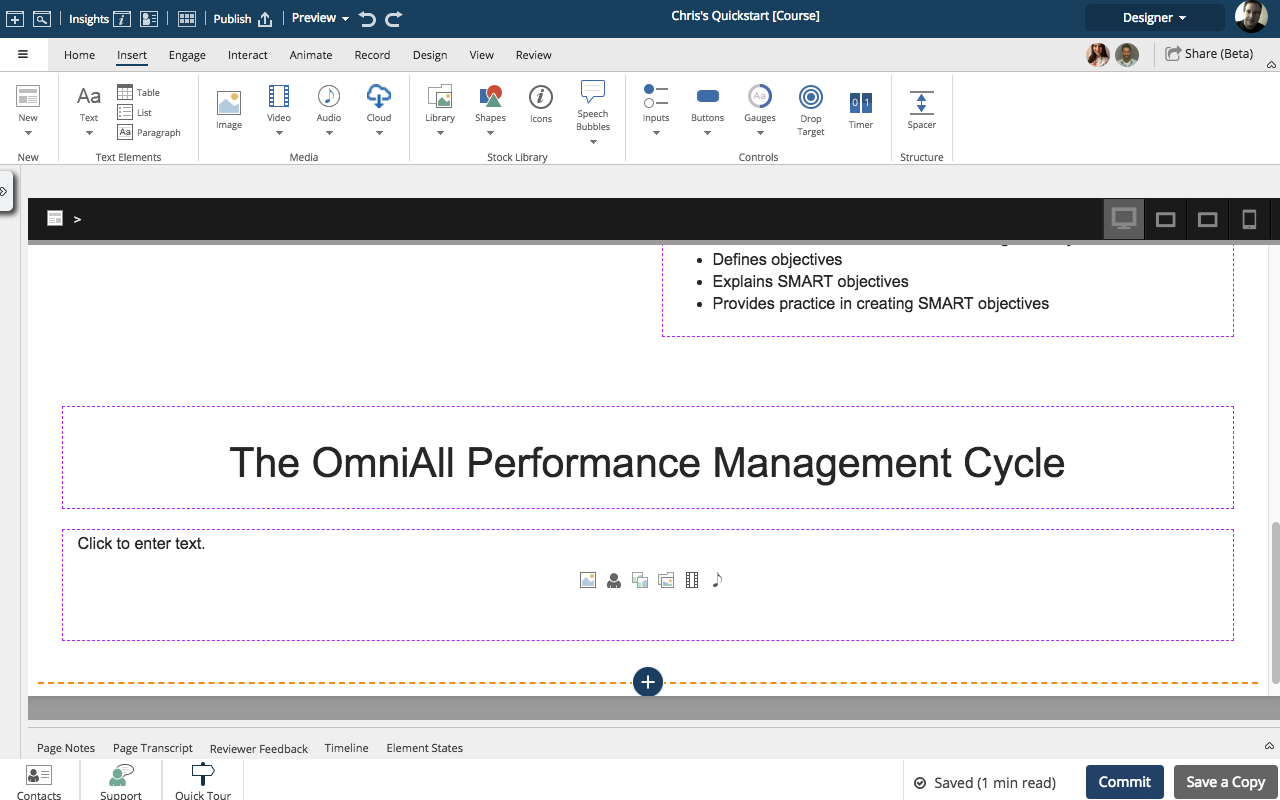
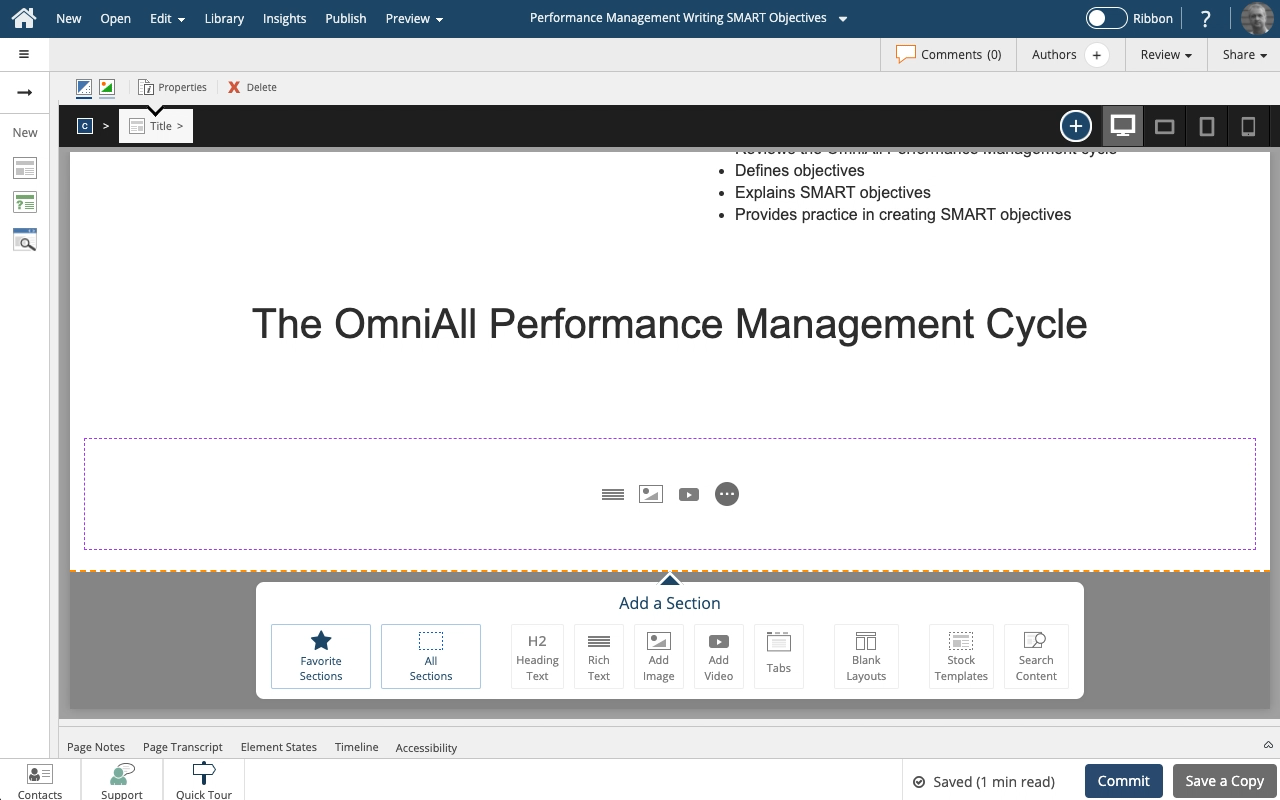
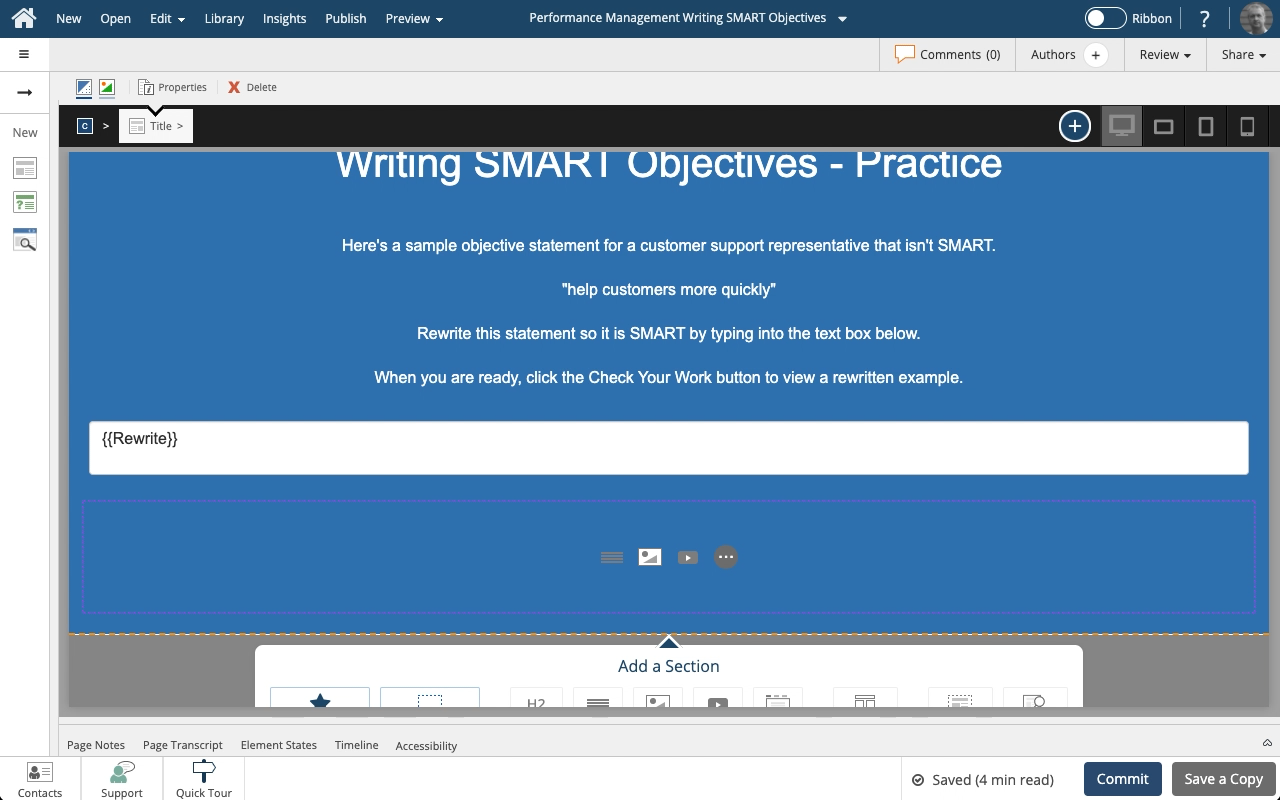
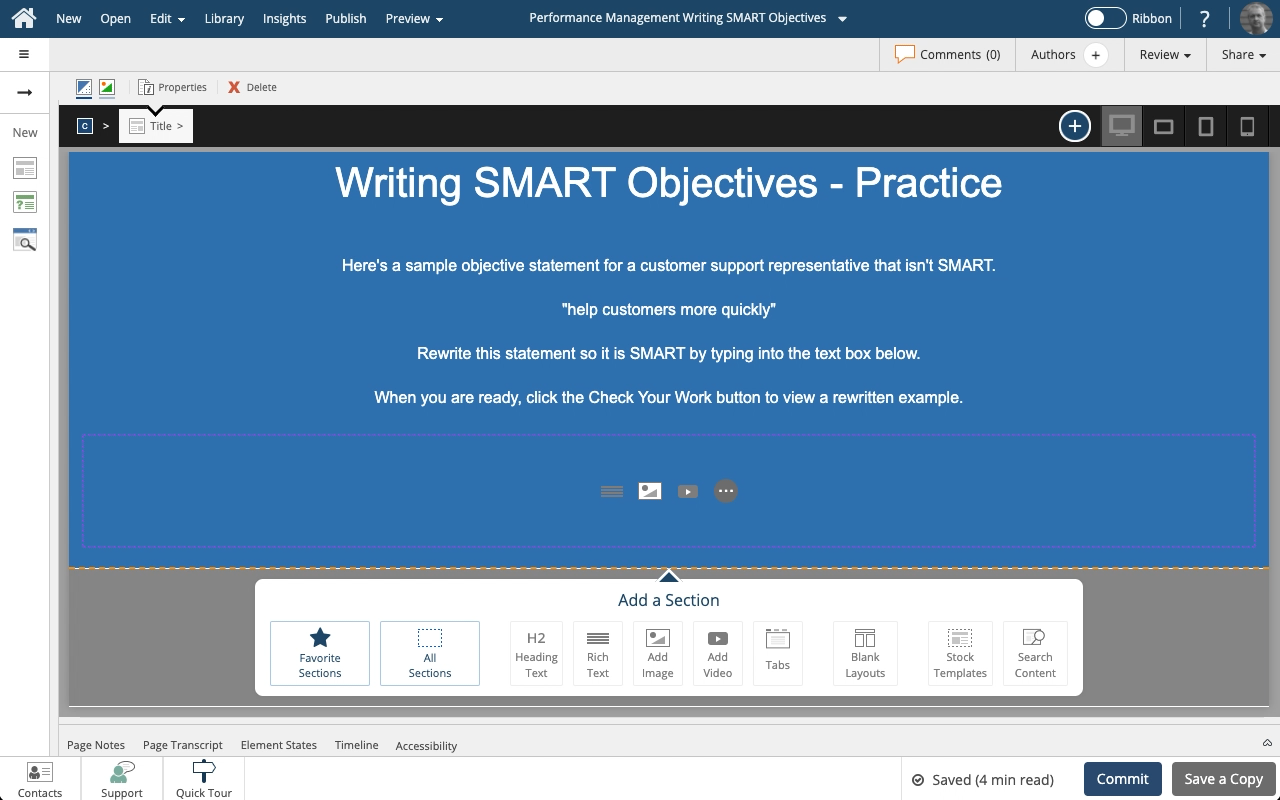
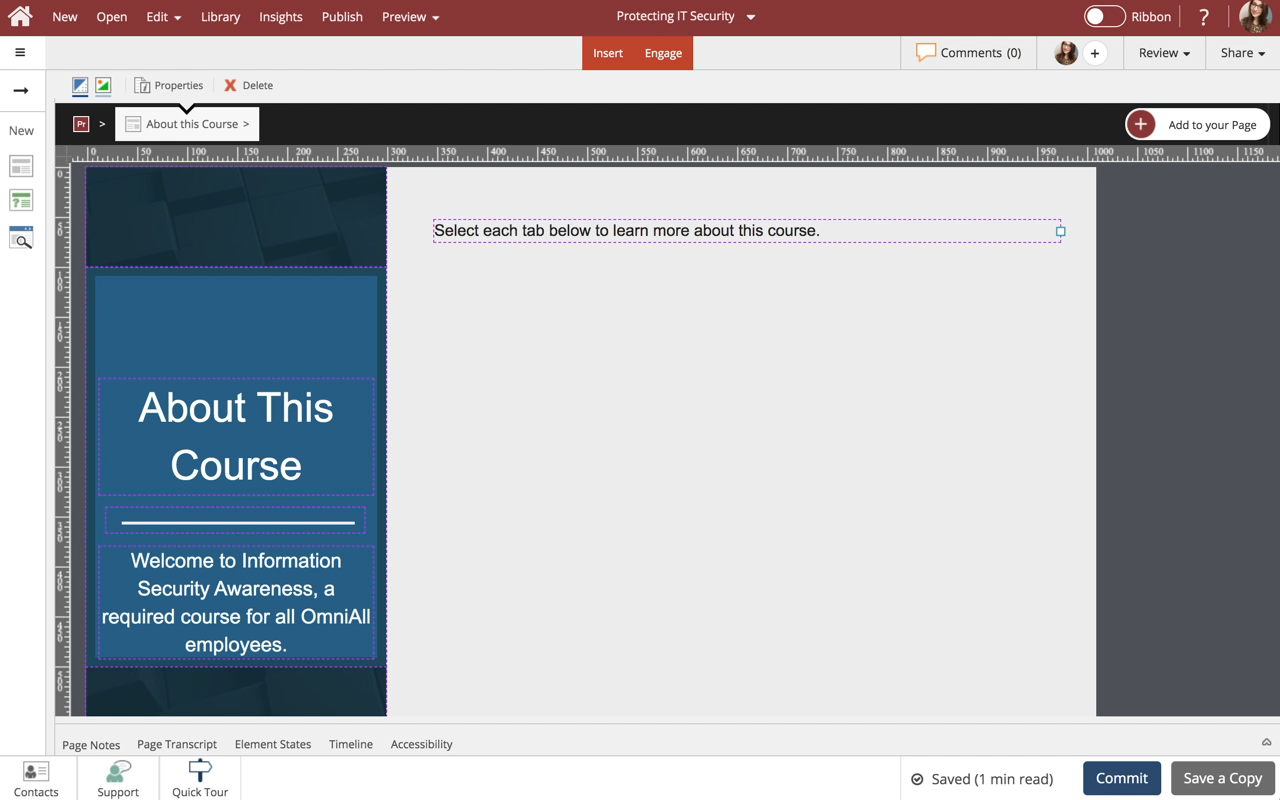
Steps to add a Tab Set component from the Engage tab to an empty Placeholder on a Flow Page.
Engage components have their own internal responsive behavior when used in Flow pages. Tab Sets, for example, can change from a horizontal tab set to a vertical accordion menu based on breakpoint. This provides a better user experience on a narrower screen such a smartphone held in portrait orientation.





Comments ( 0 )
Sign in to join the discussion.