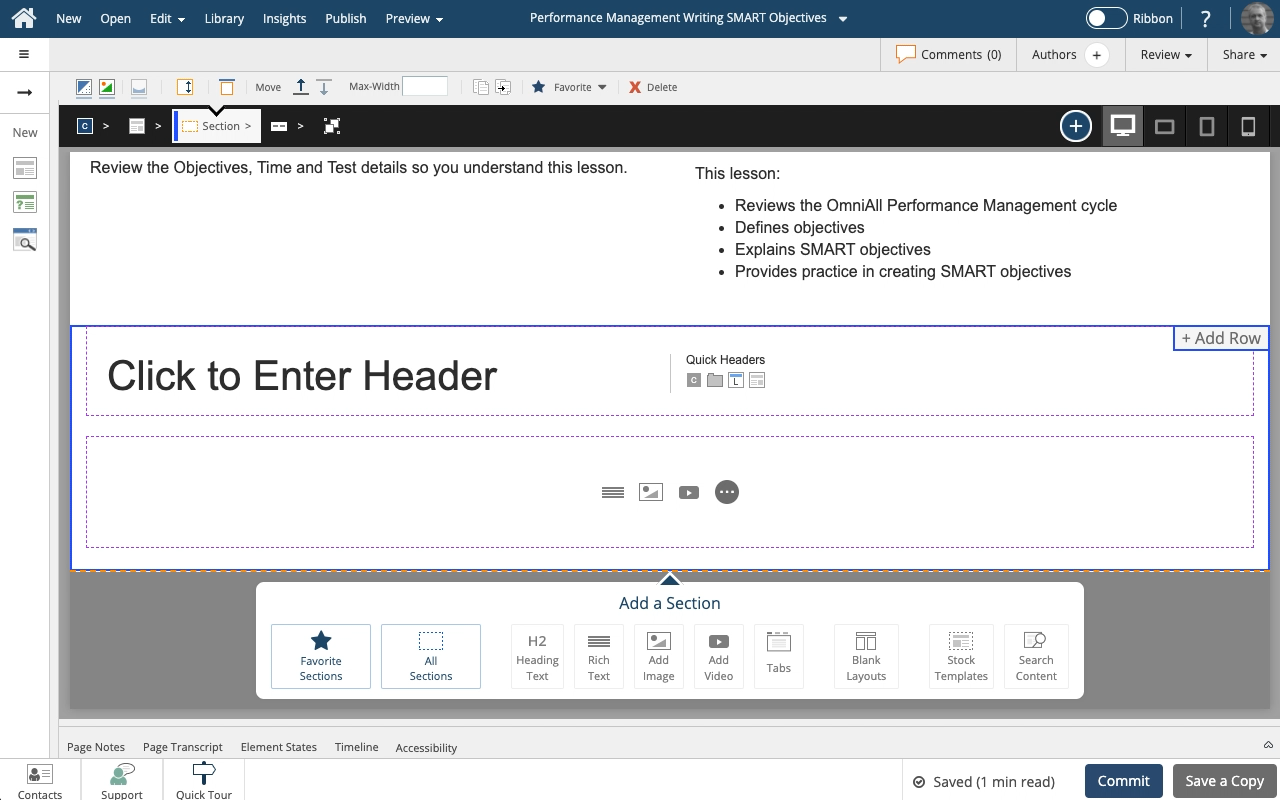
Add a blank Header and Content section to your page
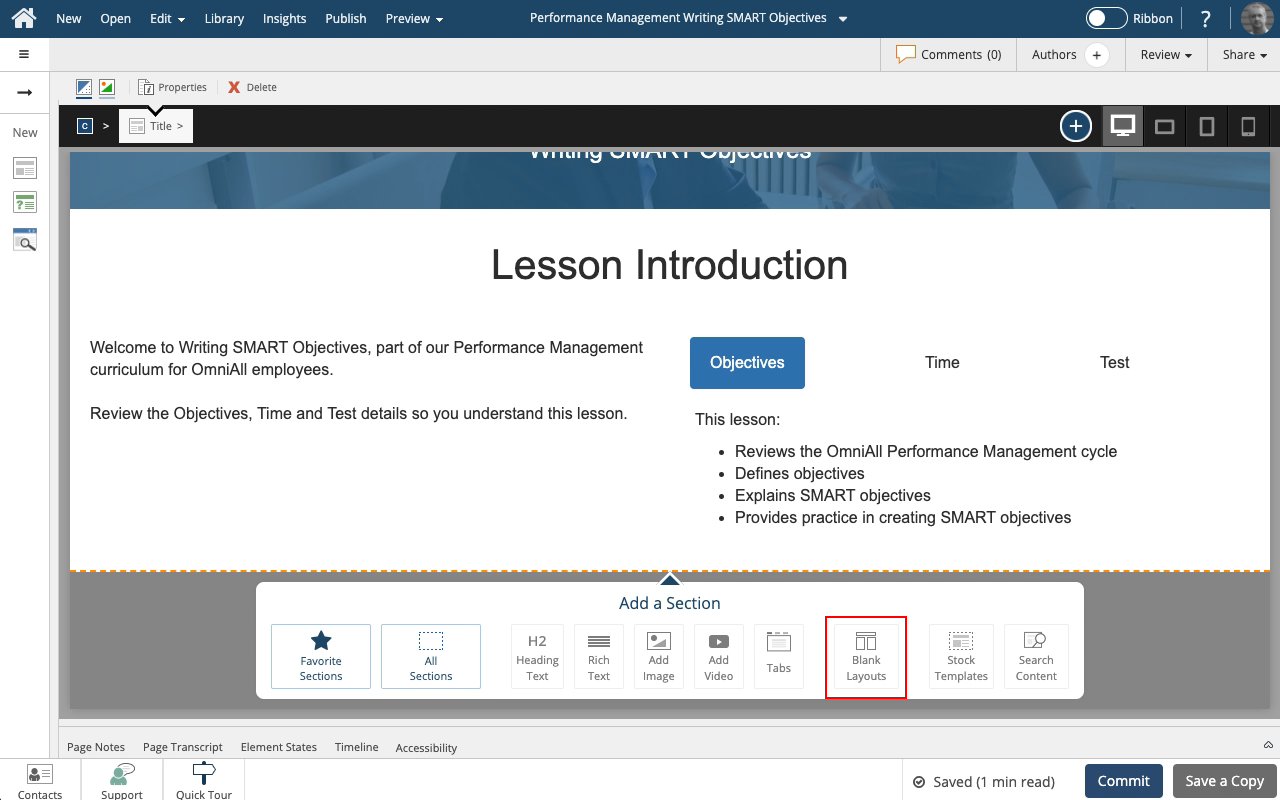
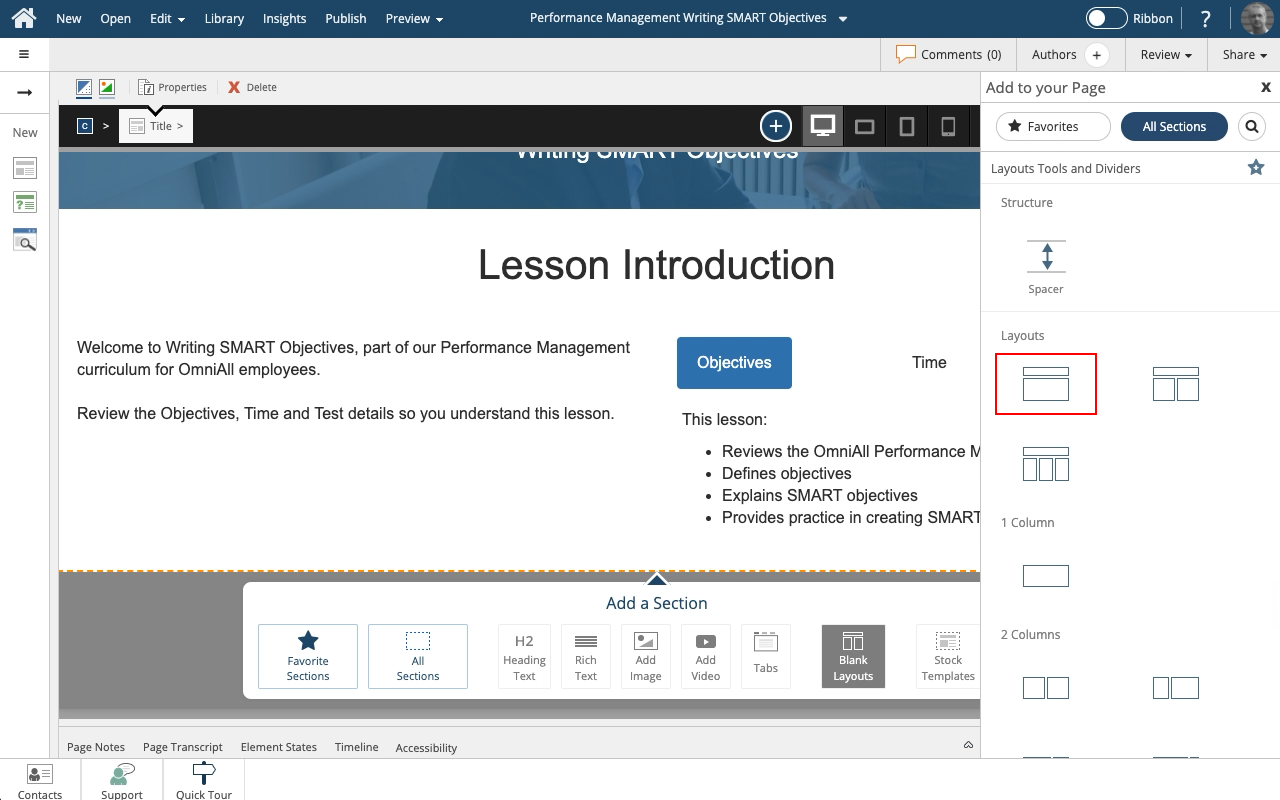
Steps to add a blank Header and Content section to a Flow Page.
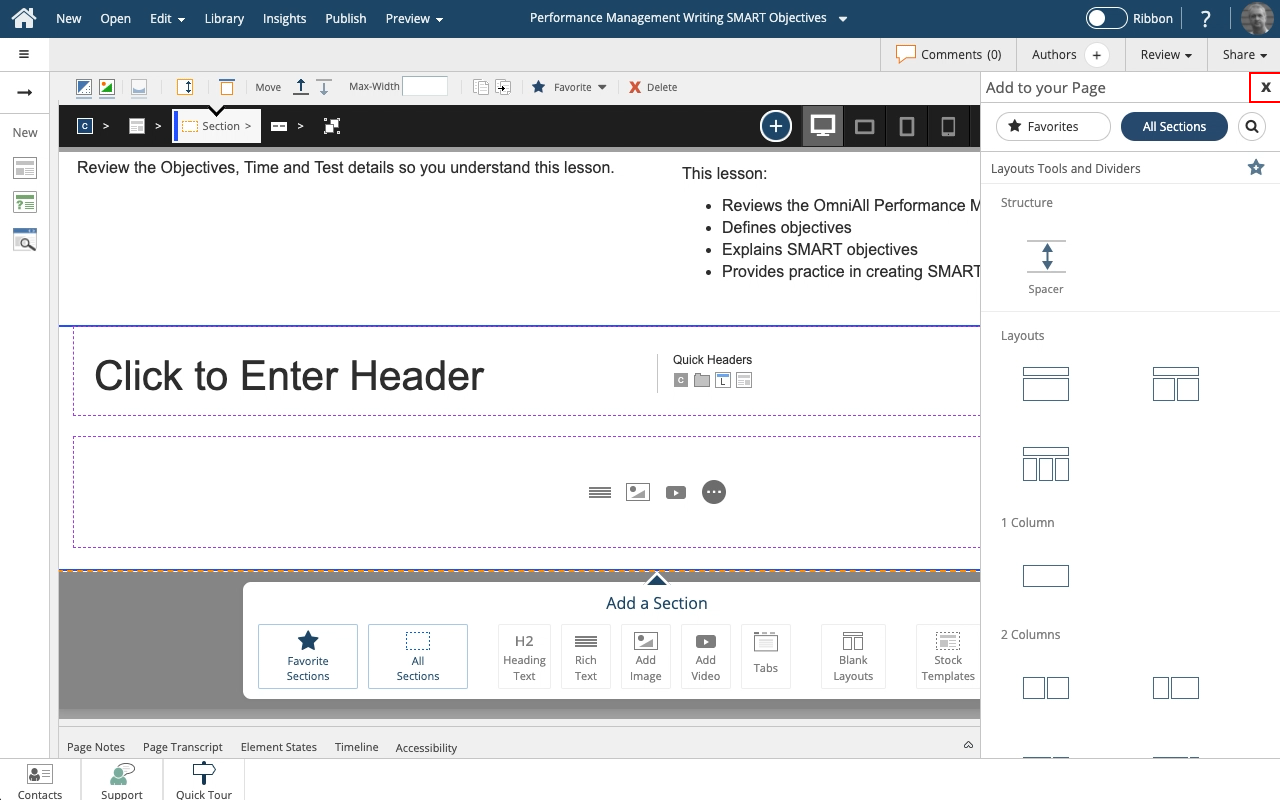
The Header and Content layout has a Header field and single, full-page width body content field.

Steps to add a blank Header and Content section to a Flow Page.
The Header and Content layout has a Header field and single, full-page width body content field.
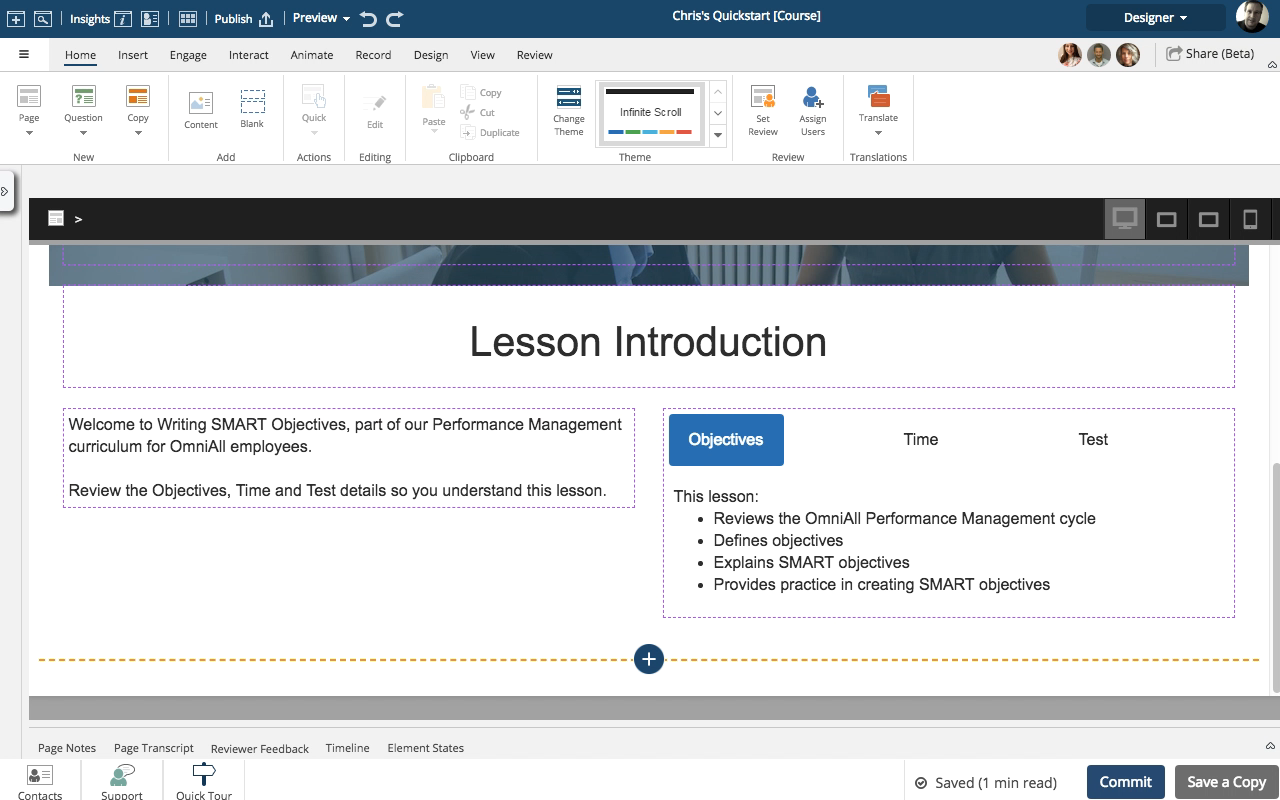
Steps to add a blank Header and Content section to a Flow Page.
The Header and Content layout has a Header field and single, full-page width body content field.
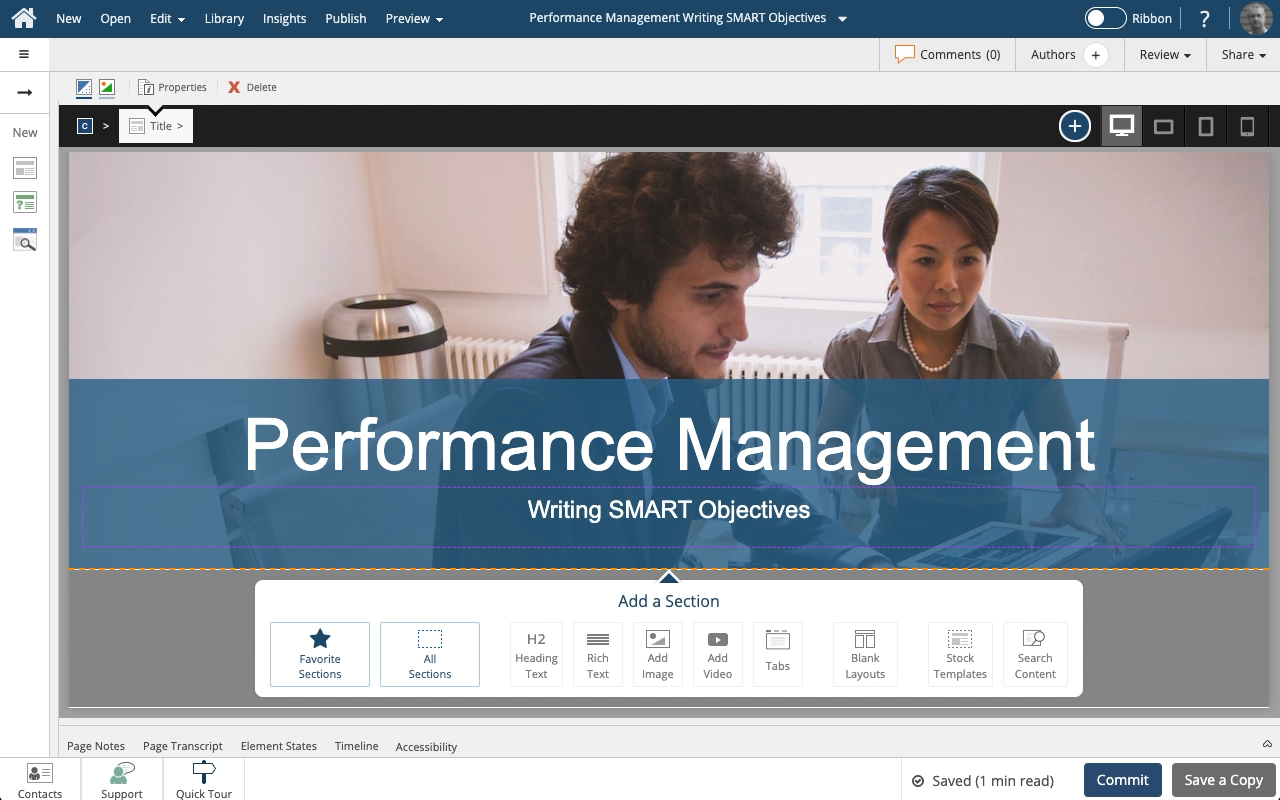
Flow pages have no fixed height. You can add as much content as you need or want.
This means you can use scrolling as a design experience.
You see this in many modern websites, or even in social media apps where scrolling is the basic way of navigating content.
This lesson shows how to add a Blank section layout to a Page.
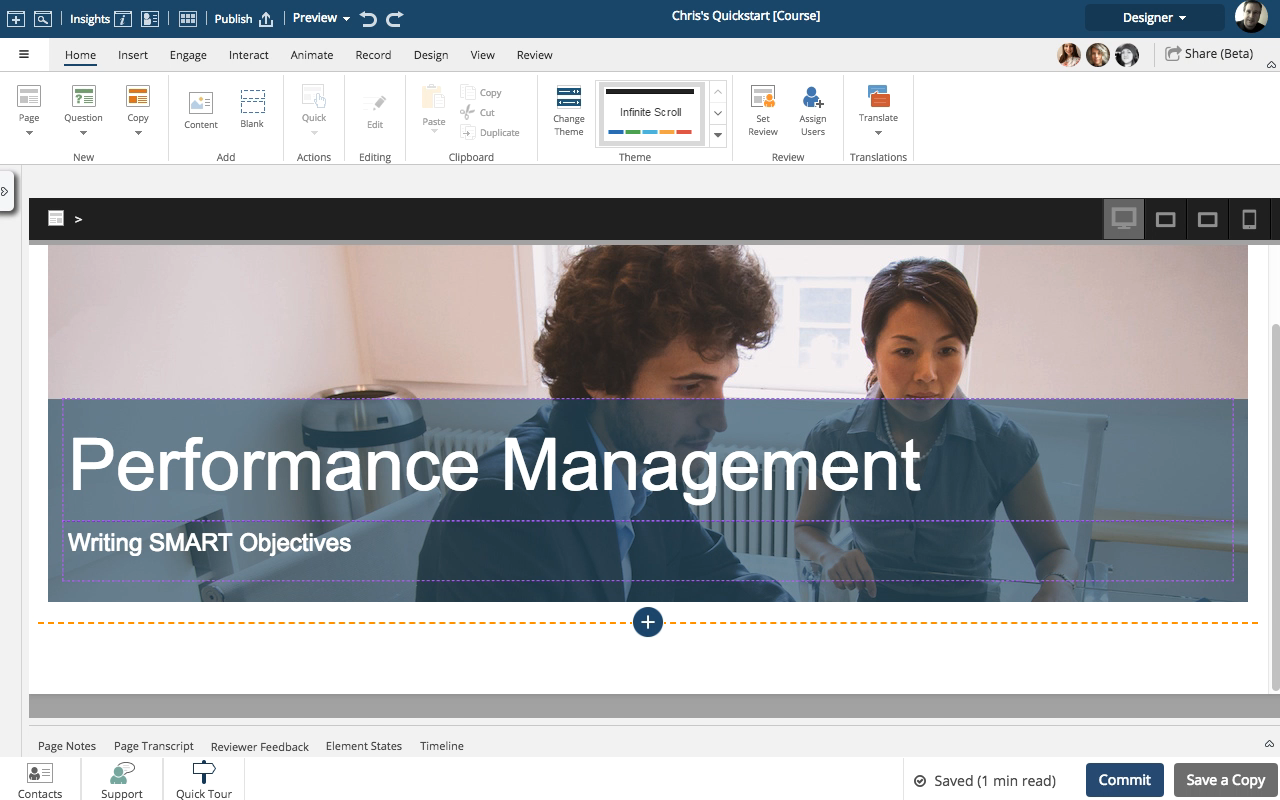
Flow pages have no fixed height. You can add as much content as you need or want.
This means you can use scrolling as a design experience.
You see this in many modern websites, or even in social media apps where scrolling is the basic way of navigating content.
This lesson shows how to add a Blank section template to a Page.
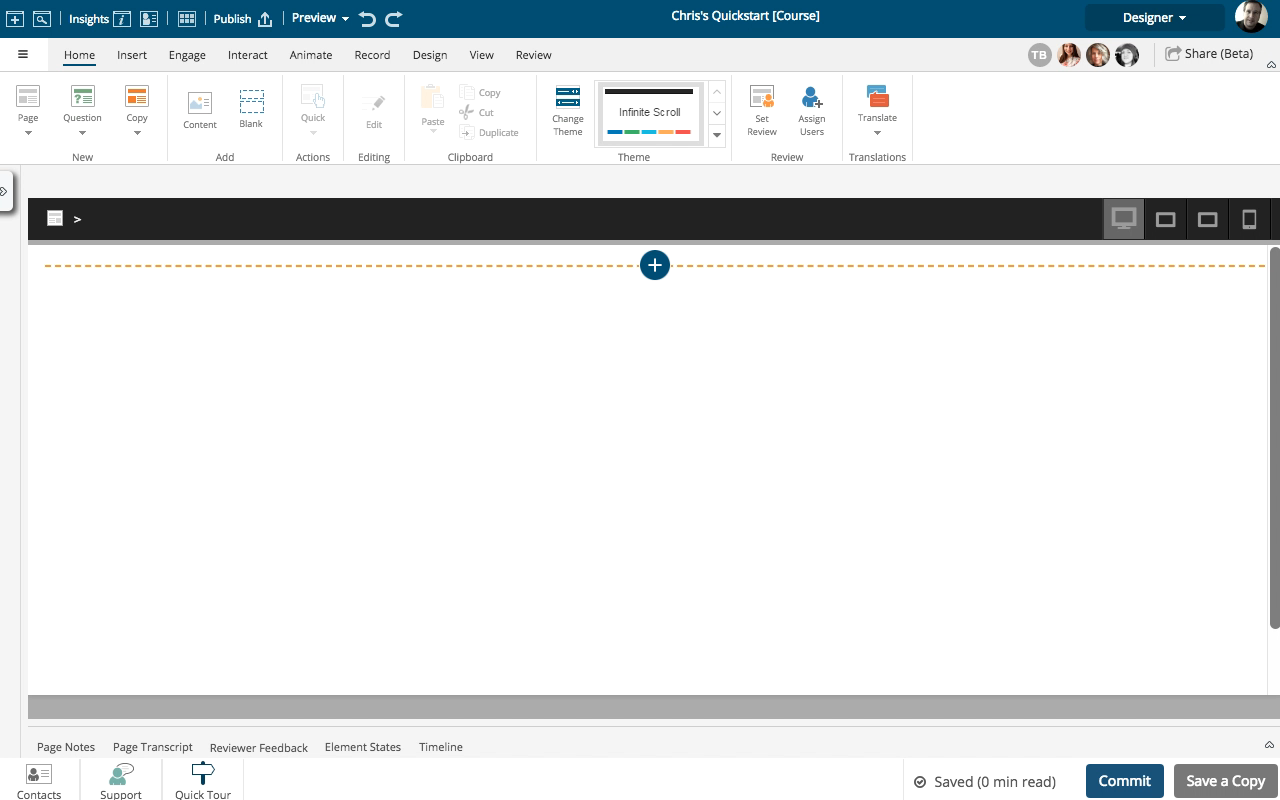
Steps to add a pre-made Section to a Flow page.
There is a wide range of available Sections that can be used by following these steps. This example shows adding a Section with a Title and Subtitle.
Adding multiple Sections to a Flow page is a great way to create a longer, scrolling experience for your learners.
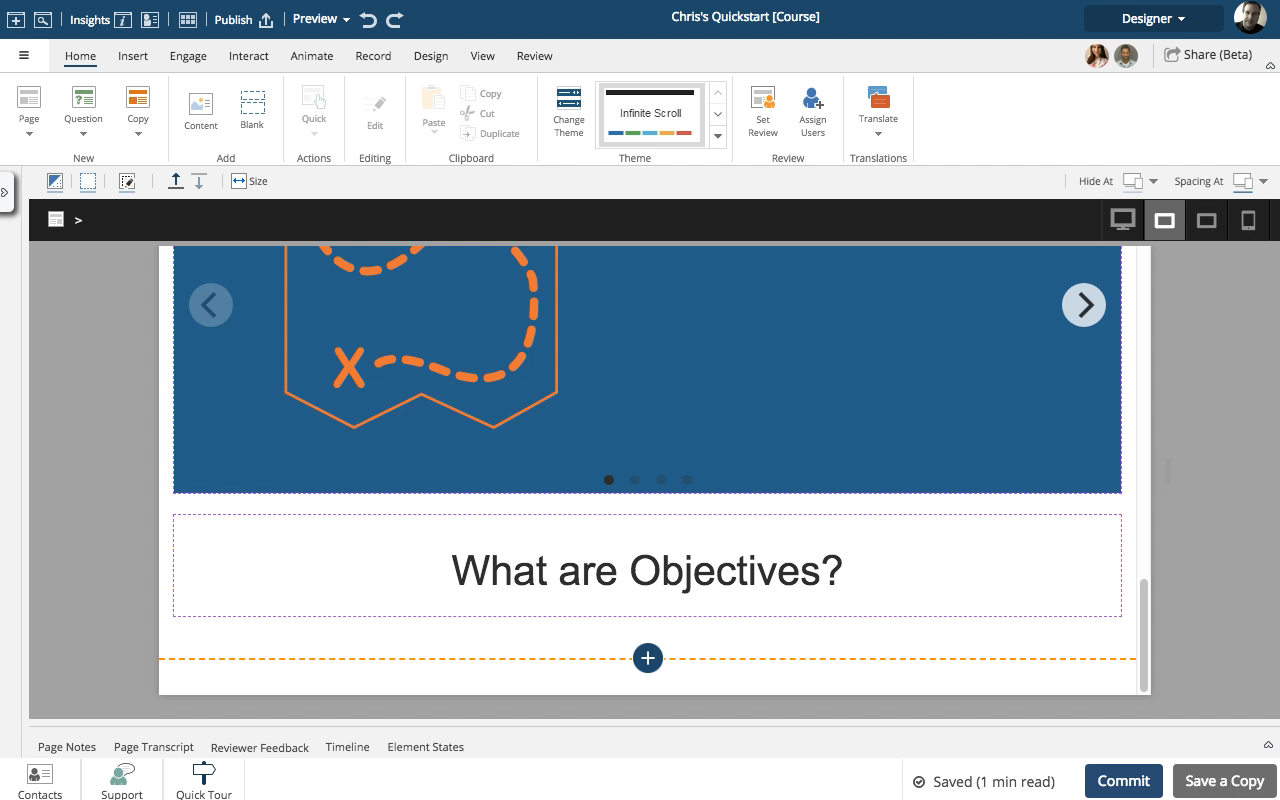
You can create a custom Section by starting with the Add a Blank Row option under the blue + sign at the bottom of your Flow Page then adding more Rows to that Section.
This lesson outlines how to add more Rows to the intial Section.
I am working with draft content and want to re-arrange the layout, moving complete sections that contain one graphic with many markers each to an accordion engagement on one page. Is it possible to grab everything in a section and move it, or do I have to recreate all the markers from scratch? Thanks.
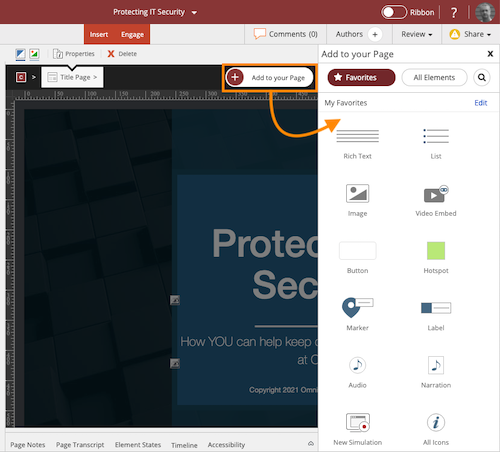
Quickly and easily add Elements to a Claro page or Sections to a Flow page
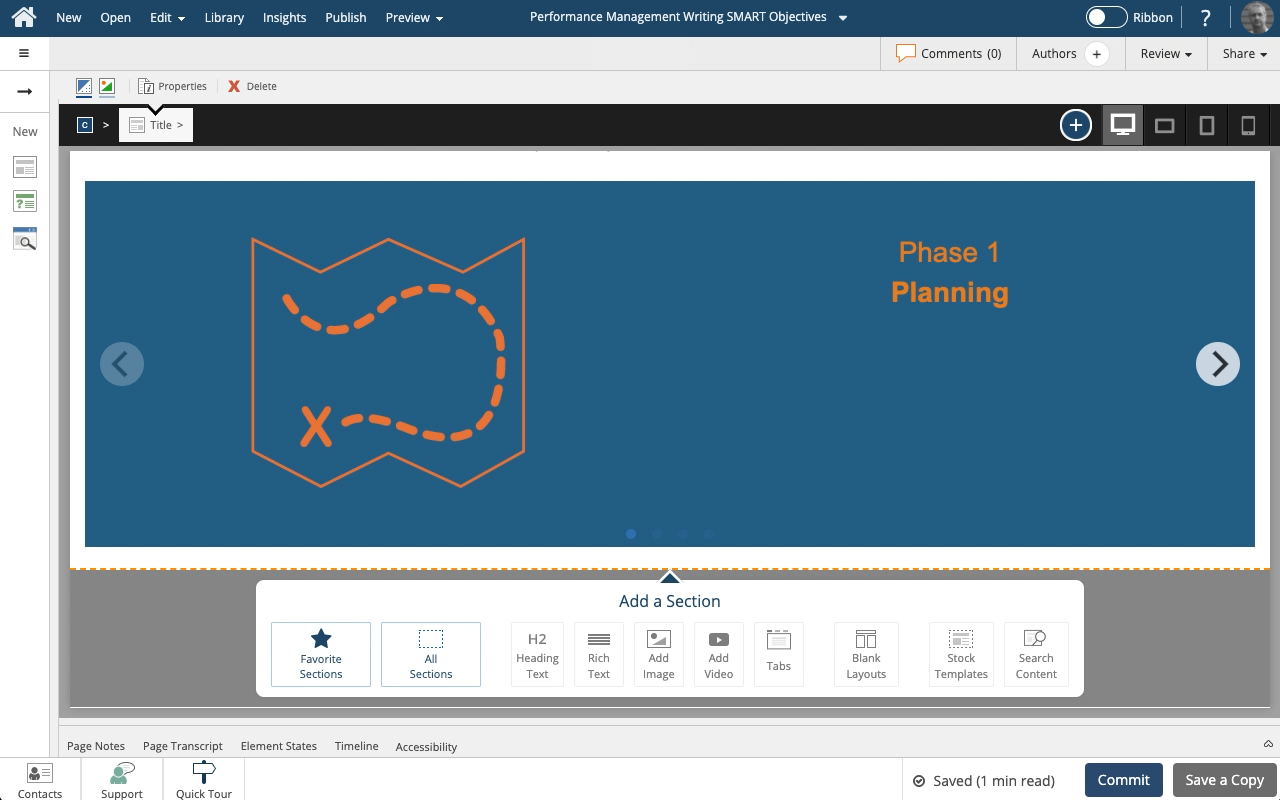
You can create your own custom Section layouts in Flow.
You start by adding the first Row you want then continue adding more Rows.
This lesson outlines how to do add the first row, an H1 header.
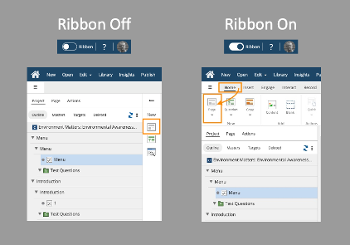
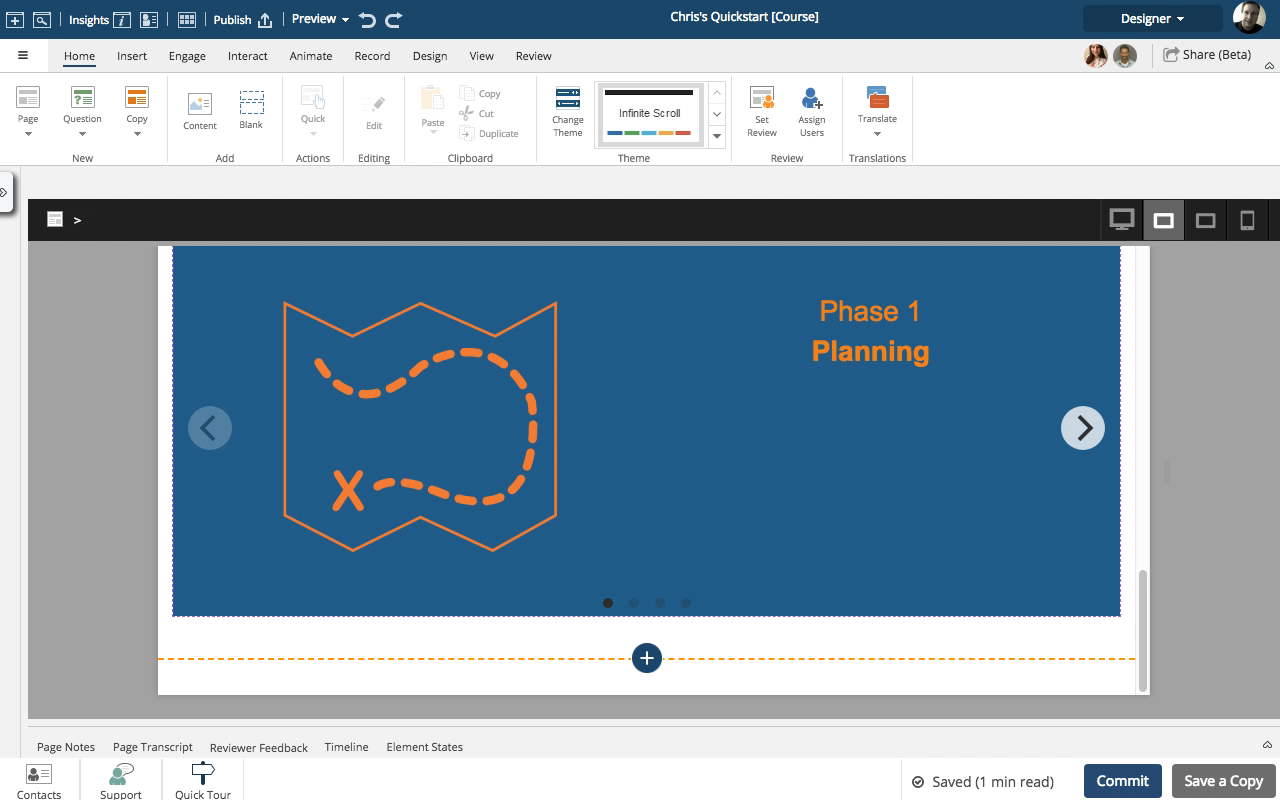
You can create your own custom Section layouts using the Add a Blank Row option available under the blue + sign at the bottom of a Flow page.
You start by adding the first Row you want to start with, then continue adding more Rows.
This lesson outlines how to do this.


Comments ( 0 )
Sign in to join the discussion.