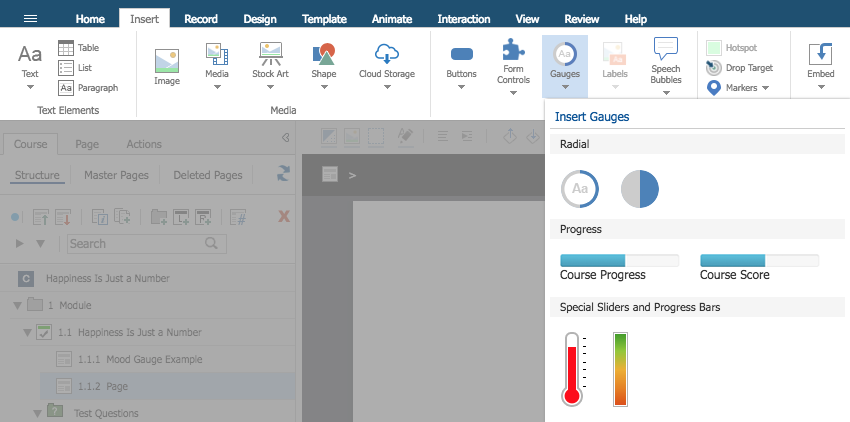
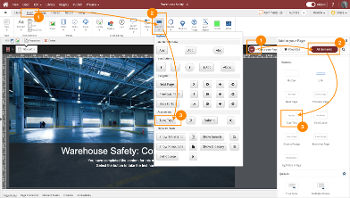
Steps to add a Mood Gauge to any page.

A lesson on using a Mood gauge
Easily provide test launch access to your learners any point in your Project
Steps to add a Tab set component from the Engage tab to an empty Placeholder on a Flow Page.
Engage components have their own internal responive behavior when used in Flow pages. Tab sets, for example, can change from a horizontal tab set to a vertical accordion menu based on breakpoint. This provides a better user experience on a narrower screen such a smartphone held in portrait orientation.
You can use a lesson five different ways to help your learners
You can have Elements on any Page targeting multiple learning audiences or contexts
I would like to create links from a web page that open a project, but jump to a specific page in the project.
Target different audiences from a single content Project
Several Context-based Workflows Offer Different Options for Adding New Elements
Confirm
Comments ( 0 )
Sign in to join the discussion.