Step 1


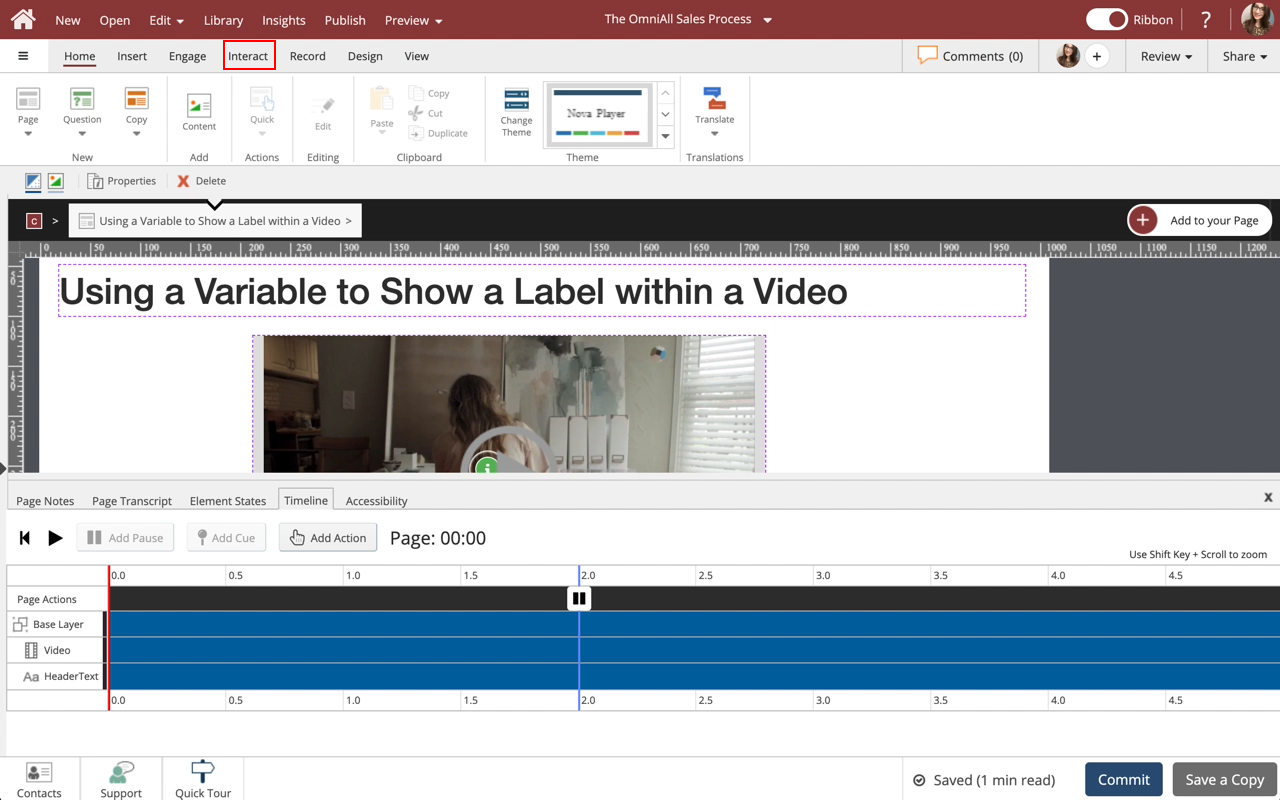
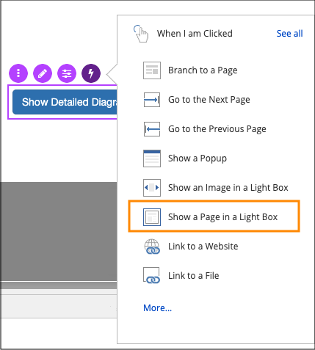
Select the Interact tab.

Step 2


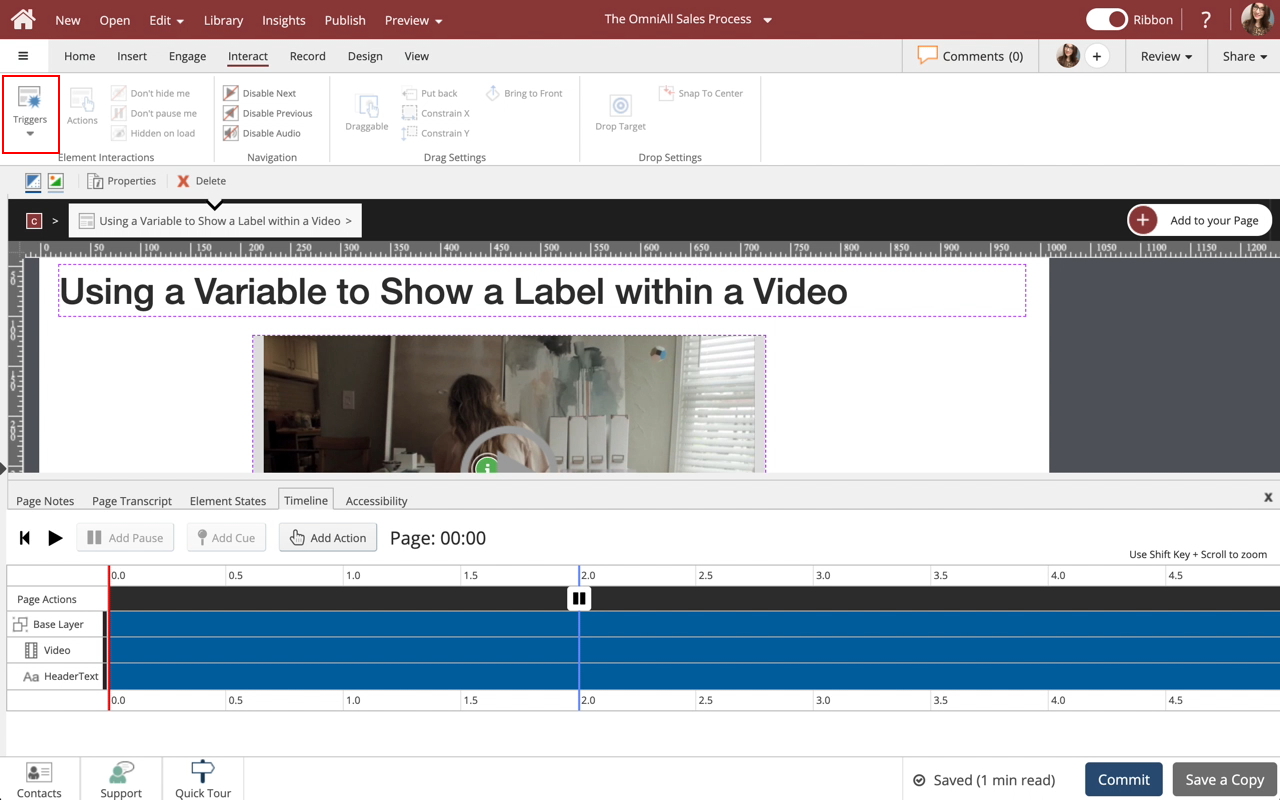
Select Triggers.

Step 3


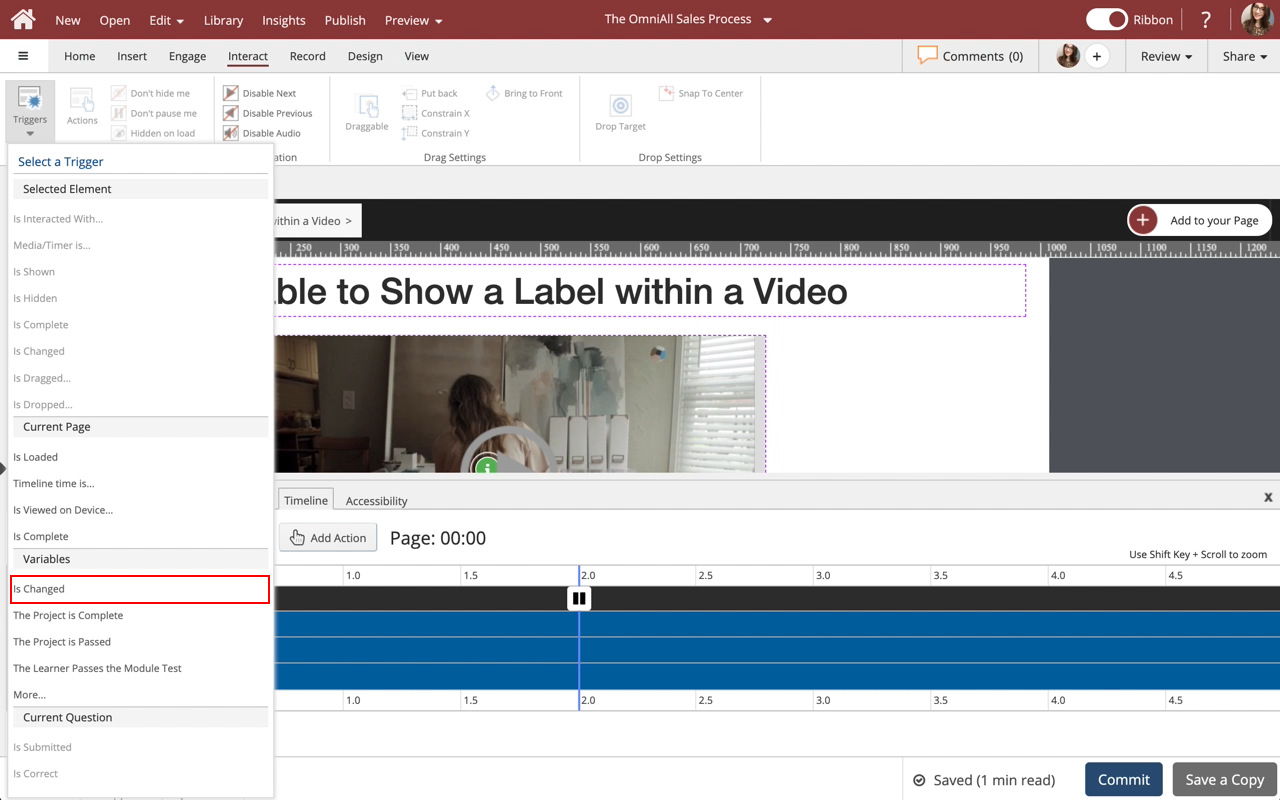
Select Is Changed under Variables.

Step 4


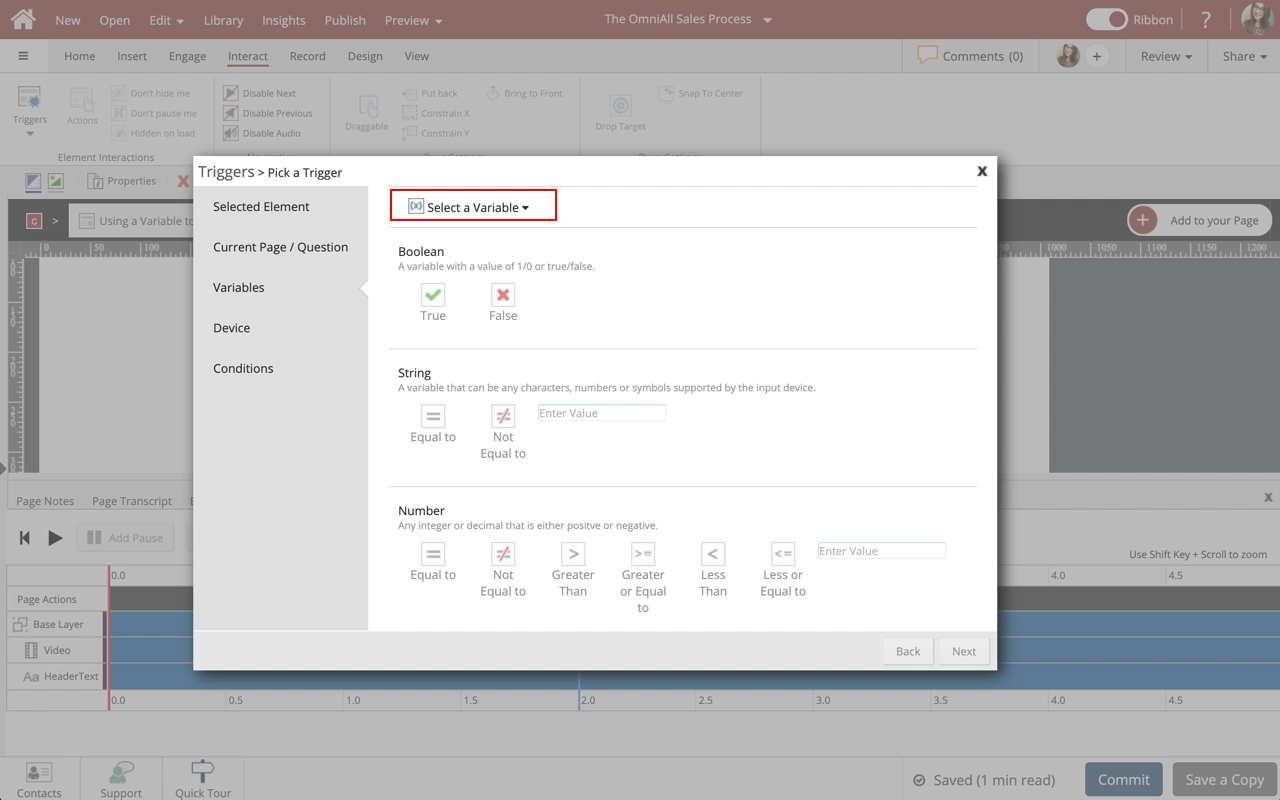
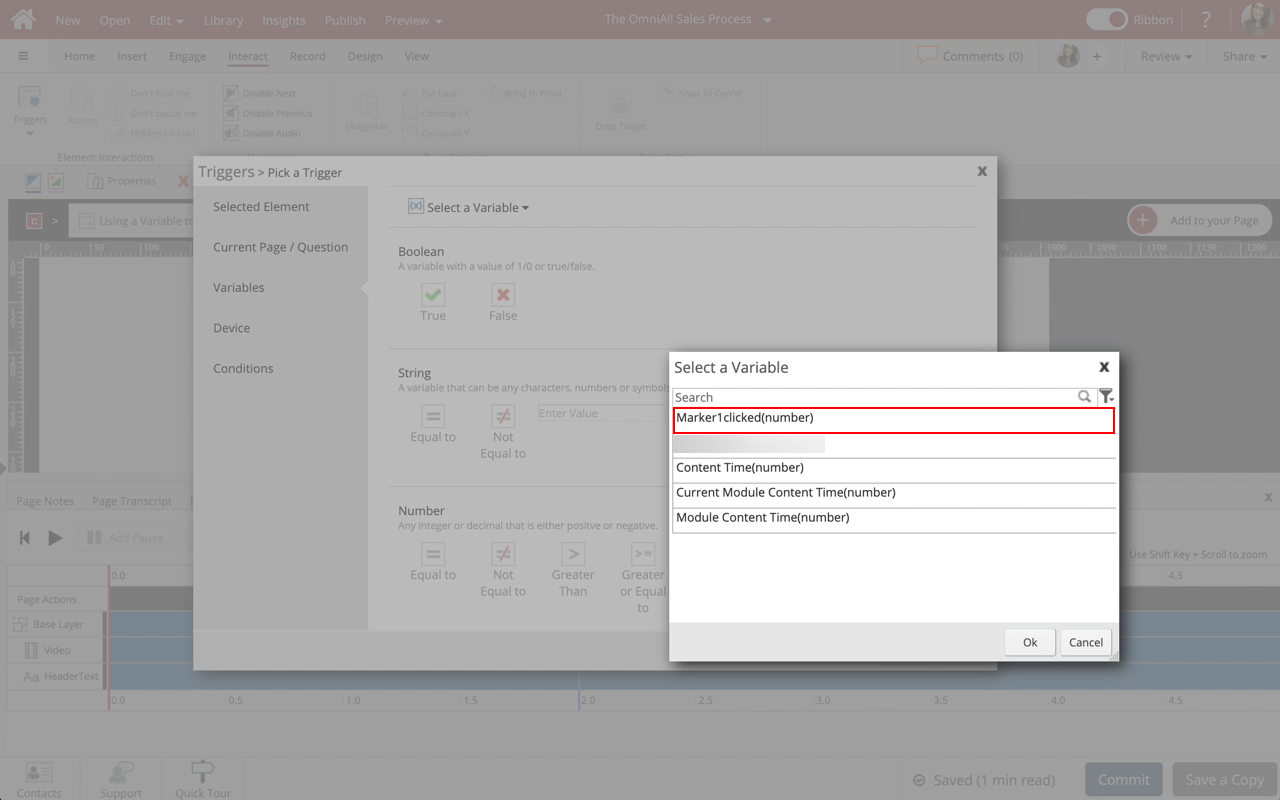
Select the Select a Variable dropdown.

Step 5


Select the Marker1Clicked (number) Variable.

Step 6


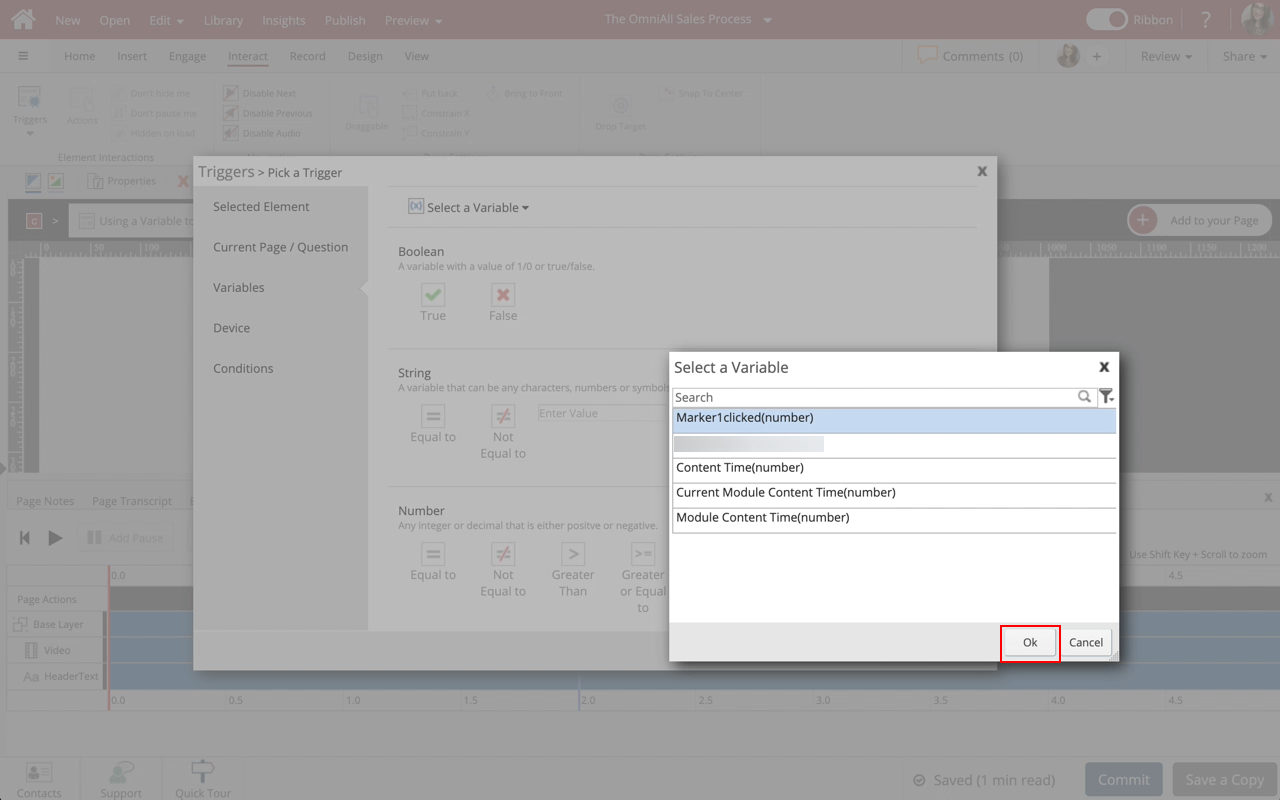
Select Ok.

Step 7


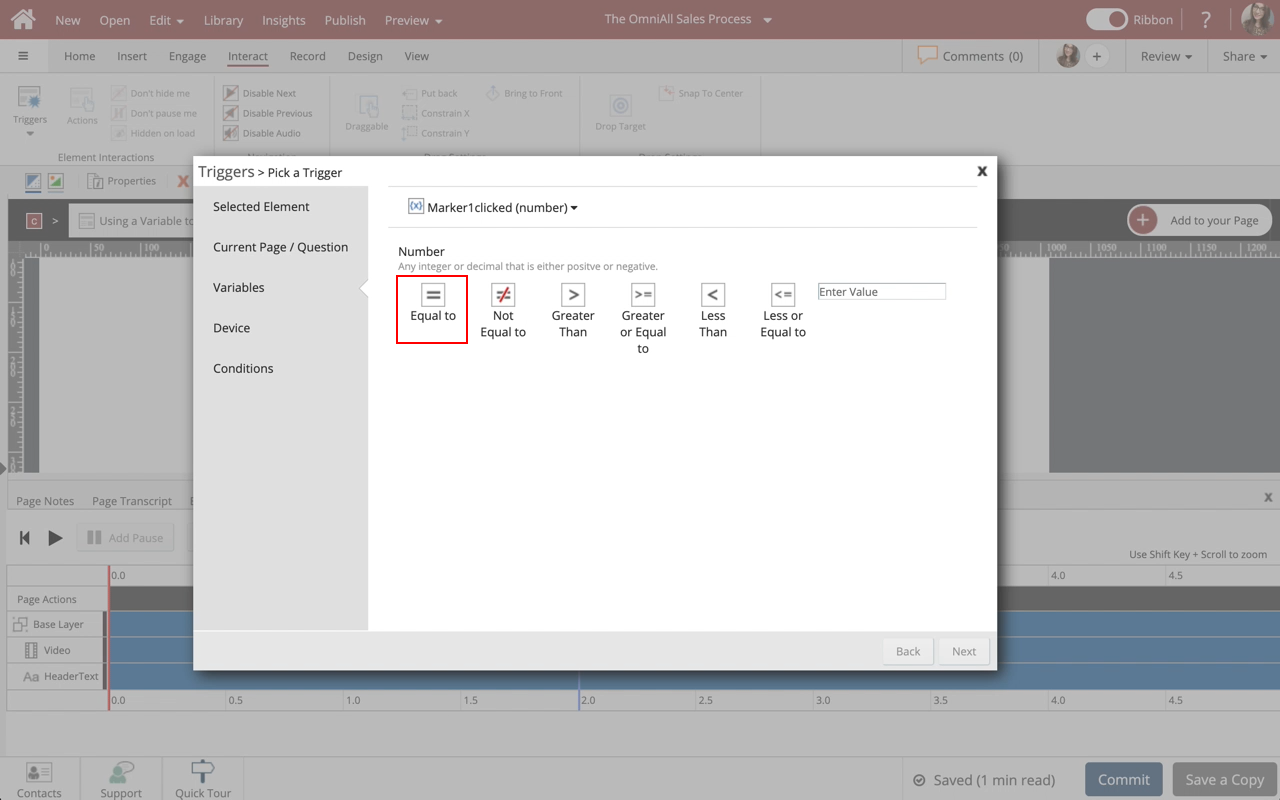
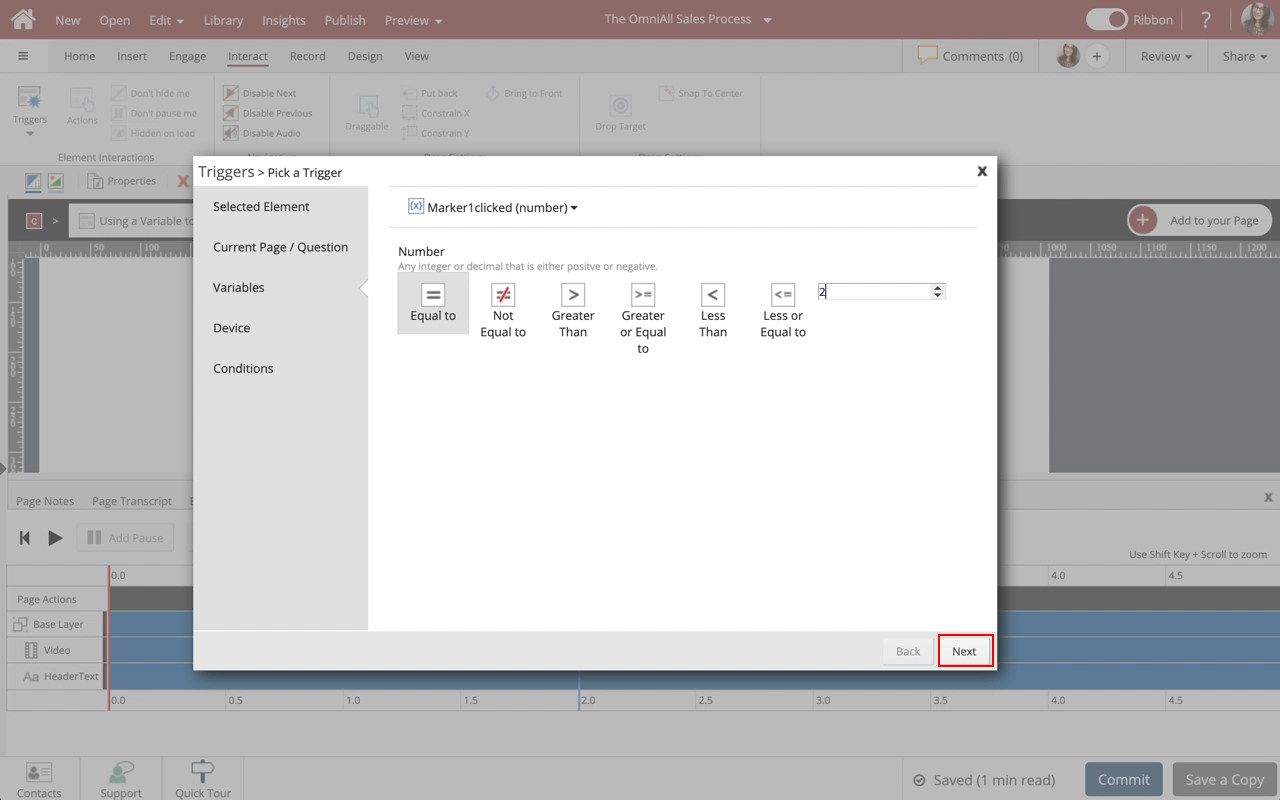
Select Equal to under Number.

Step 8


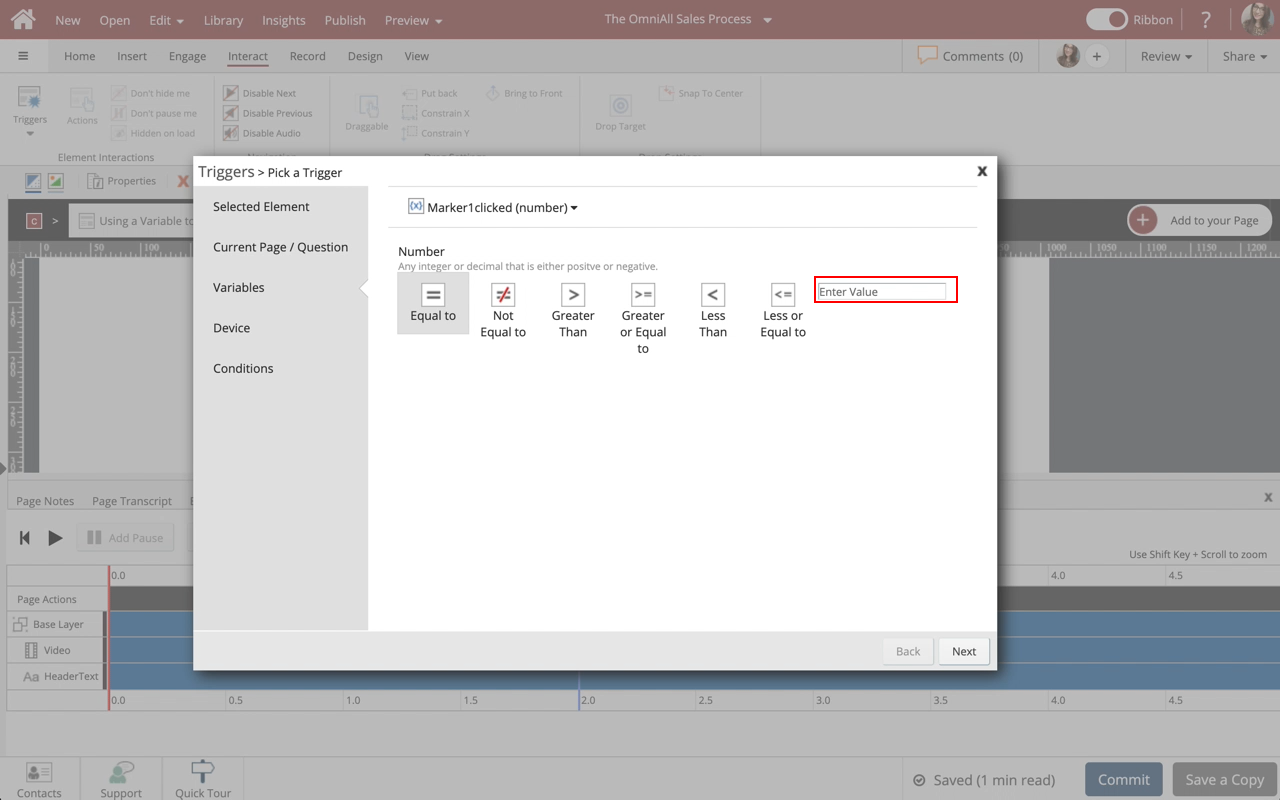
Select the Enter Value Input Box to add 2.

Step 9


Select Next.

Step 10


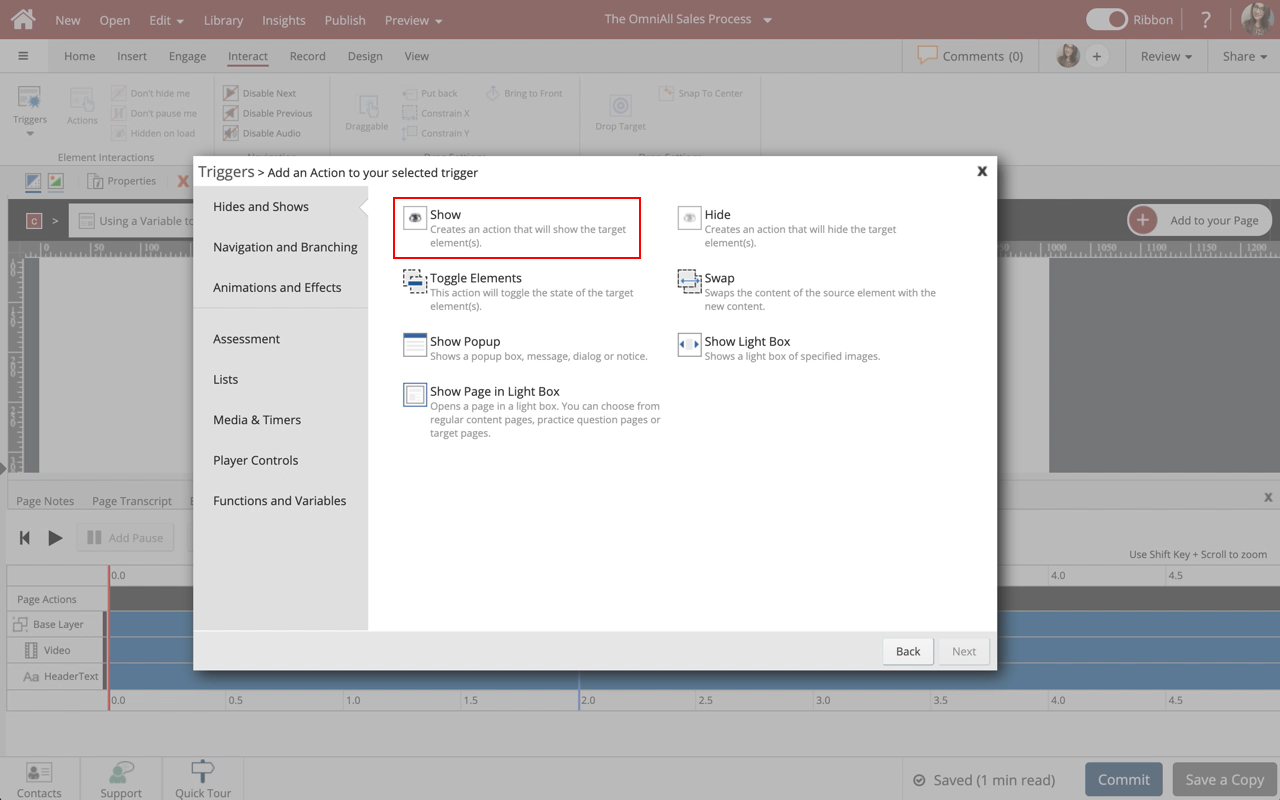
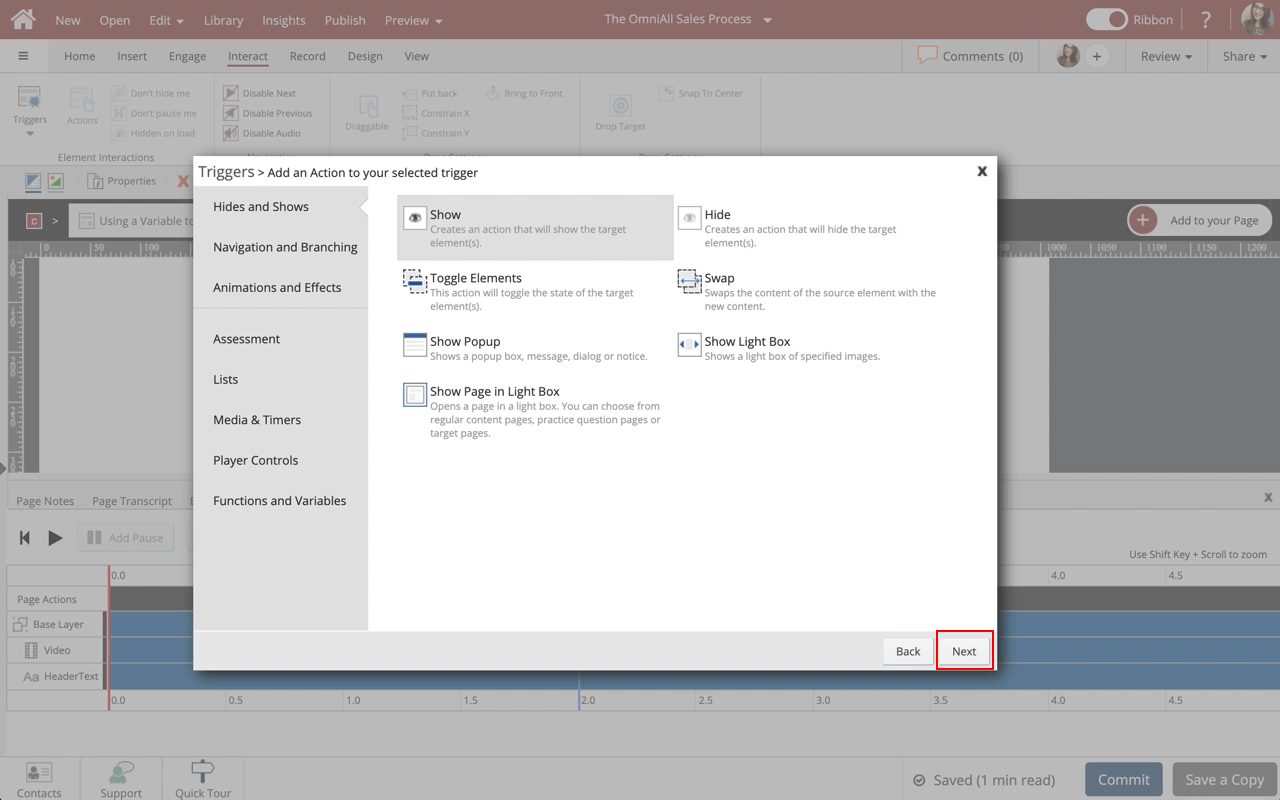
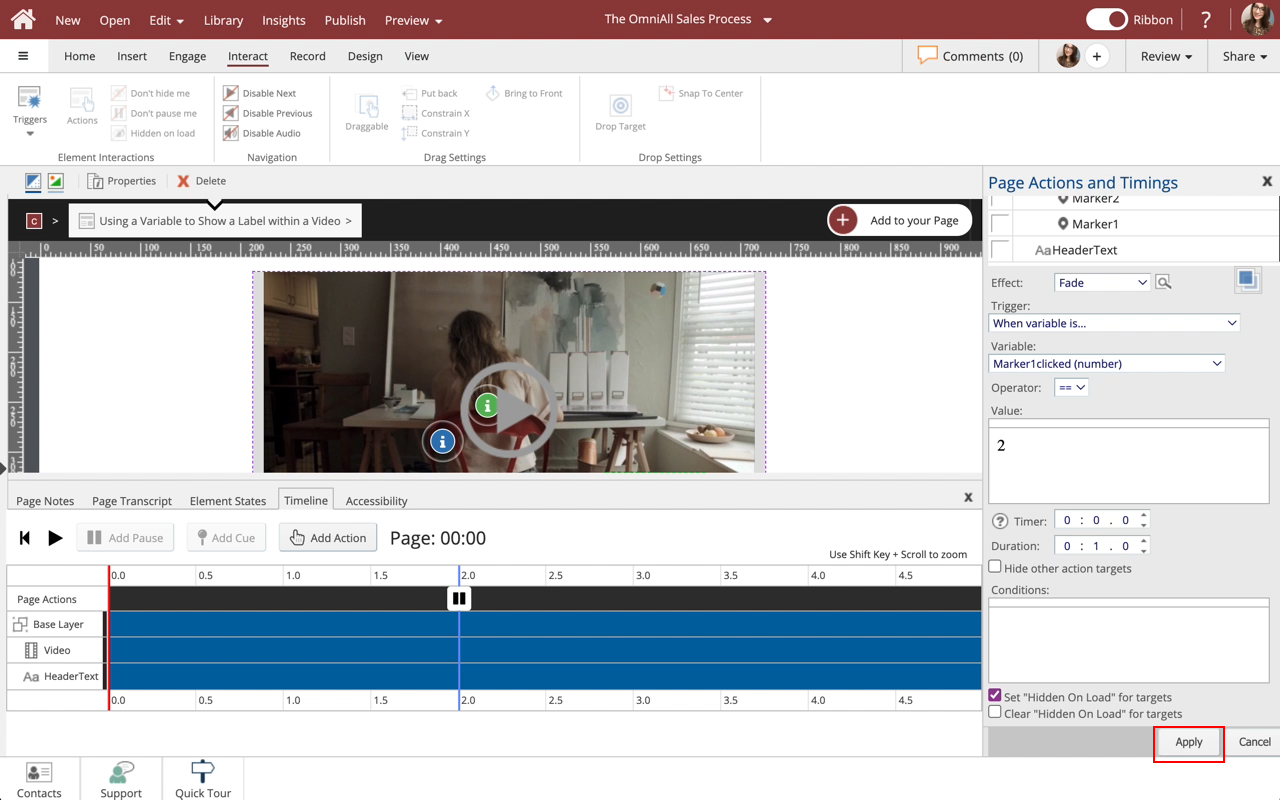
Select Show under Hides and Shows.

Step 11


Select Next.

Step 12


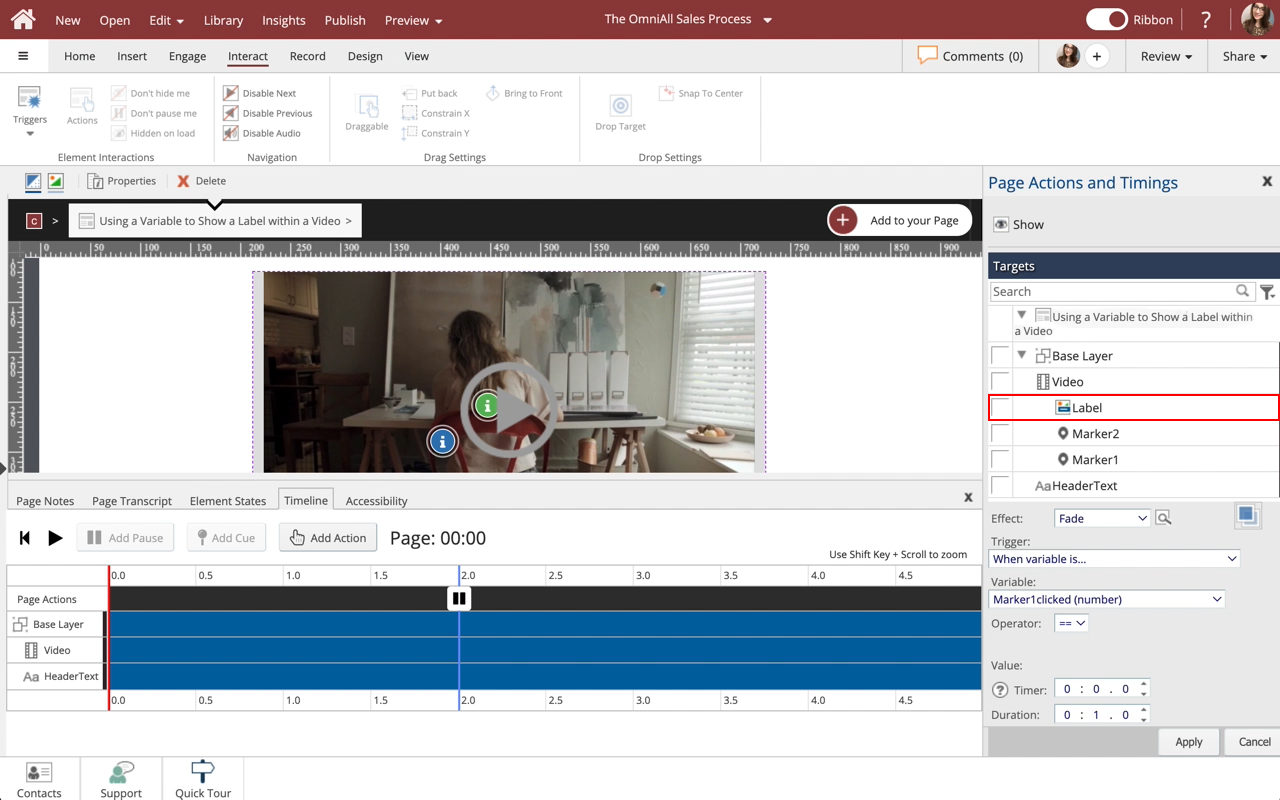
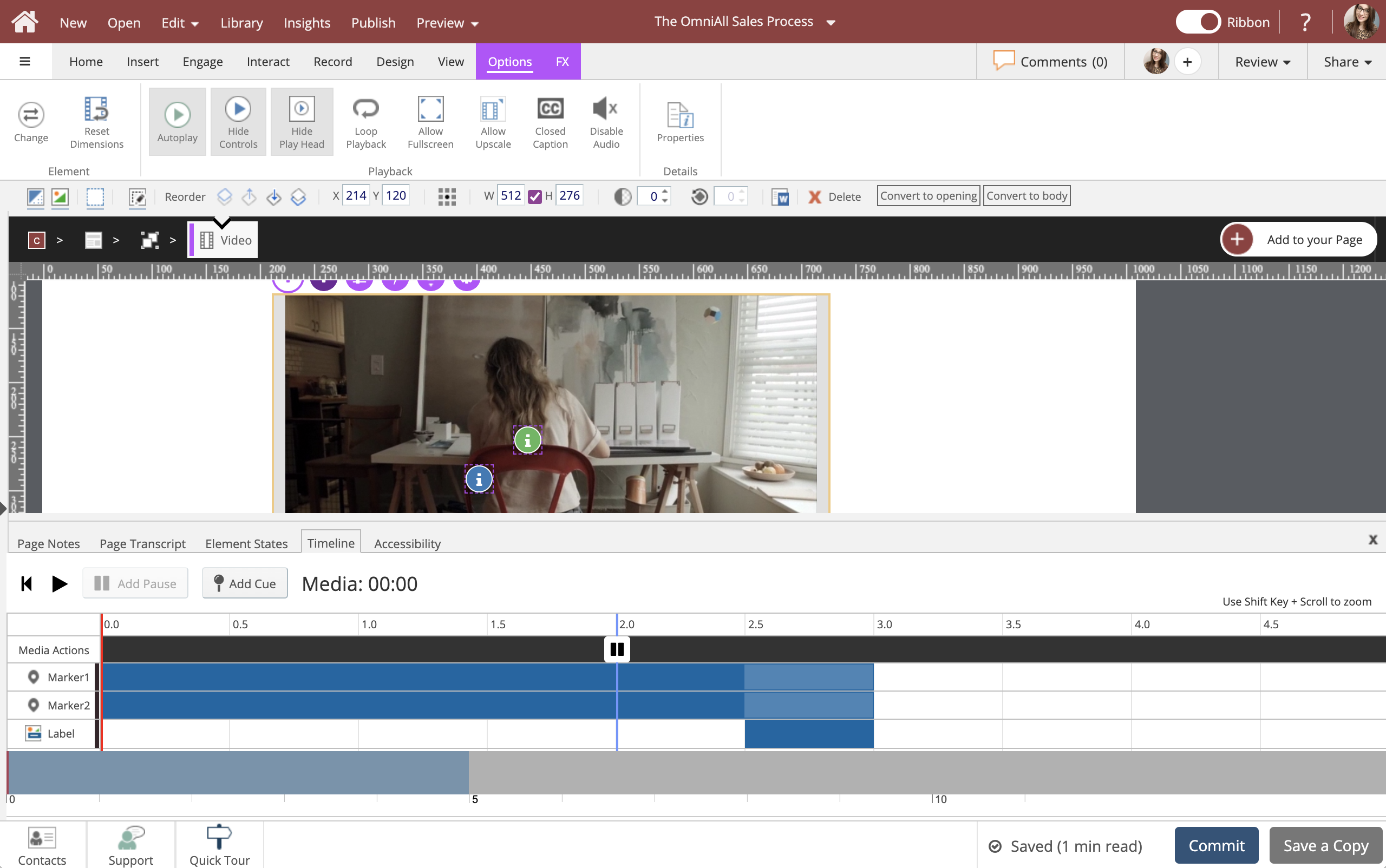
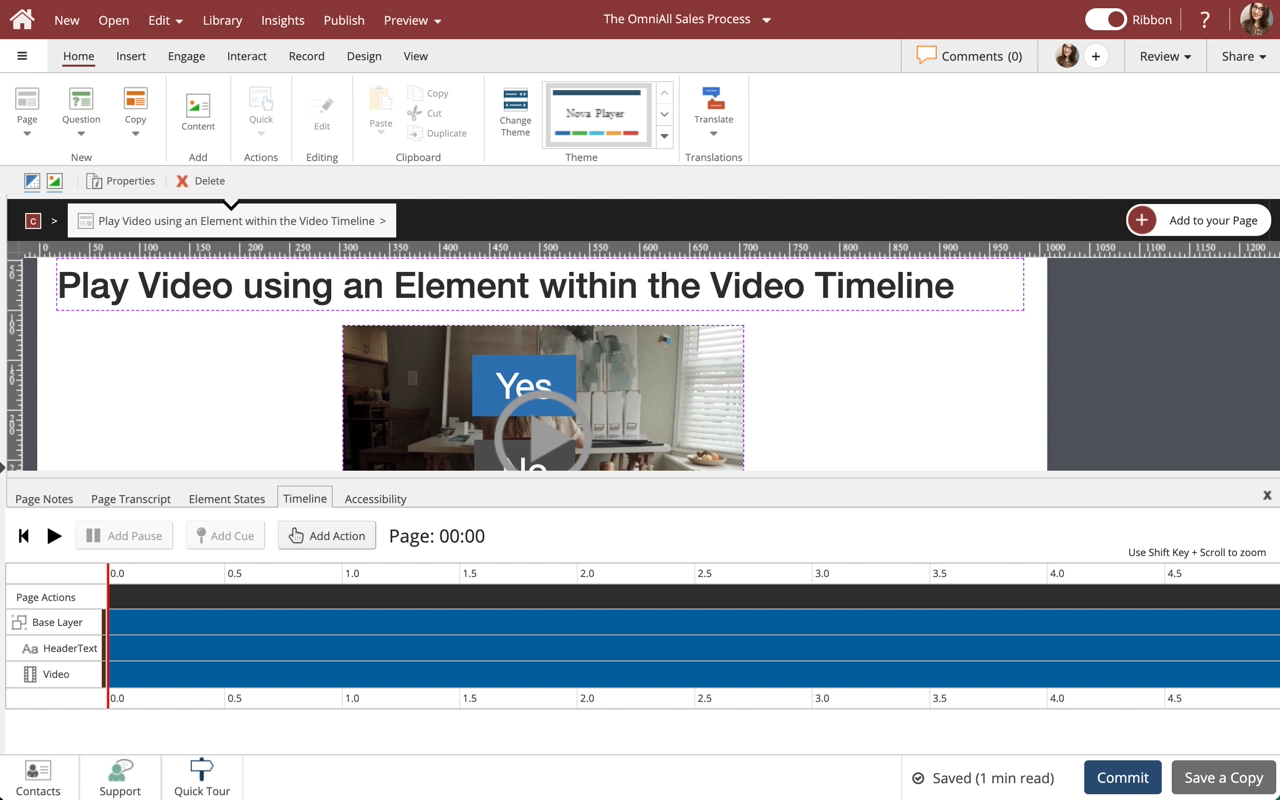
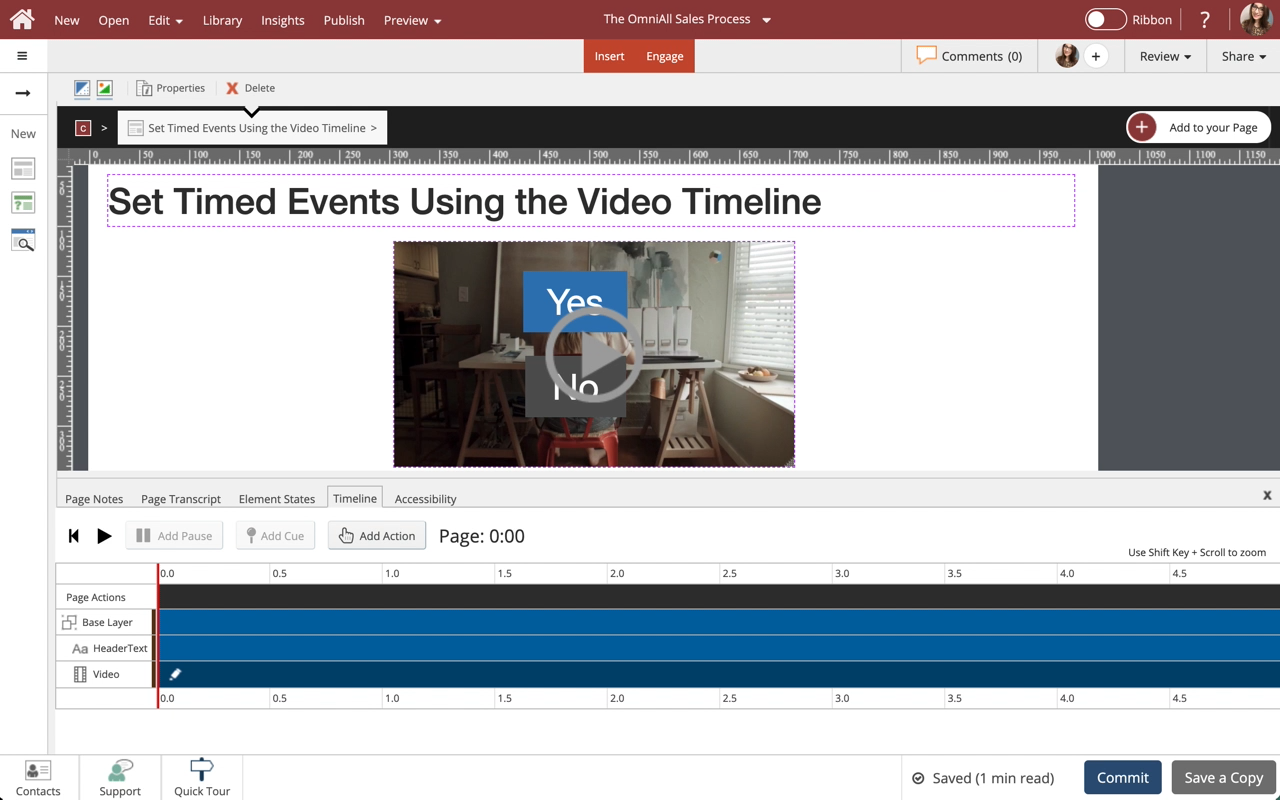
Select Label within the Video Element under Page Actions and Timings.

Step 13


Make sure Set "Hidden on Load" for targets is selected. Select Apply.

Step 14


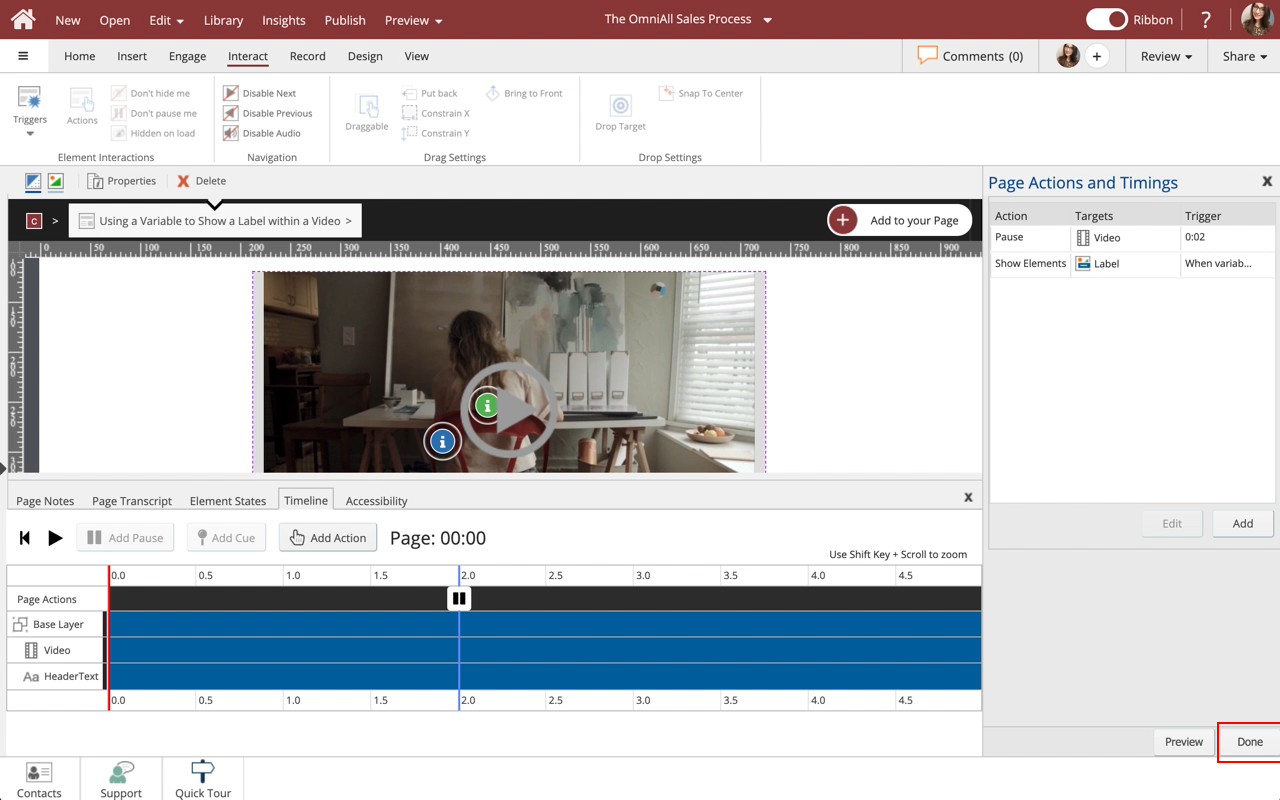
Select Done.

Step 15


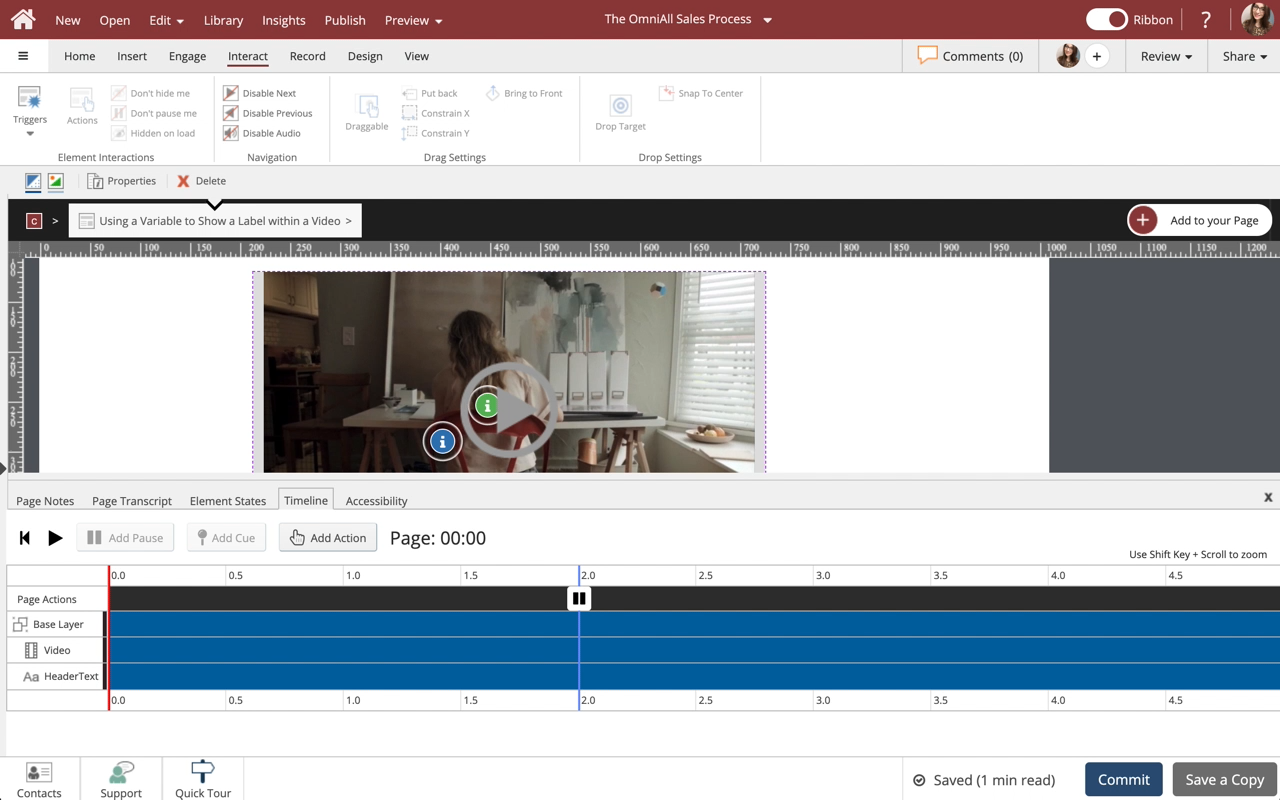
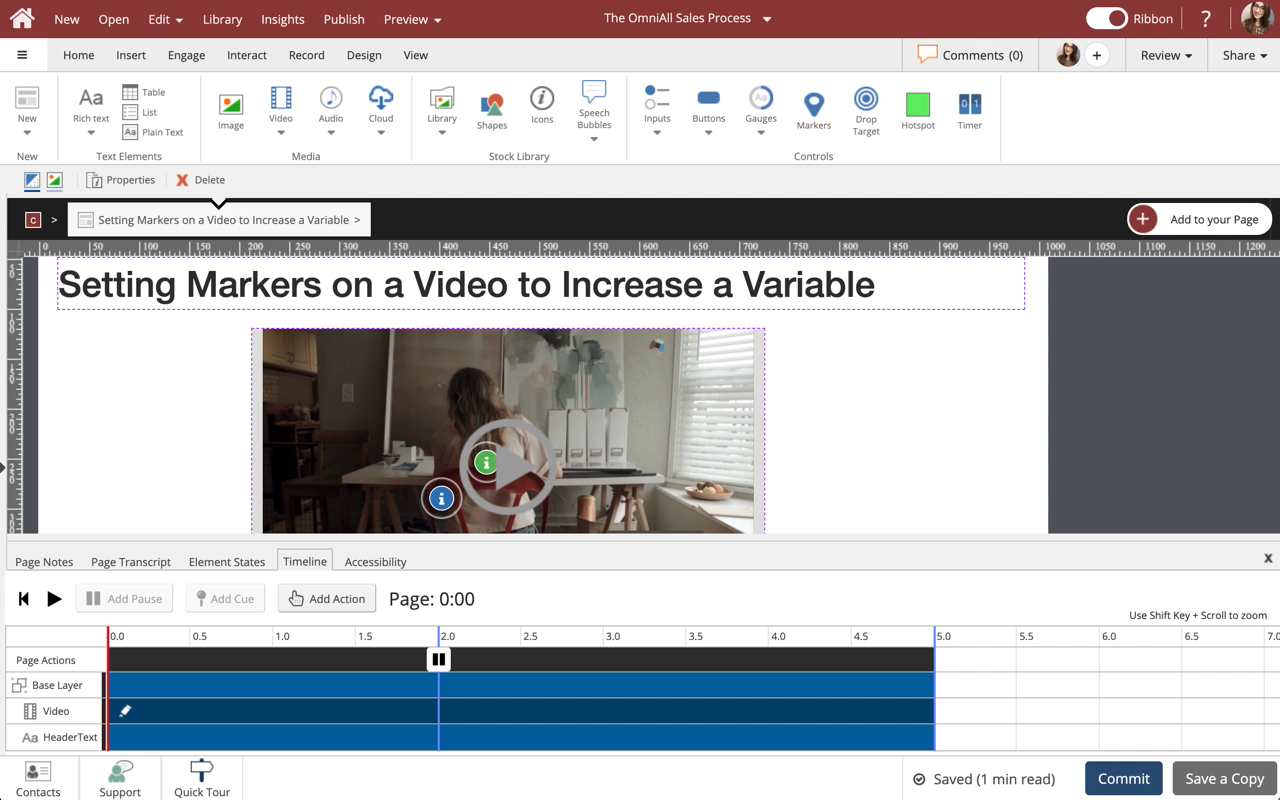
The Trigger is now set to show the Continue label when Markers1Clicked is equal to 2. Once the user clicks the blue and green Markers within the Video Element, the Continue label will show.
  0     0

Similar Projects

Questions  ( 0 )