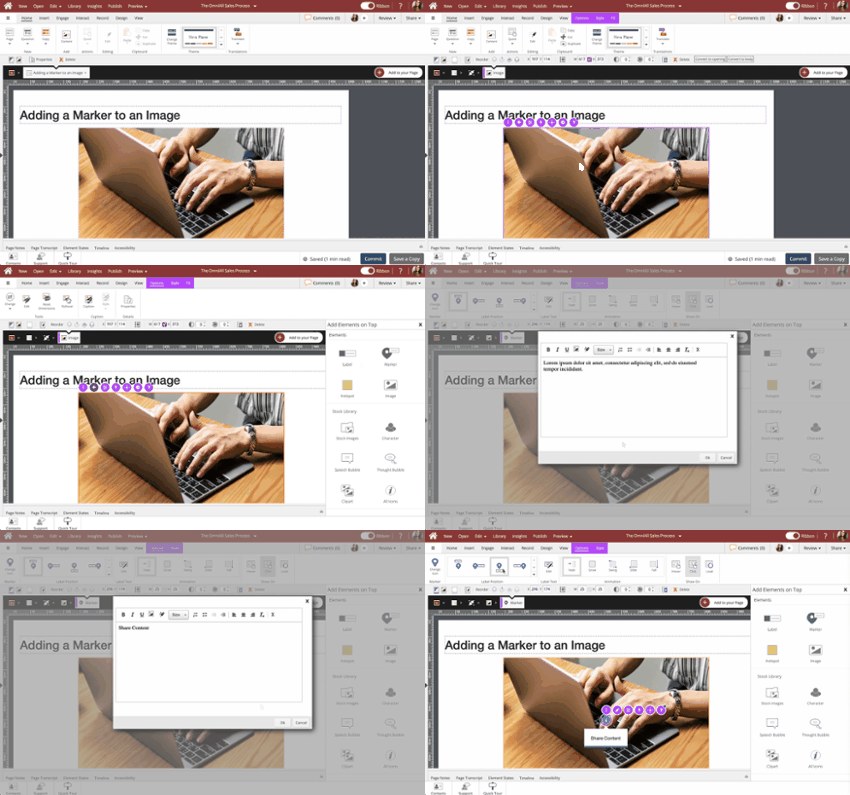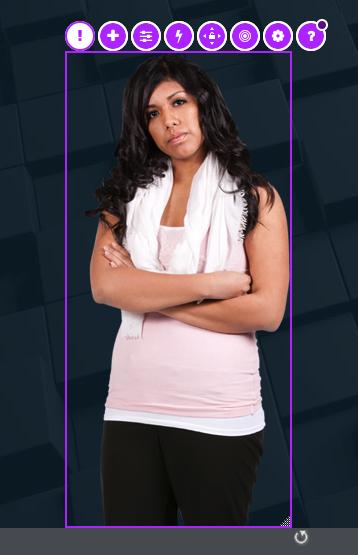
Quick access to add elements over the image, formatting, editing, actions and more
There are no projects that fit your search criteria.
Quick access to add elements over the image, formatting, editing, actions and more
You can edit the local file stored on your computer, but generally the best practice is to edit the file stored in the Media Library
Join us and get help, ask questions and learn more about dominKnow | ONE
Training guide for dominKnow | ONE's Capture feature, which allows users to create lessons for software tools and tasks. Capture lessons can be used in both Flow and Claro pages.
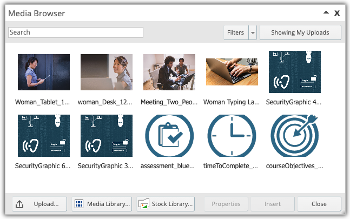
Navigating the interconnected pieces of how dominKnow | ONE uploads, stores and tracks media assets
Steps to copy a tab from one Tab Set and paste it into another Tab Set element.
You can also use these steps to copy a tab from a Tab Set to an Accordion Menu, or vice versa.
In this example, the two tab sets have different settings selected on their Options and Style tabs, and the first Tab Set has a background fill color applied.
Only the Tab content and layout are copied, the second Tab Set retains its own original design settings.
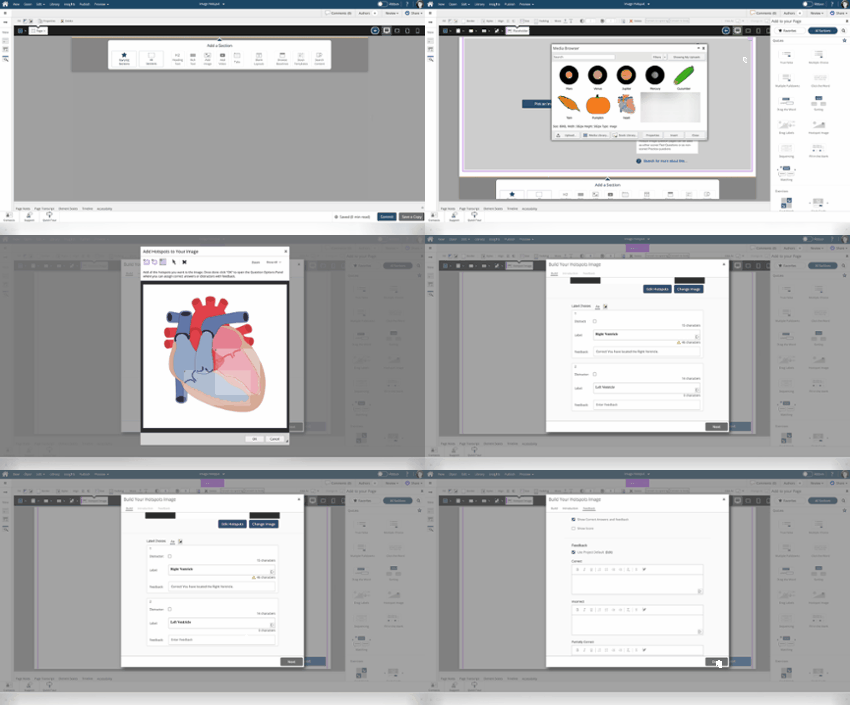
Hotspot Images and Image Label Drag both require the learner to interact with an image to select the correct locations on the image. Hotspot Image questions require the learner to click the correct locations, while Image Label Drag questions display the titles of each hotspot on the image in a numbered list and require the learner to drag the numbers to the correct location on the image.
The process of creating both questions is the same except the option Enable Dragging is disabled for Hots...
Quickly batch add test questions to Claro or Flow Projects
The Icon collection is a great option for buttons and concept illustrations
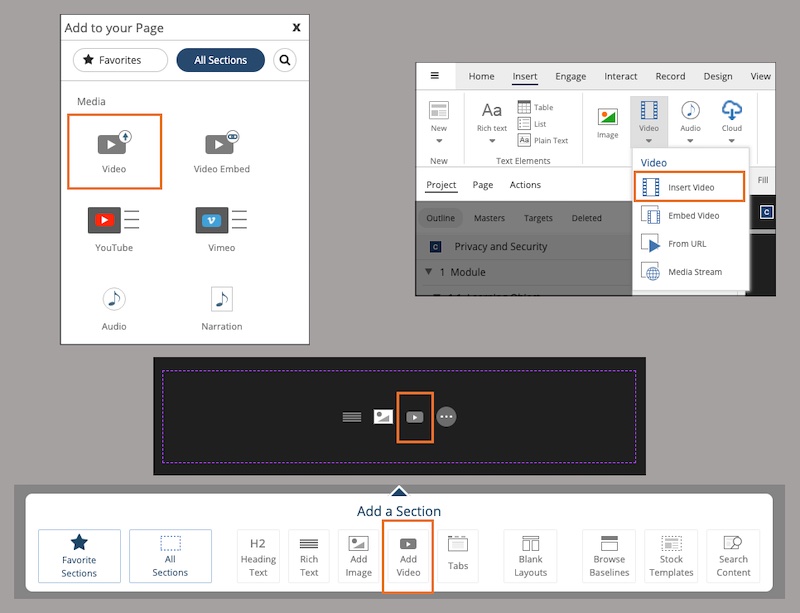
Tips for determining if uploading or streaming is best for your videos
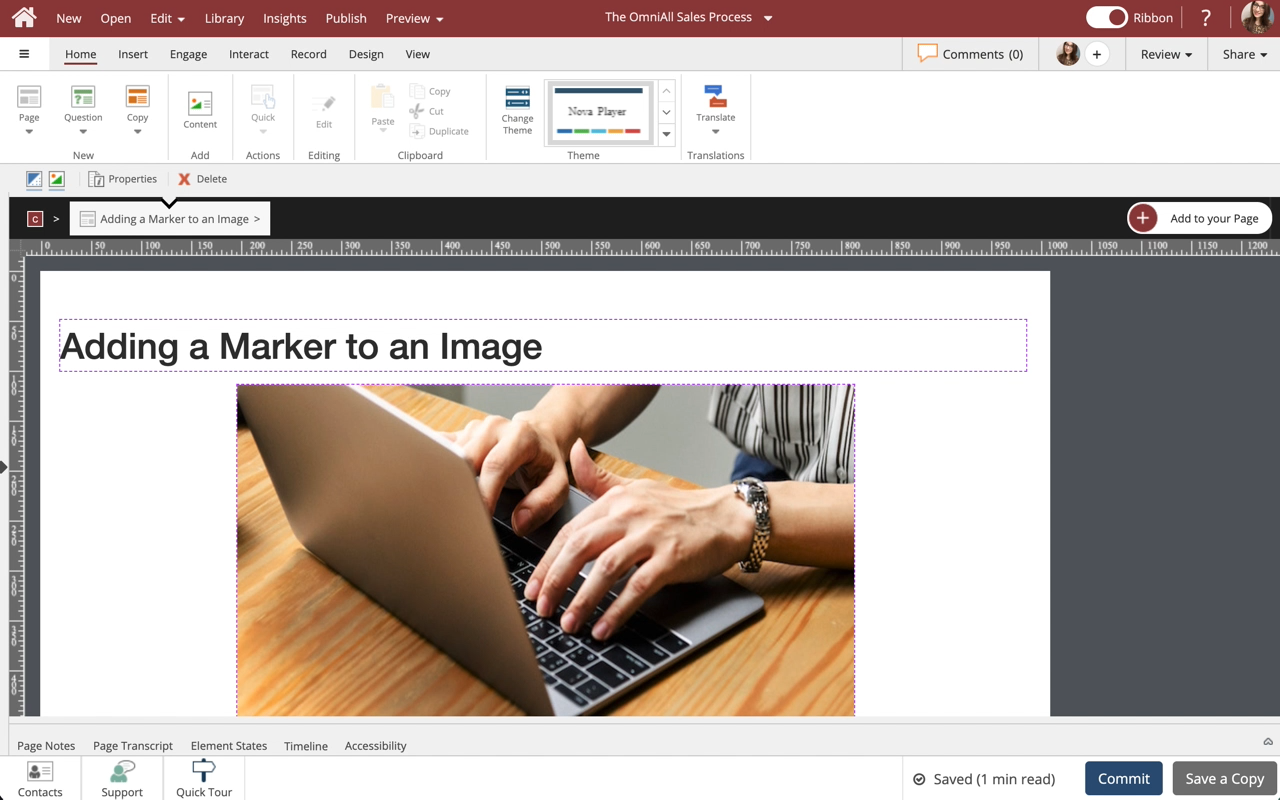
Steps to add a Marker within an Image.
You can add the following elements within an Image: Label, Marker, Hotspot, Image, Stock Images, Character, Speech Bubble, Thought Bubble, Clipart, Icons, and shapes.
NOTE: If you have an action with an on-click trigger set on an element layered over an image (for example, a hotspot) plus an action with an on-click trigger set on the image element as a whole, both actions will be fired when the learner clicks on the layered element.
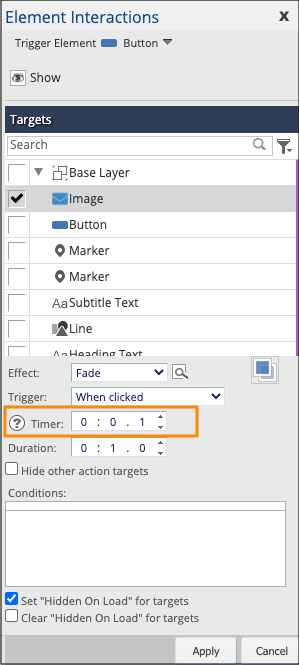
Which Action fires first? What order are the Actions fired in?
Business and Enterprise level subscriptions have three types of users: admins, authors and reviewers. Reviewers only have review permissions for projects they are assigned. Both authors and admins have authoring capabilities, but admins have much more control than the standard author. The table below outlines the different capabilities of these two positions.
dominKnow | ONE's Page Screenshots option allows you to publish a Word document, PDF or ePub file
Steps to replace an image used as a Section background