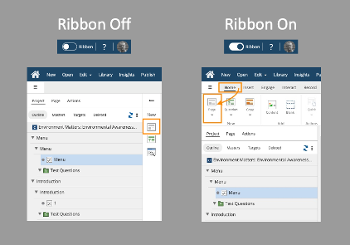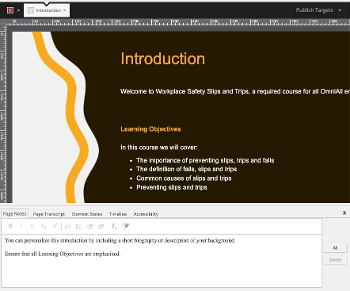
Two ways of viewing and working with your Project's Outline
There are no projects that fit your search criteria.
Two ways of viewing and working with your Project's Outline
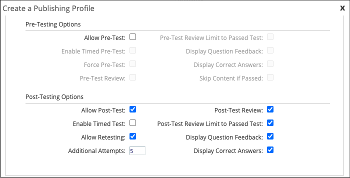
Easily allow learners to test-out of content or set up reporting to compare pre-and post-test scores
Control the available and default languages to simplify and standardize translation processes
Quickly create your own library of Sections to add to any page
dominKnow | ONE has multiple preview options to help you see what you're making as you make it
Application Info
Track copyright, permissions, usage and more
Change to a different interaction, add extra modifying keystrokes and more
Additional ways to help your learning audience master software tasks
Easily create steps with more than one way to advance the lesson
Tweaks to make Capture work better for you
You can edit the local file stored on your computer, but generally the best practice is to edit the file stored in the Media Library
Software Simulation questions let you use a Capture file as part of a project test or take advantage of the additional options for Practice questions
Animated GIFs are a great option for showing simple tasks
You can use a lesson five different ways to help your learners